
Color by number online
Pick a page, choose a color and tap the cells with its number. Free, in your browser, on any device — your progress is kept as you go.
41 pages
 Free
Aardvark
Animals
 Free
Bald Eagle
Animals
 Free
Butterfly
Animals
 Free
Capybara
Animals
 Free
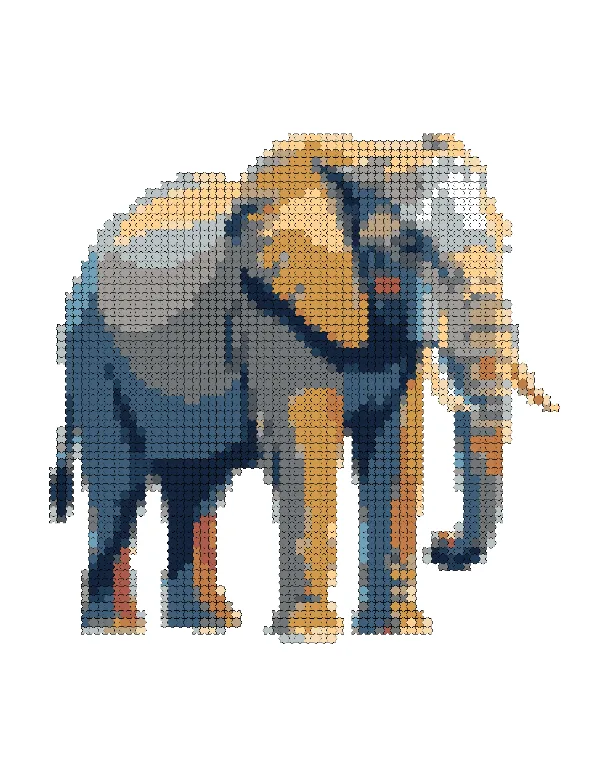
Elephant
Animals
 Free
Fennec Fox
Animals
 Free
Giant Panda
Animals
 Free
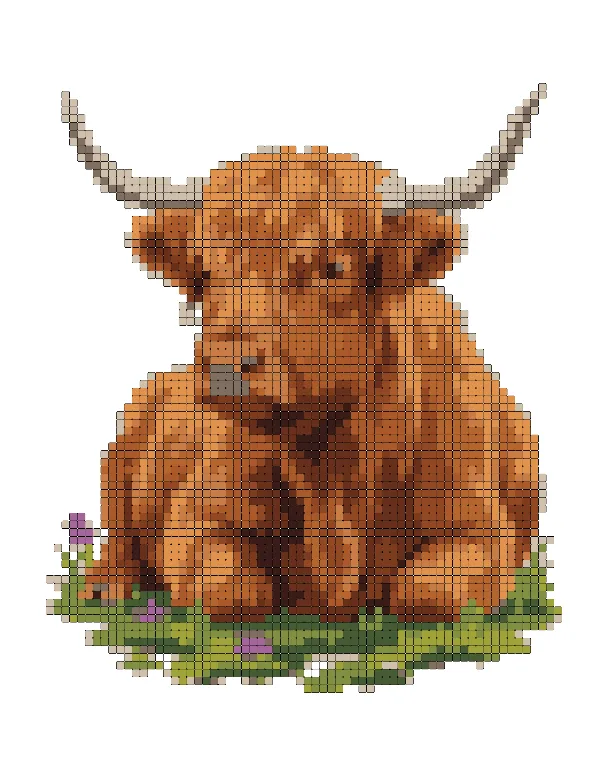
Highland Cow
Animals
 Free
Horse
Animals
 Free
Koala
Animals
 Free
Koi Fish
Animals
 Free
Macaw
Animals
 Free
Meerkat
Animals
 Free
Moose
Animals
 Free
Polar Bear
Animals
 Free
Red Fox
Animals
 Free
Seahorse
Animals
 Free
Three-Toed Sloth
Animals
 Free
Yak
Animals
 Free
Castle
Buildings
 Free
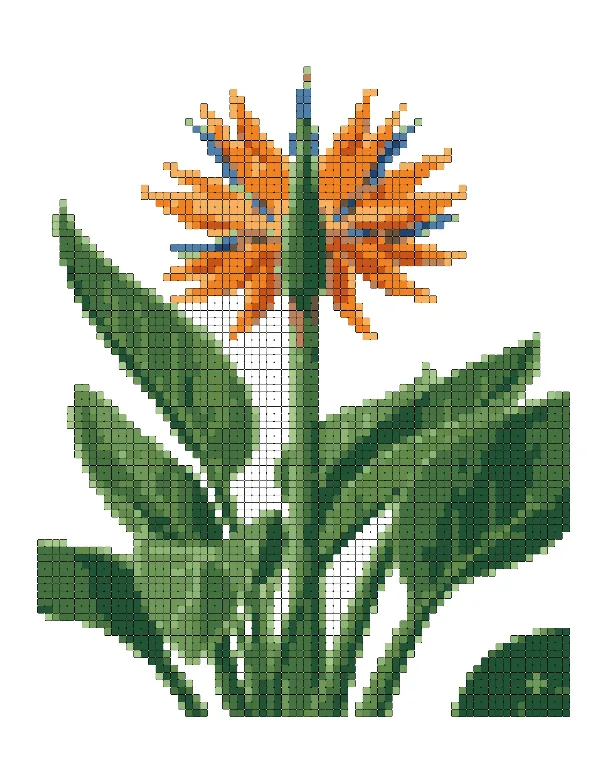
Bird of Paradise
Flowers
 Free
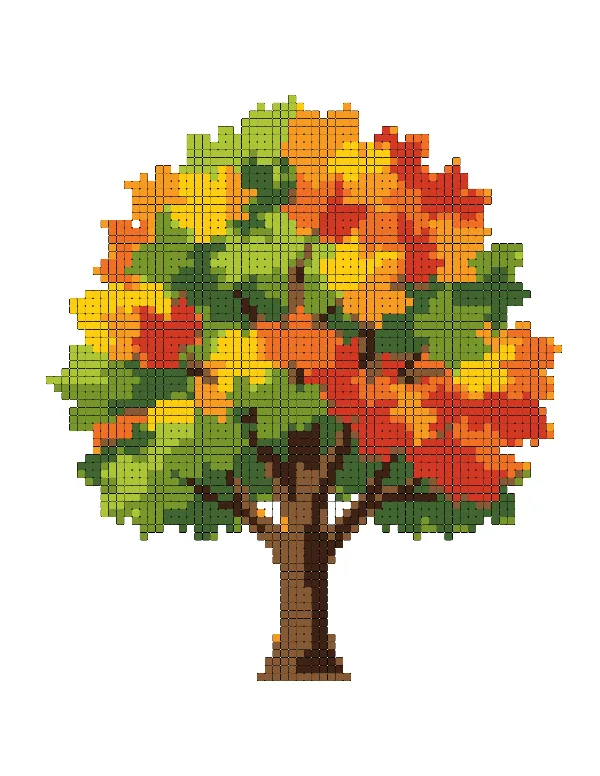
Blossom Tree
Flowers
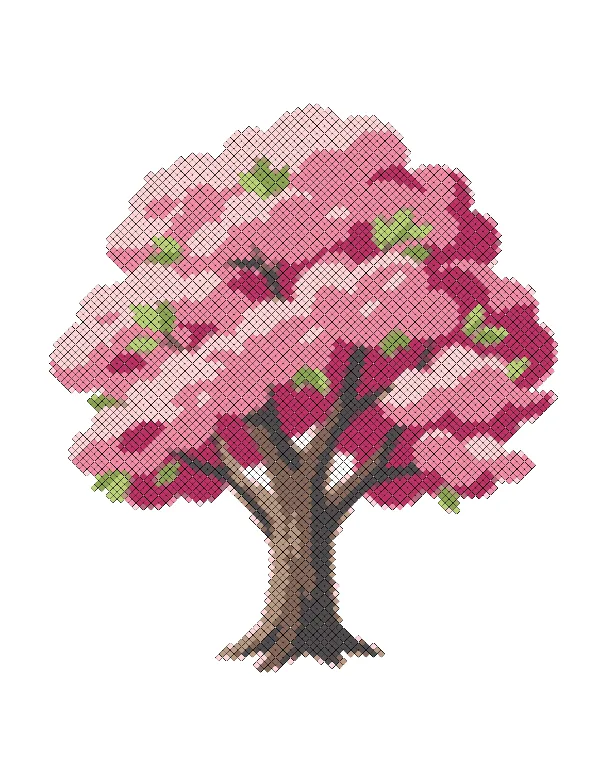 Free
Blossom Tree
Flowers
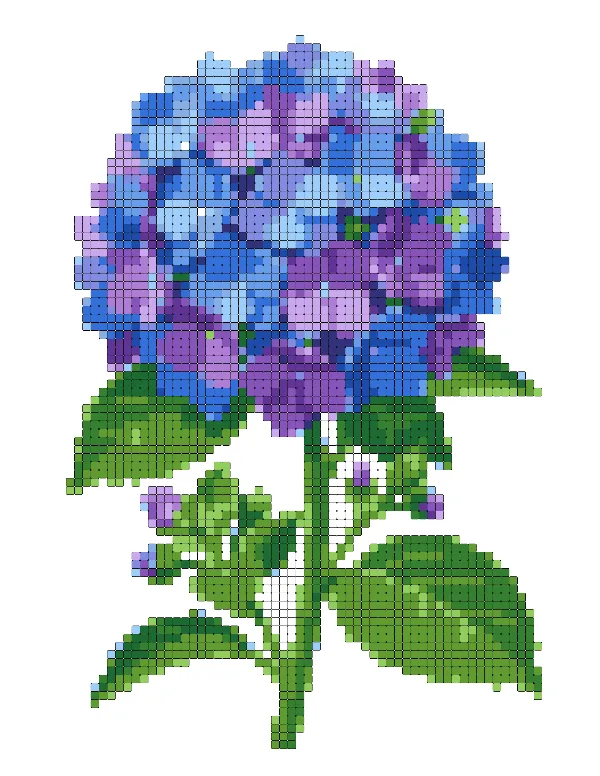 Free
Blue Hydrangea
Flowers
 Free
Calla Lily
Flowers
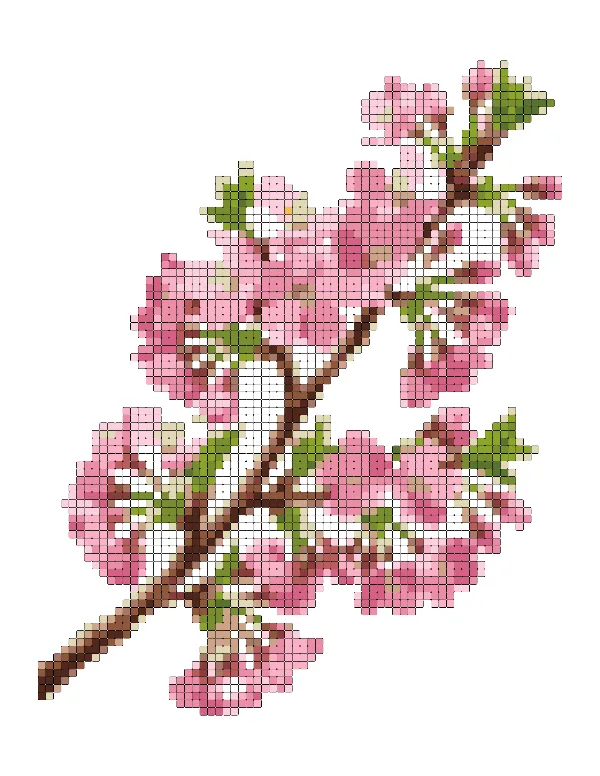 Free
Cherry Blossom
Flowers
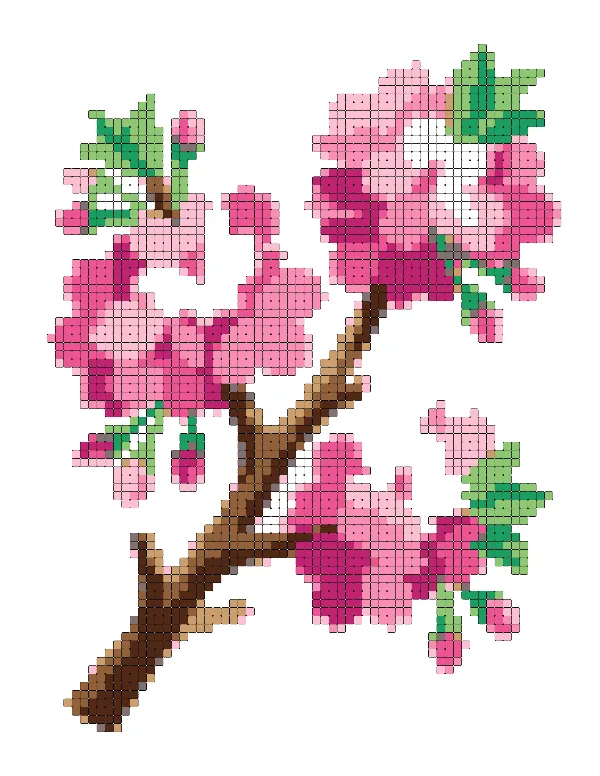 Free
Cherry Blossom Branch
Flowers
 Free
Dahlia
Flowers
 Free
Hibiscus
Flowers
 Free
Lavender
Flowers
 Free
Morning Glory
Flowers
 Free
Pink Peony
Flowers
 Free
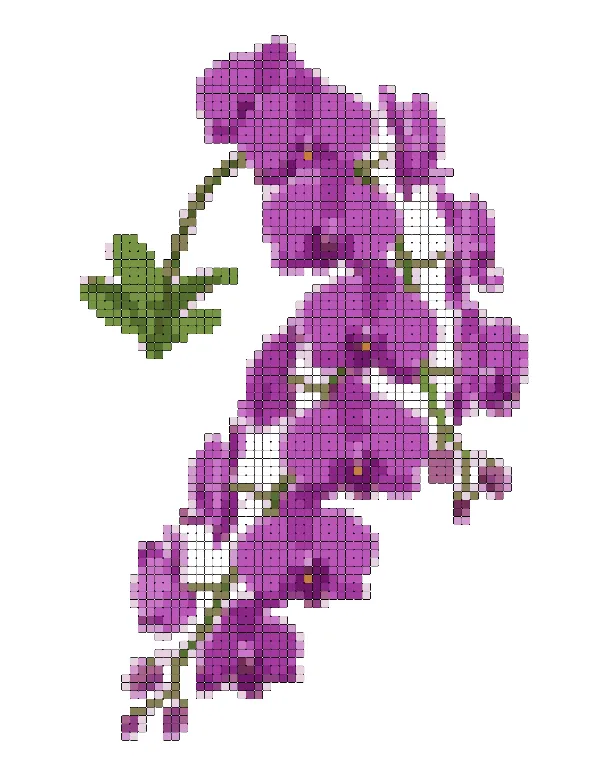
Purple Orchid
Flowers
 Free
Red Rose
Flowers
 Free
Sunflower
Flowers
 Free
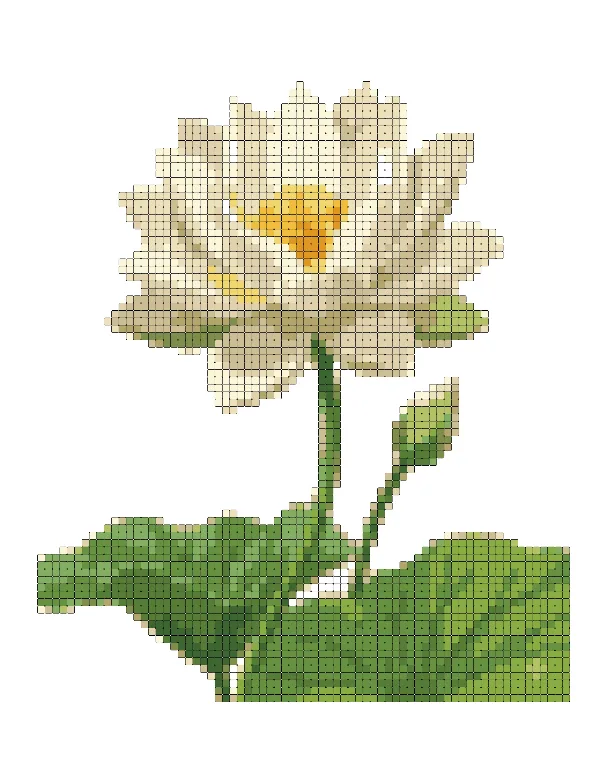
White Lotus
Flowers
 Free
Phoenix
Mythical Creatures
 Free
Coral Reef
Objects
 Free
Gramophone
Objects
 Free
Mushroom
Objects
 Free
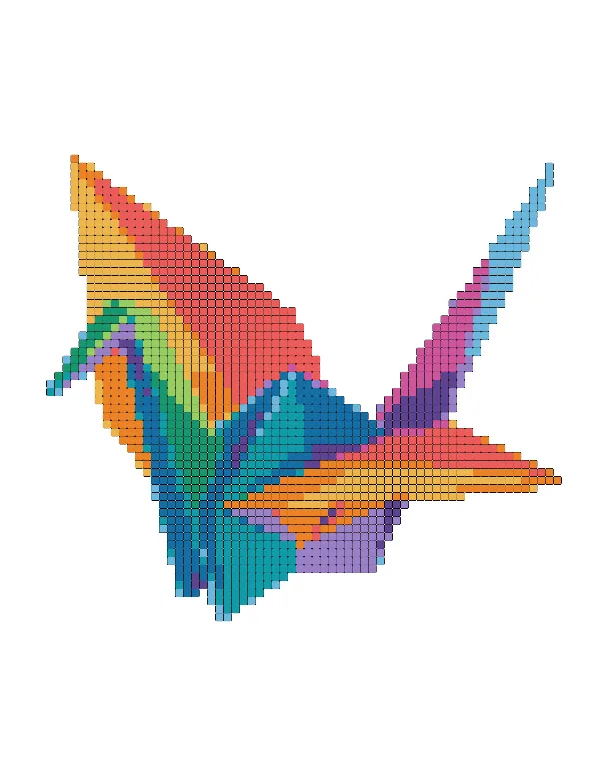
Origami Crane
Objects
Each page unlocks for 1 credit, once for your account, and stays yours on every device — coloring and downloading included.
Your own photos turned into pages, kept in this browser — use Export / Import to continue on another device. Coloring one uses its 1 credit, once — the same credit as downloading it.
FAQ
Questions about coloring online
How the free pages, credit pages and your own photos work — and where your progress is kept.
All questions