
Turn any photo into a printable coloring page
Upload a photo, choose a mosaic style, and export a print-ready PDF in seconds — no design skills or software required.
No credit card · 10 free credits every month
Turn a photo into a coloring page right now — free, no account
Upload a photo and use the real converter in your browser. Nothing is uploaded to a server — conversion runs on your machine.
JPG, PNG, or WebP · up to 12 MB
Processed in your browser, never uploaded
Use images you own or have permission to use
The preview is the real converter — switch patterns, zoom, and inspect the color key. Exporting a 300-DPI, KDP-ready PDF happens in the Studio, free with every account.
What is a photo-to-coloring-page converter?
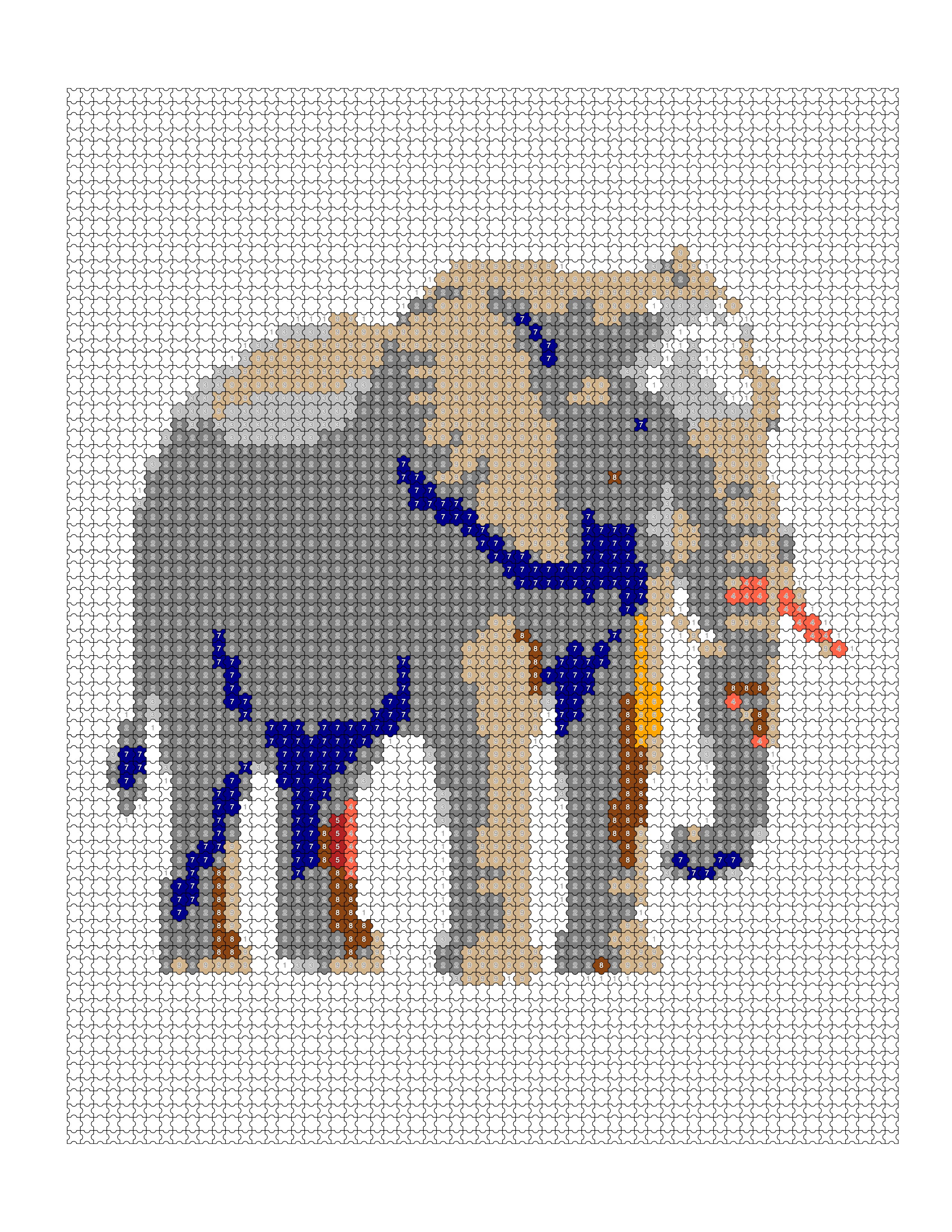
A photo-to-coloring-page converter turns a regular photograph into a page that can be printed and colored by hand. Mosaci Studio does this by reducing the image to a limited color palette and laying it out as a grid of cells, each with a number that matches a color key. The result is a numbered mosaic coloring page rather than an outline drawing, ideal for adult coloring books and educational worksheets.
What the conversion handles for you
- No Photoshop or design experience needed
- Works with portraits, landscapes, pets, patterns, and more
- Export print-ready PDFs sized for Amazon KDP
- 11 pattern options to choose from
- Bulk upload entire folders of photos at once
- Results in about 5 seconds per photo
- 10 free credits every month, no subscription required
- Private — photos are never shared or stored permanently
From photograph to printable page
- Step 1
Upload your photo
Drag and drop any JPG, PNG, or WebP image into Mosaci. Works with portraits, pets, nature shots, product photos, and more.
- Step 2
Choose a mosaic style
Pick from 8 color mosaic patterns and 3 monochrome mark styles — hexagon, square, diamond and more. Adjust color depth and grid size to your preference.
- Step 3
Export your coloring page
Download a print-ready PDF sized for home printing or Amazon KDP. Each page includes the numbered color guide automatically.
What people convert most
Amazon KDP publishers
Create entire coloring book interiors from photo collections. Mosaci exports KDP-ready PDFs with correct bleed and dimensions.
Etsy sellers
Sell custom coloring pages as digital downloads. Turn customer photos into personalised coloring sheets for birthdays, weddings, and gifts.
Teachers and educators
Convert classroom photos, nature images, or lesson visuals into printable coloring worksheets for students of all ages.
Hobby artists and crafters
Transform your own photos into coloring pages for personal projects, gifts, or scrapbooking.
Questions about converting photos
How do I turn a photo into a coloring page?
Upload your photo to Mosaci, choose a mosaic style, then export a print-ready PDF coloring page — no design skills or software required.
Is the photo to coloring page converter free?
Yes — you can convert a photo right on this page with no account at all; the preview is watermarked and screen-resolution. Sign in free to export the print-ready 300-DPI PDF: every account gets 10 free credits every month, no subscription and no credit card required.
What photo formats does Mosaci accept?
Mosaci accepts JPG, PNG, and WebP images. For best results, use a clear photo with good contrast.
Can I use the coloring pages for KDP publishing?
Yes. Mosaci exports print-ready PDFs optimised for Amazon KDP bleed requirements, making it ideal for self-published coloring books.
How long does conversion take?
Most photos are converted into coloring pages in about 5 seconds directly in your browser.
Related tools & guides
See it on a real photo
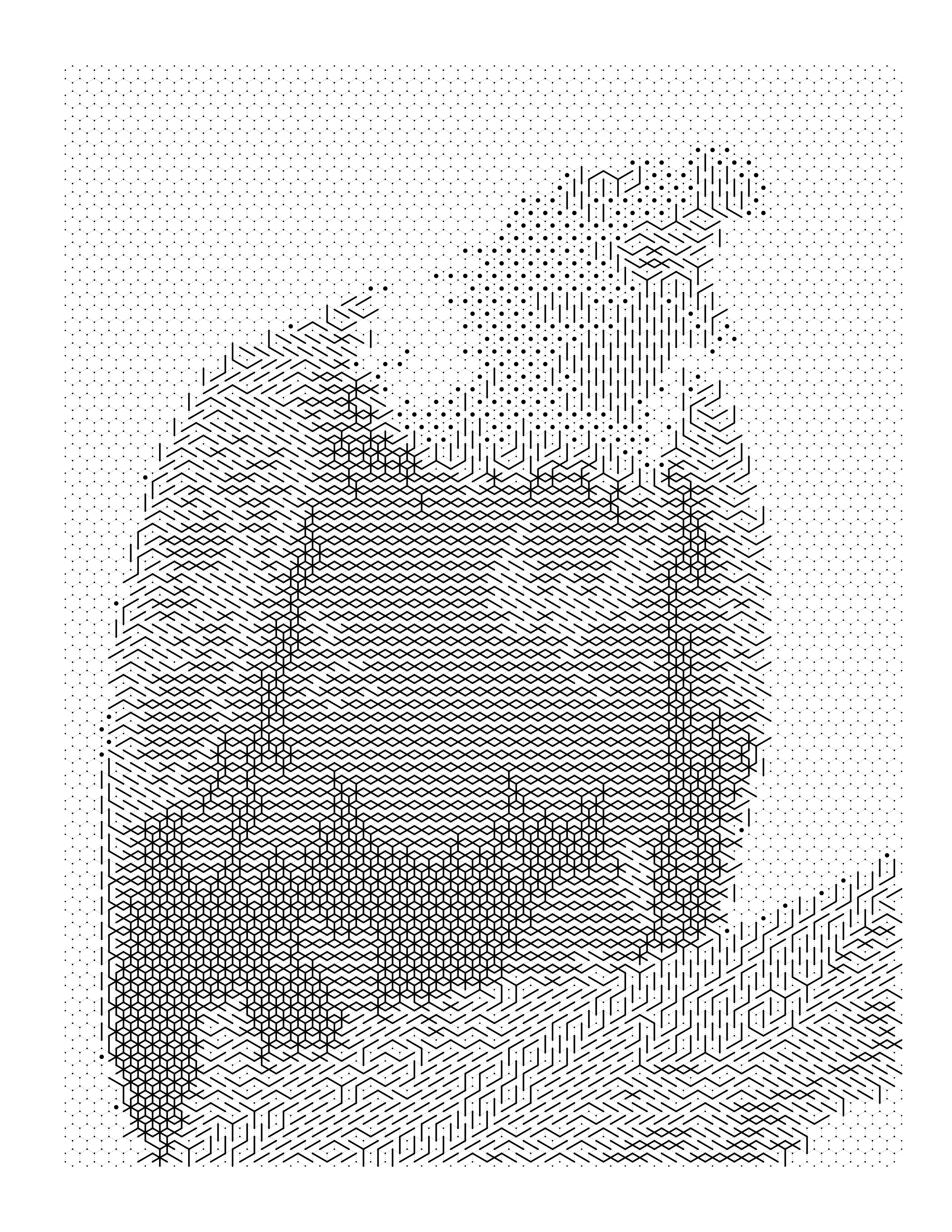
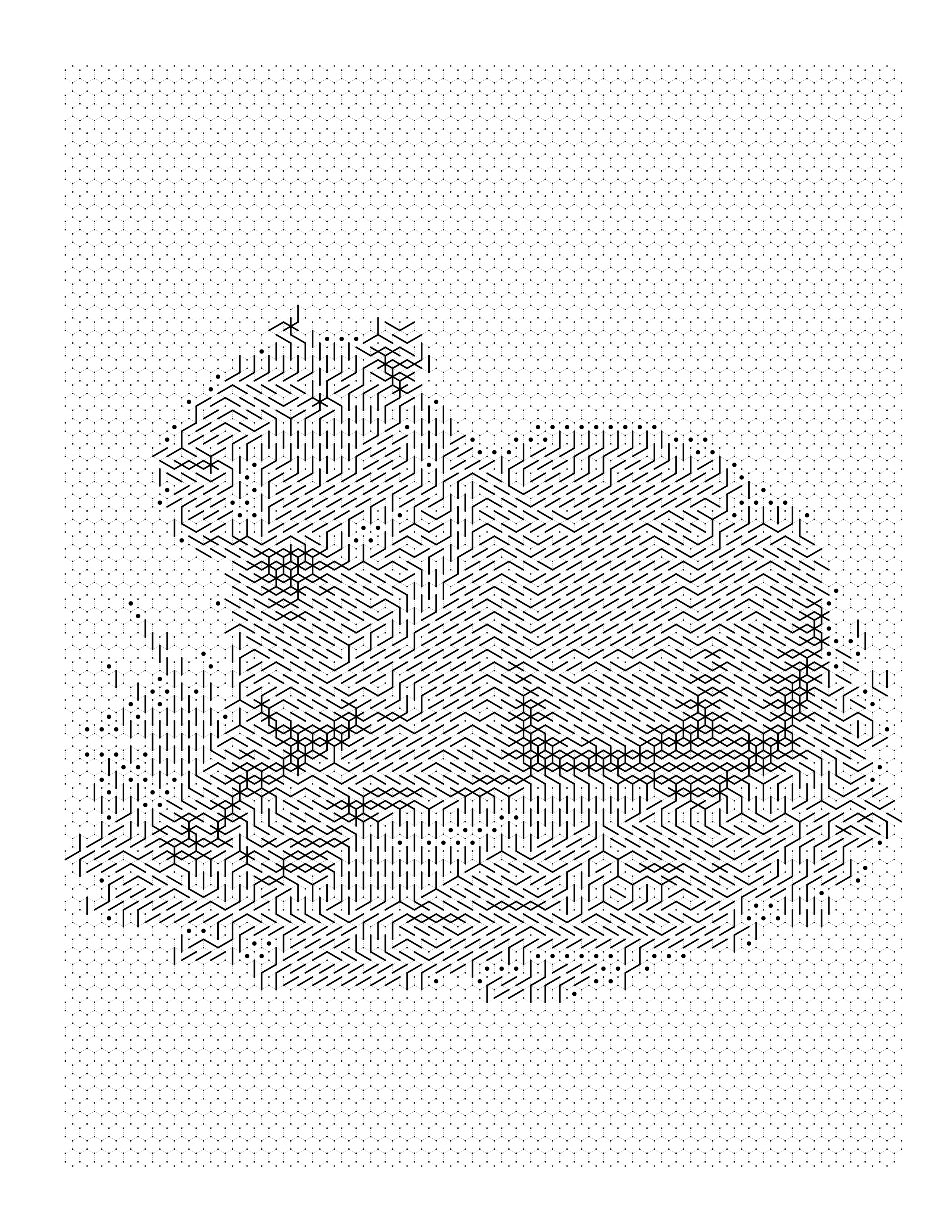
Each example shows the original photograph beside the outline, the colored render, and the palette pulled out of it.
Browse the full gallery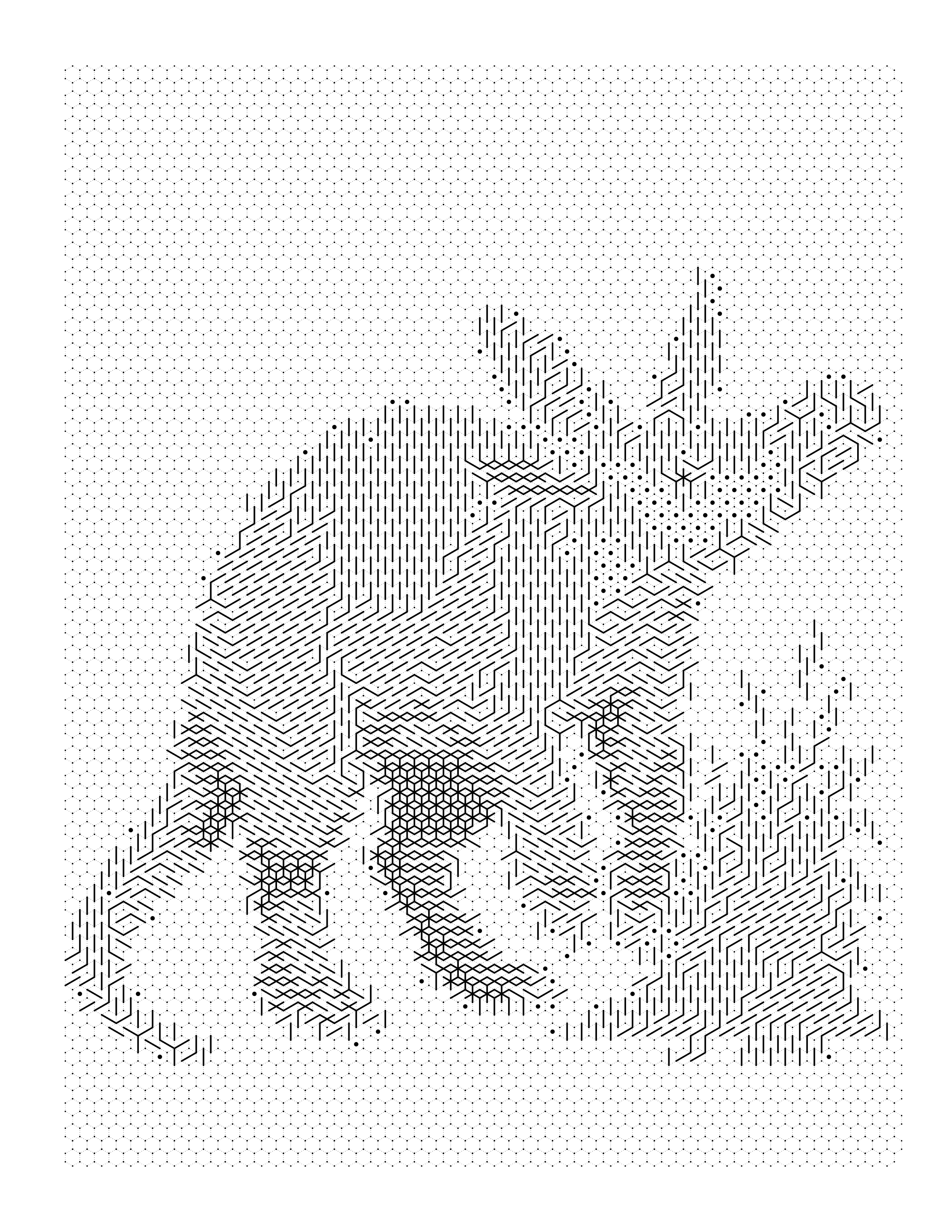
Guides on this
Best Photos for Color-by-Number Conversion
Which photos convert best into color-by-number and mark-based coloring pages — the CLEAR framework, plus the photo mistakes that ruin a conversion.
Why Your Photo Looks Bad as a Coloring Page: Fixes
Photo looks bad as a coloring page? Diagnose it by symptom — too dark, too detailed, unrecognizable subject, strange faces — and fix the source photo.
How to Prepare a Photo for Coloring Page Conversion
The editing steps to take before converting a photo — cropping, exposure, background cleanup, and sharpening — for portraits, pets, and landscapes.
Best Photo to Coloring Page Tools & Apps (2026)
Photo-to-coloring-page tools compared: online converters, AI tools, and iPhone and Android apps — what each does well, where it falls short, and how it prints.
Turn a photo into a page now
Convert a photo without an account to see the result. Creating one is free and takes a moment — it comes with 10 credits every month and no card.
Convert my first photo free