
Mosaic coloring page maker: turn any photo into mosaic art
Convert a photo into a numbered mosaic page. Choose from 8 color mosaic patterns and 3 monochrome mark styles, set the grid size and palette, and export a print-ready PDF in seconds.
No credit card · 10 free credits every month
Make a mosaic coloring page right now — free, no account
Upload a photo and use the real converter in your browser. Nothing is uploaded to a server — conversion runs on your machine.
JPG, PNG, or WebP · up to 12 MB
Processed in your browser, never uploaded
Use images you own or have permission to use
The preview is the real converter — switch patterns, zoom, and inspect the color key. Exporting a 300-DPI, KDP-ready PDF happens in the Studio, free with every account.
What is a mosaic coloring page?
A mosaic coloring page is a coloring sheet where the image is divided into a geometric grid — such as hexagons, squares, or diamonds — with each cell containing a number or color indicator. A photo-to-mosaic converter is the tool that makes one: it divides your photo into tiles of a single shape, reduces the colors to a limited palette, and numbers each tile against a color key. The coloring artist fills in each cell to gradually reveal the source image in a stylized, tile-based rendering. Mosaic coloring pages are popular in adult mindfulness books, KDP publishing, and educational settings because the grid structure makes the activity more structured and satisfying than traditional free-form coloring.
What the mosaic patterns give you
- 8 color mosaic patterns and 3 monochrome mark styles: hexagon, square, diamond and more
- Convert portraits, landscapes and patterns into numbered mosaic art
- Automatic color reduction and numbering
- Adjustable grid size and cell count
- Print-ready PDF with color key included
- KDP-compatible dimensions and bleed
- Bulk upload entire photo folders
- Works in the browser — no software install
- 10 free credits every month
From photo to mosaic page
- Step 1
Upload your photo
Any JPG, PNG, or WebP works. Portraits, pets, nature, architecture — all convert beautifully into mosaic grid layouts.
- Step 2
Choose a grid style
Select from hexagonal, square, diamond, or other mosaic patterns. Adjust the grid density and color palette size.
- Step 3
Export your mosaic page
Download a print-ready PDF with the mosaic grid and color-by-number key. Ready for home printing or KDP upload.
Who colors mosaic pages
KDP coloring book authors
Create full mosaic coloring book interiors from photo collections. Mosaci Studio exports PDFs sized for Amazon KDP.
Etsy digital sellers
Offer unique mosaic coloring pages as digital downloads — themed by season, animal, landscape, or custom request.
Art teachers
Generate mosaic grid worksheets from lesson photos for hands-on art activities in any classroom.
Mindfulness and craft hobbyists
Create relaxing mosaic coloring pages from personal photos for meditation, crafting, or as gifts.
Questions about mosaic conversion
What is a mosaic coloring page?
A mosaic coloring page is a coloring sheet divided into a geometric grid — such as hexagons or squares — where each cell has a number or color indicator. The artist fills in each cell to recreate the image in a mosaic style.
How does a photo-to-mosaic converter work?
It divides the uploaded image into a grid of tiles in the shape you choose, reduces the colors to a limited palette, and renders each tile in one palette color. Mosaci adds a number to each tile and a matching color key, so the mosaic can be colored by hand.
What is the difference between a mosaic and a coloring page?
A coloring page uses outlines for freehand coloring. A mosaic coloring page uses a structured geometric grid — each tile is numbered and sized consistently, producing a more graphic result.
What mosaic patterns are available?
Mosaci Studio offers 8 color mosaic patterns and 3 monochrome mark styles, including hexagon, square and diamond. Each produces a distinct visual effect from the same source photo.
Can I use mosaic pages for Amazon KDP books?
Yes. Mosaci exports print-ready PDFs at 8.5 × 11 in and 300 DPI, the size most KDP coloring-book interiors use. Check the finished file against KDP's current requirements before you publish.
Can I sell the mosaic pages I create?
Pages made from images you own or are licensed to use can be sold on Amazon KDP, Etsy, or other platforms as digital or printed products, under the terms on the license page.
Is it free?
Yes — you can convert a photo right on this page with no account at all; the preview is watermarked and screen-resolution. Sign in free to export the print-ready 300-DPI PDF: every account gets 10 free credits every month, no subscription and no credit card required.
Related tools & guides
See it on a real photo
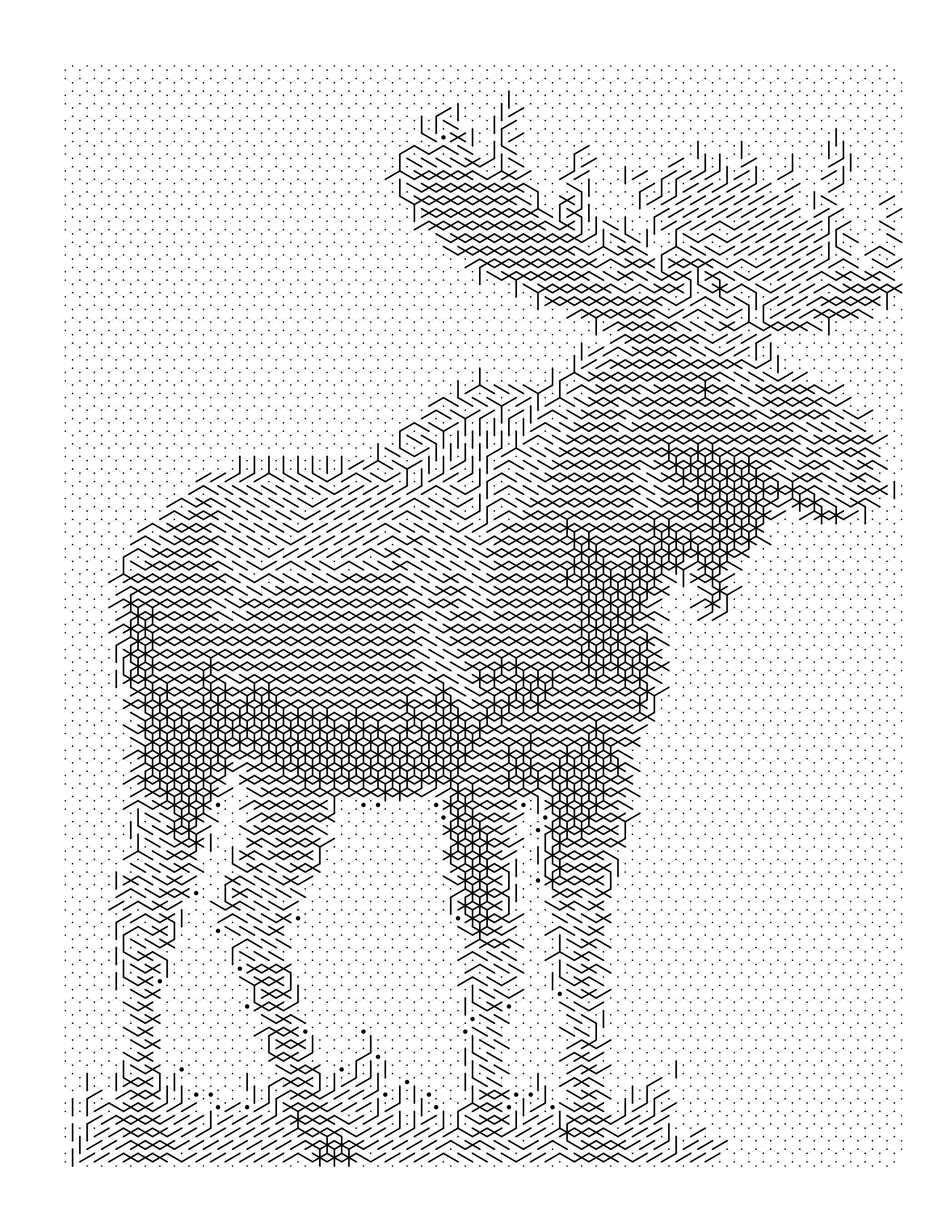
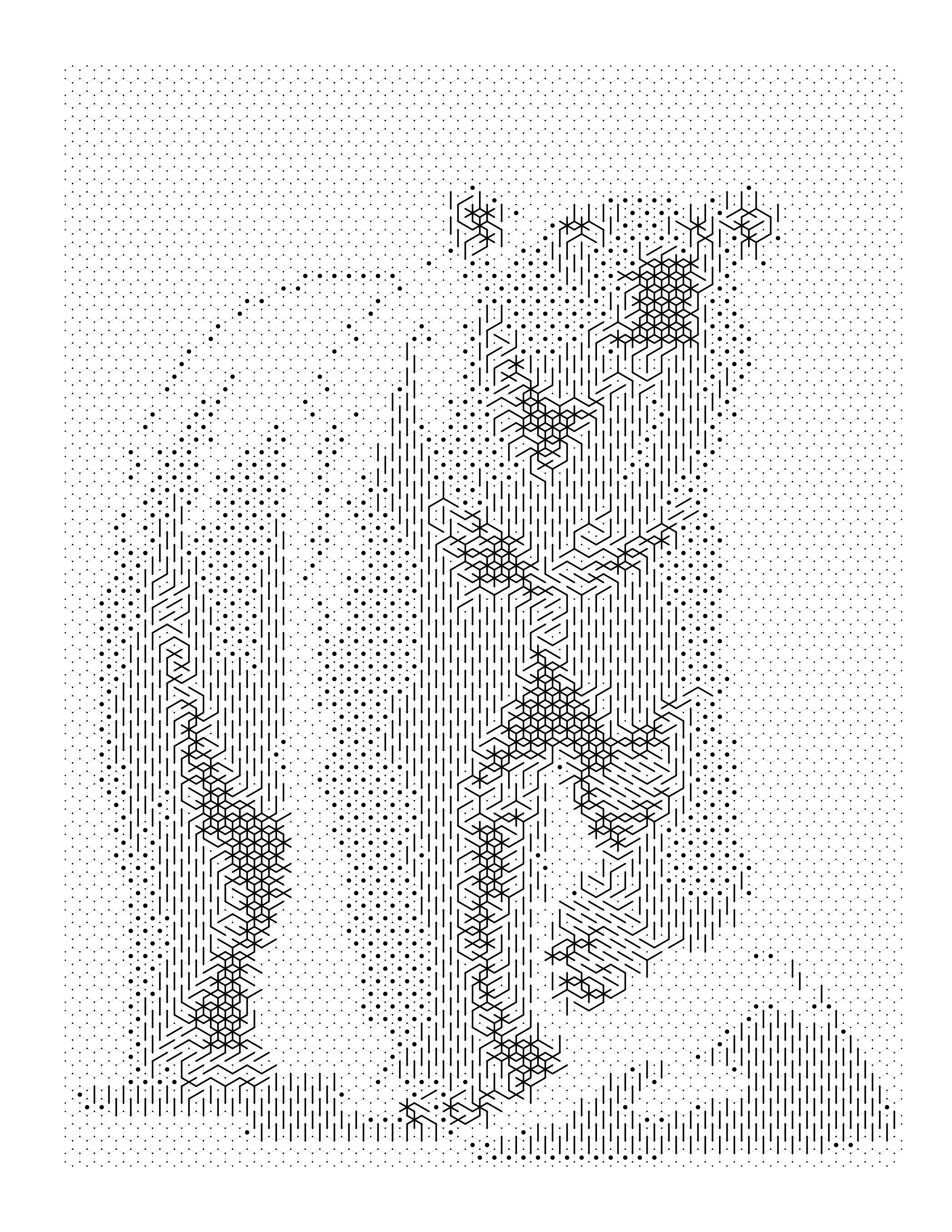
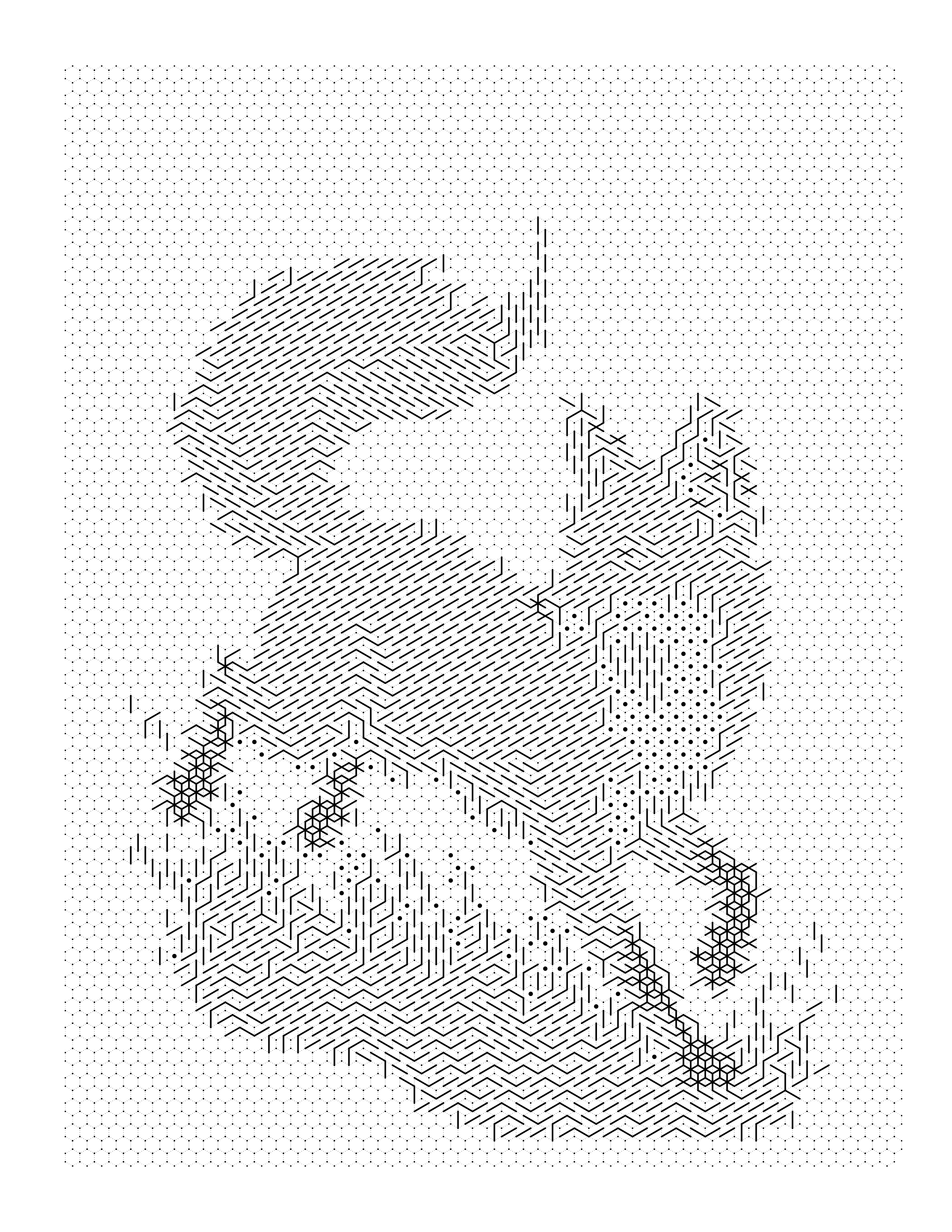
Each example shows the original photograph beside the outline, the colored render, and the palette pulled out of it.
Browse the full gallery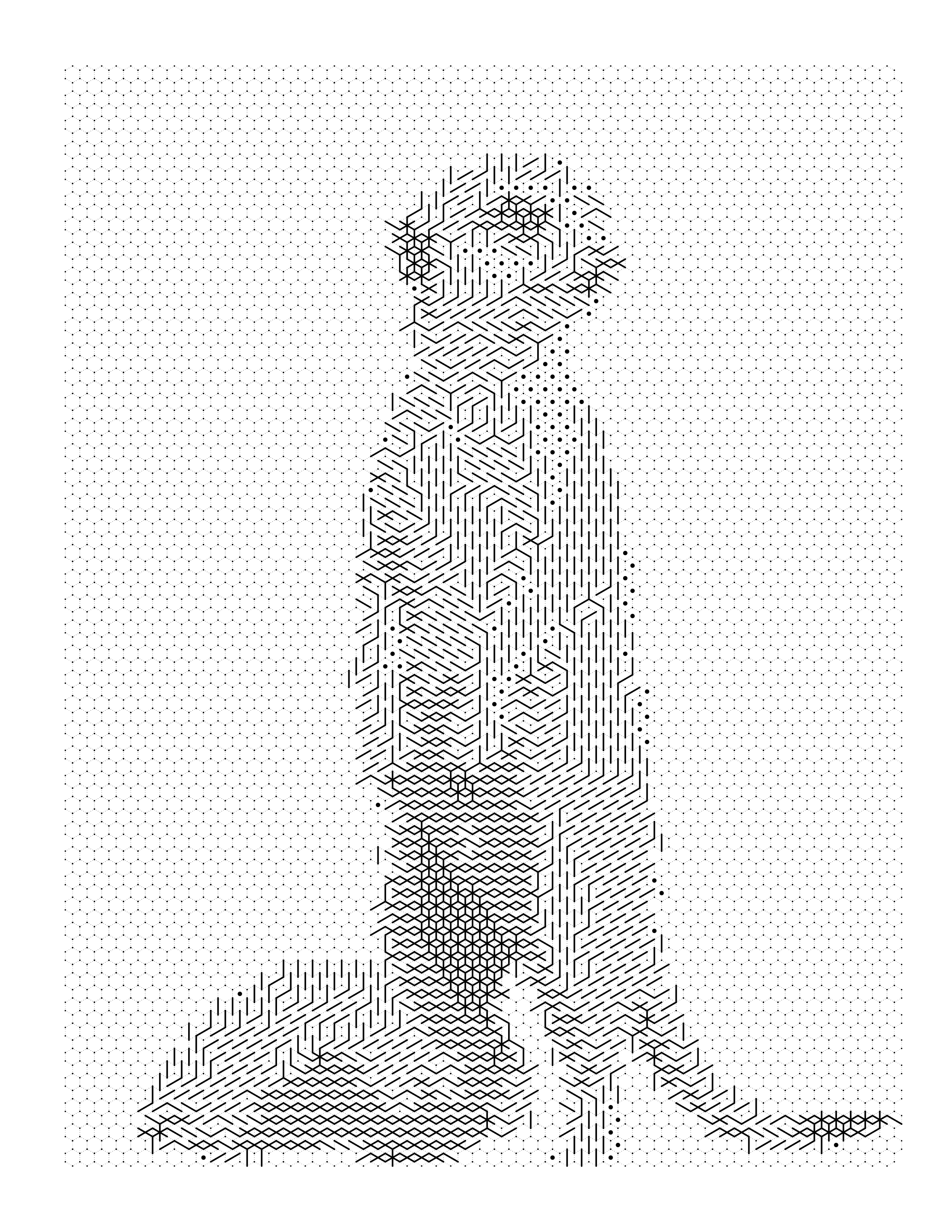
Guides on this
Best Photos for Color-by-Number Conversion
Which photos convert best into color-by-number and mark-based coloring pages — the CLEAR framework, plus the photo mistakes that ruin a conversion.
How to Turn a Pet Photo Into a Coloring Page
How to choose and prepare a pet photo for coloring-page conversion, and how to turn it into an outline, color-by-number, or mosaic page.
How Does Mosaic Coloring Work?
The step-by-step mechanics behind mosaic coloring — how a photo becomes a tile grid, how cells get their colors, and what controls detail level.
How to Turn a Landscape Photo Into a Coloring Page
How to convert mountains, forests, beaches, and other landscape photos into a clean coloring page — handling depth, sky, water, and distant detail.
Make your first mosaic page
Convert a photo without an account to see the result. Creating one is free and takes a moment — it comes with 10 credits every month and no card.
Make my mosaic page free