
Koala Coloring Page
Convert a Koala photo into a printable coloring page and color-by-number artwork with Mosaci Studio.
Free as one PDF or a ZIP of PNGs: the numbered page, its key and a finished example. No account needed; personal use only. More on the free printables page.
About this subject
The koala is a low-contrast subject: soft grey fur with a faint warm cast and no strong colour anywhere in the artwork. Everything legible in this page comes from three features that have their own shape — the large round ears, the broad dark nose, and the grip of the claws. It is a useful example of how much a conversion can recover from a subject that is close to monochrome to begin with.
The Full Transformation
From original photo to printable coloring page to colored example — every step in one place.
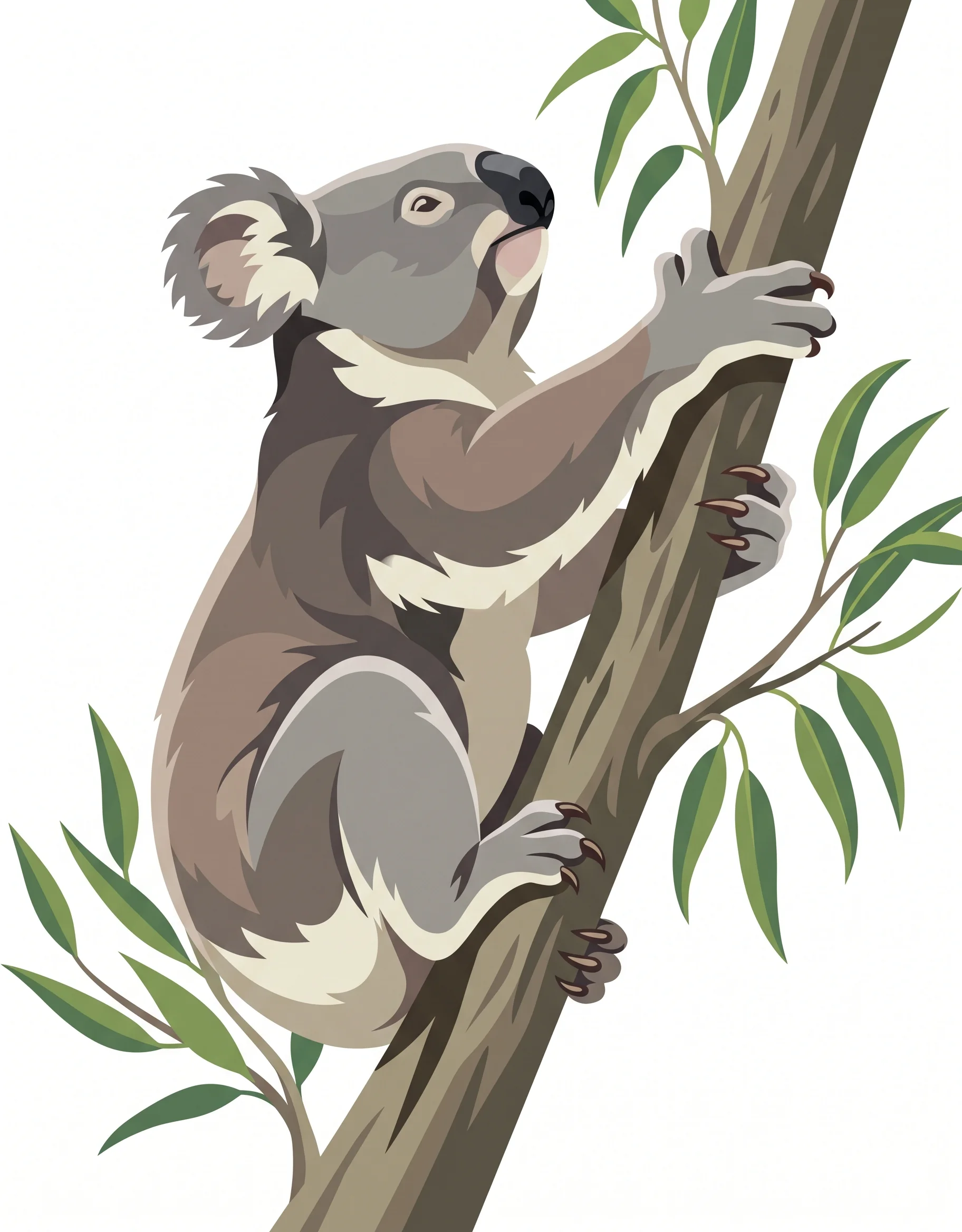
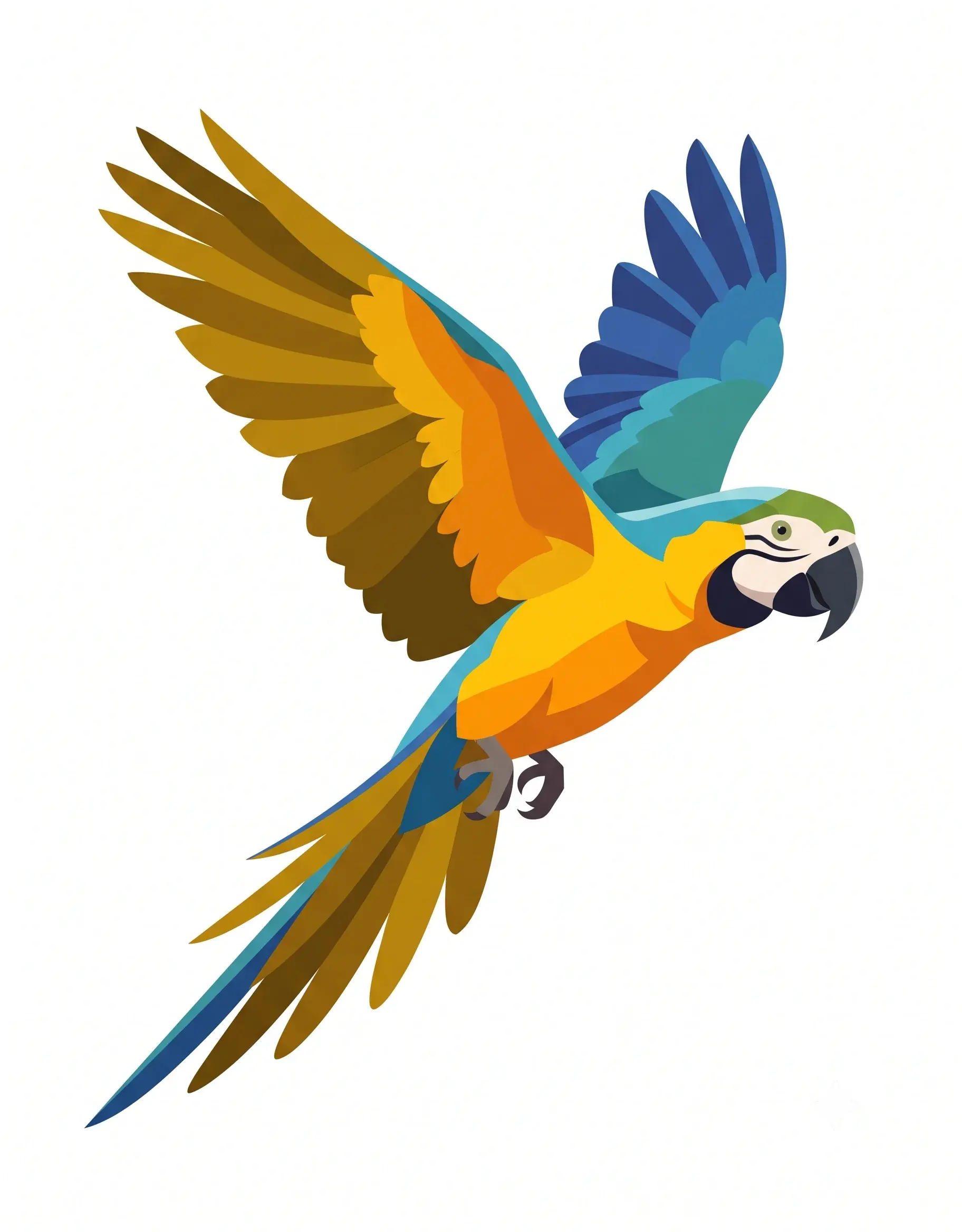
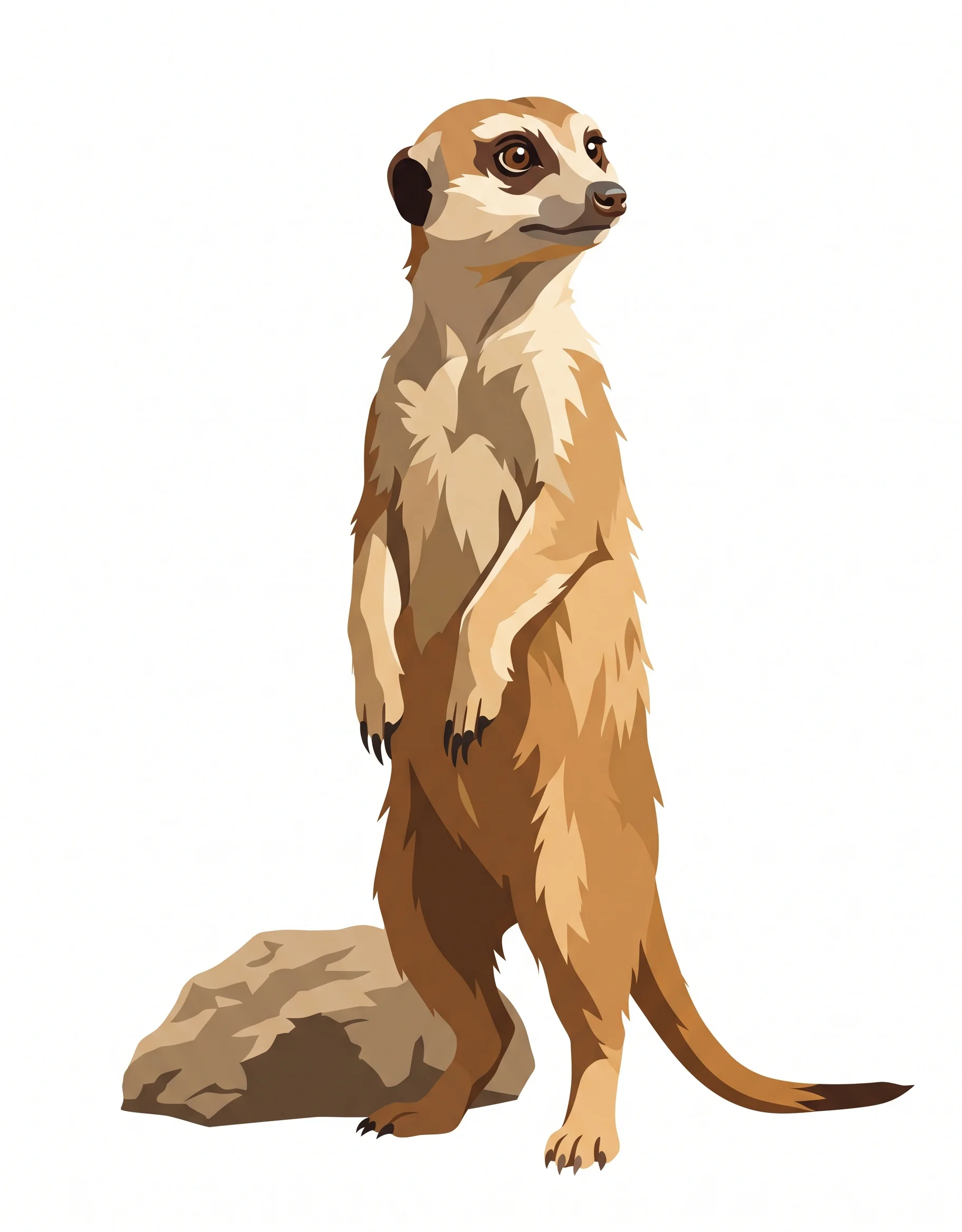
Original Image
Your starting image

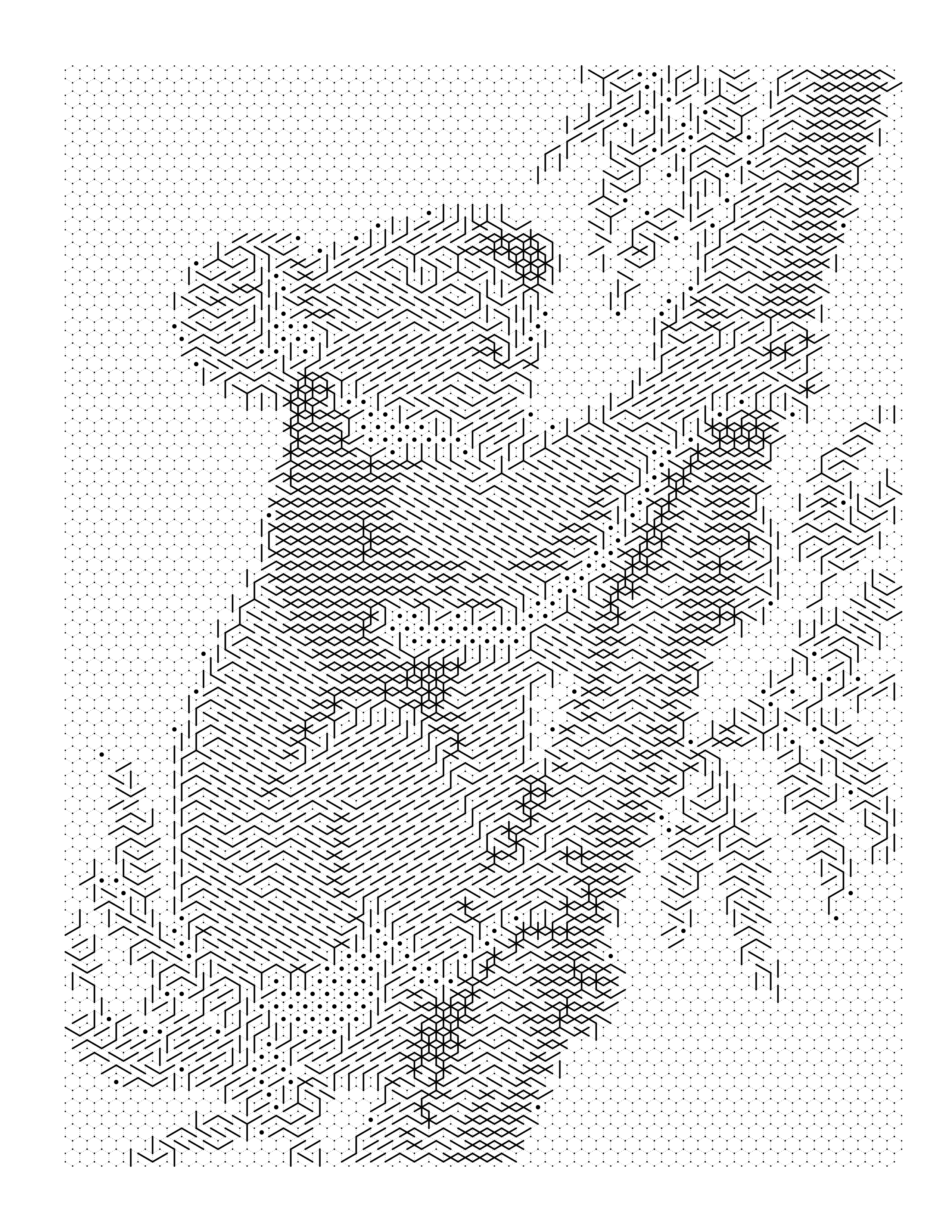
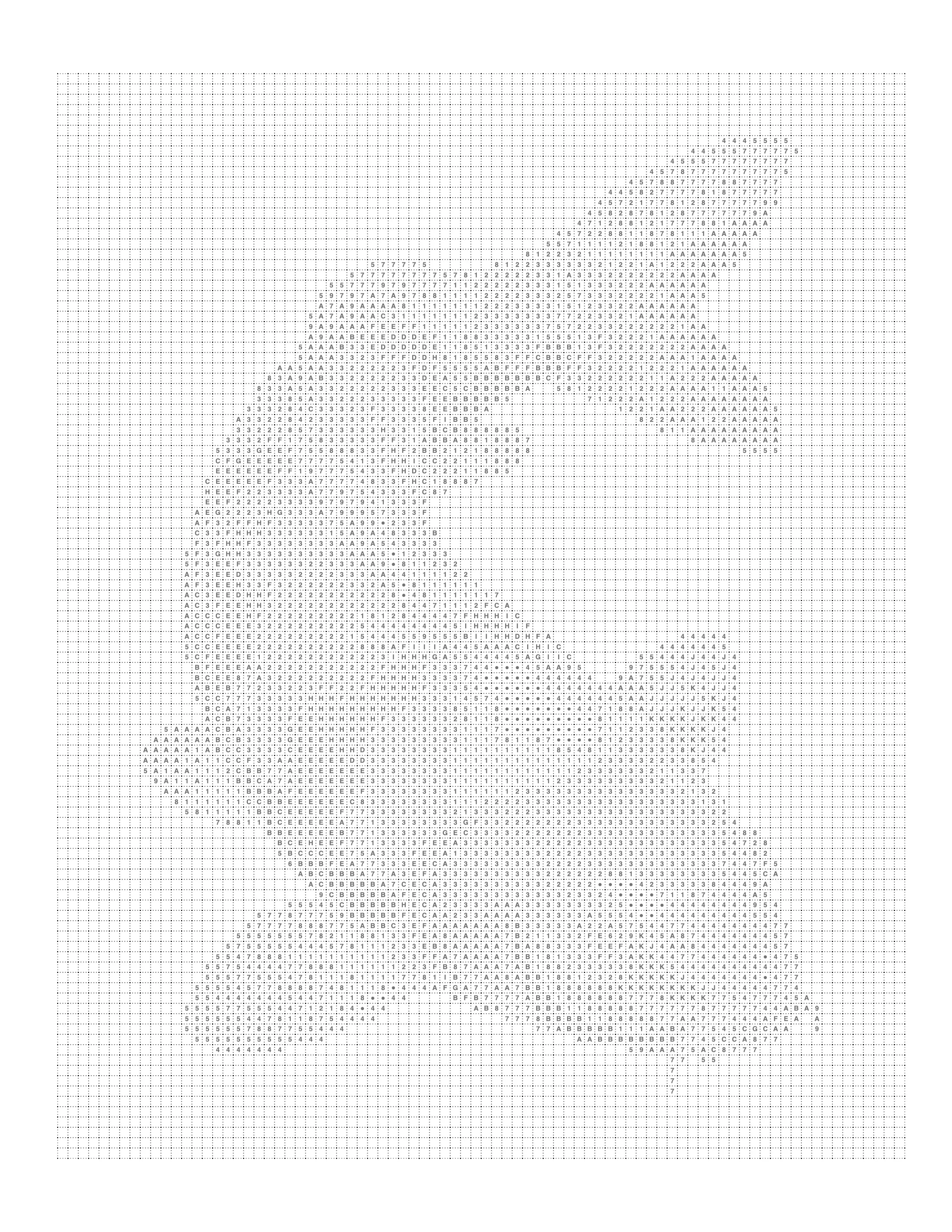
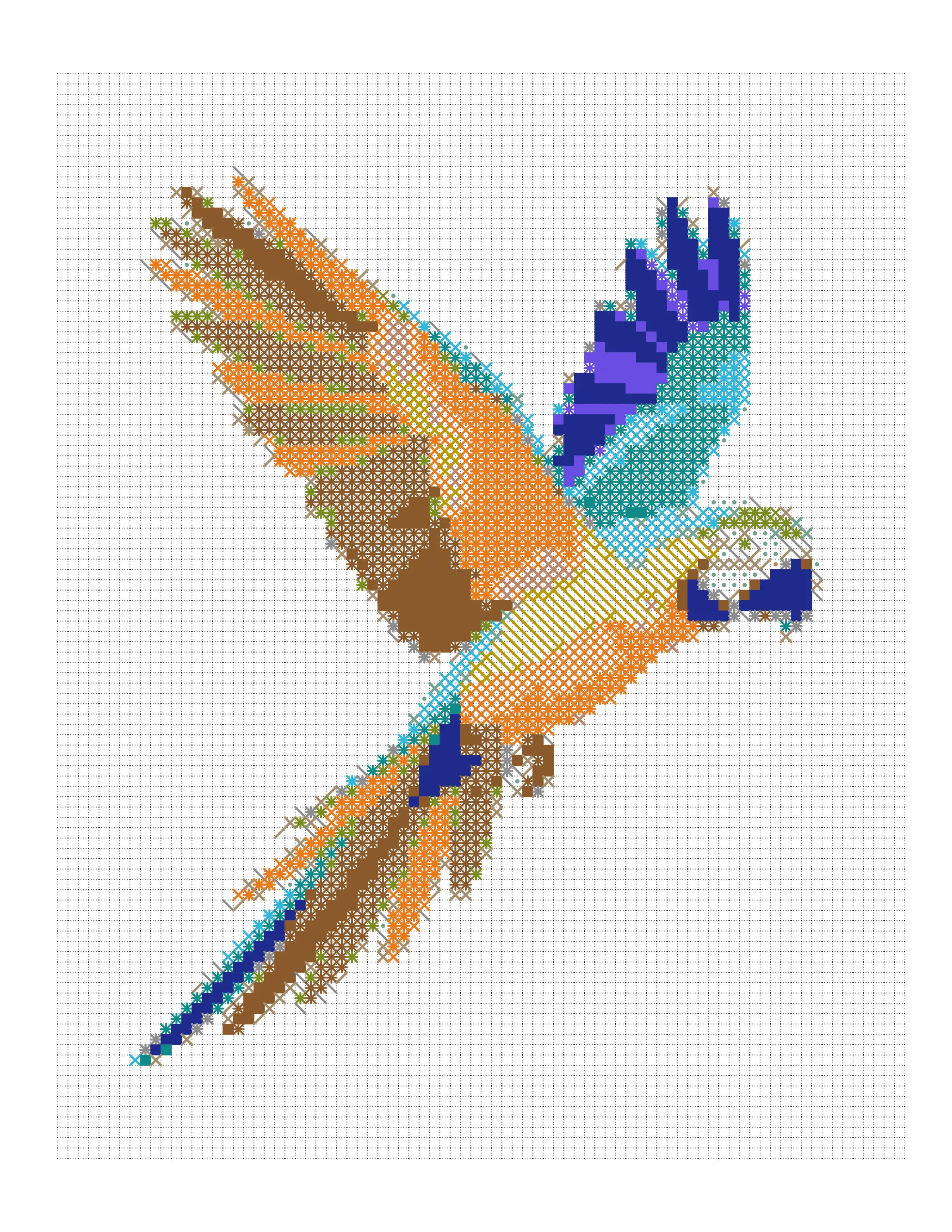
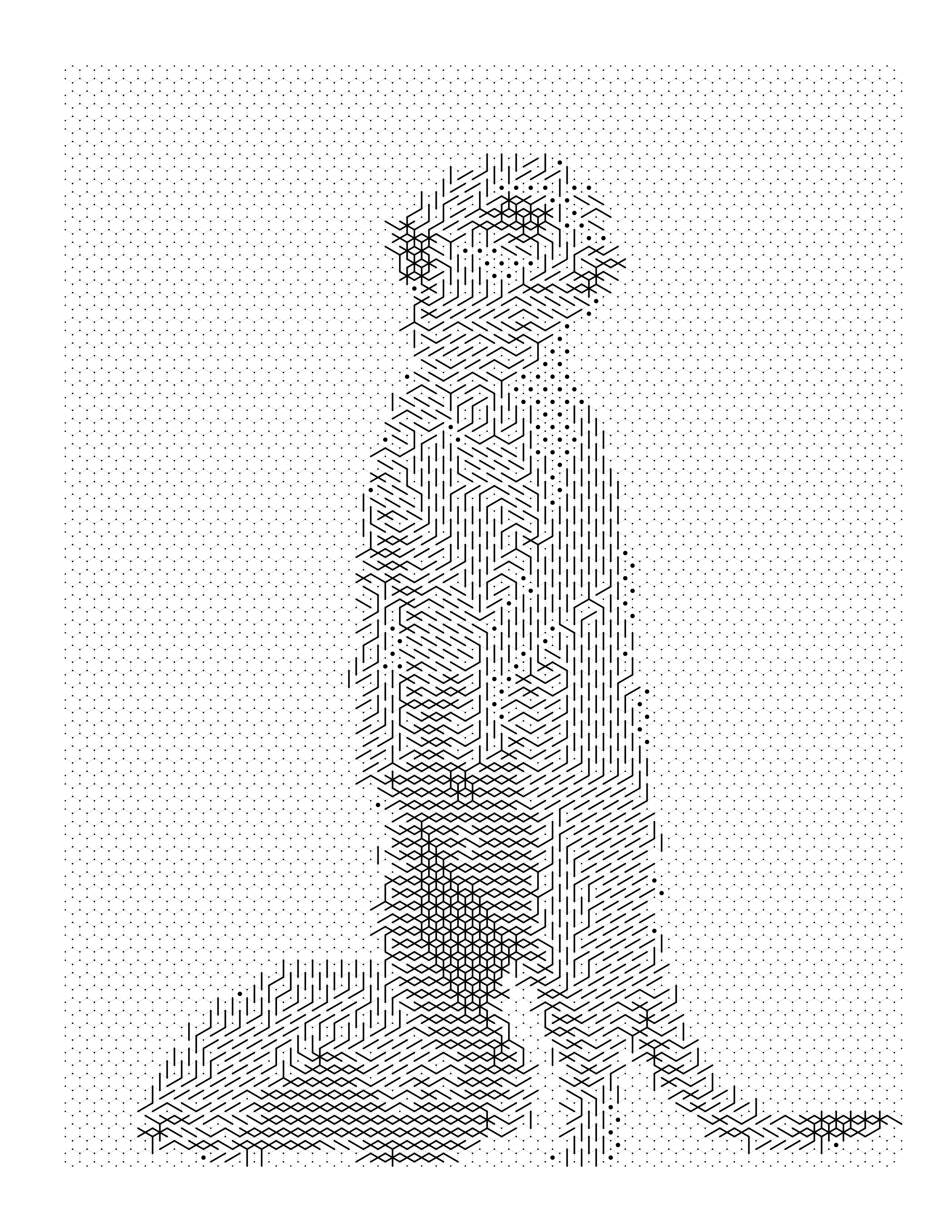
Printable Mark Page
Ink marks on a grid, ready to print
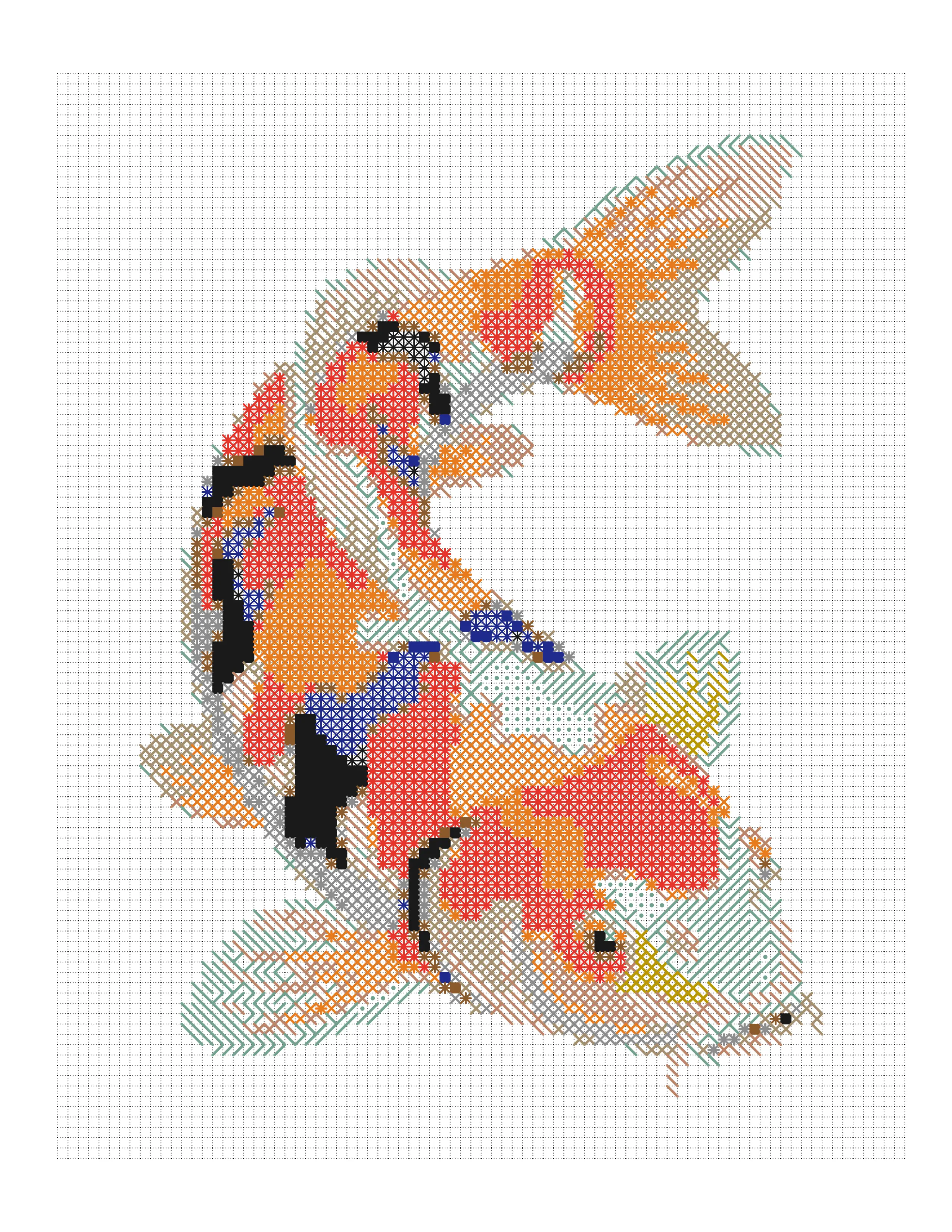
Marked Example
See the finished result
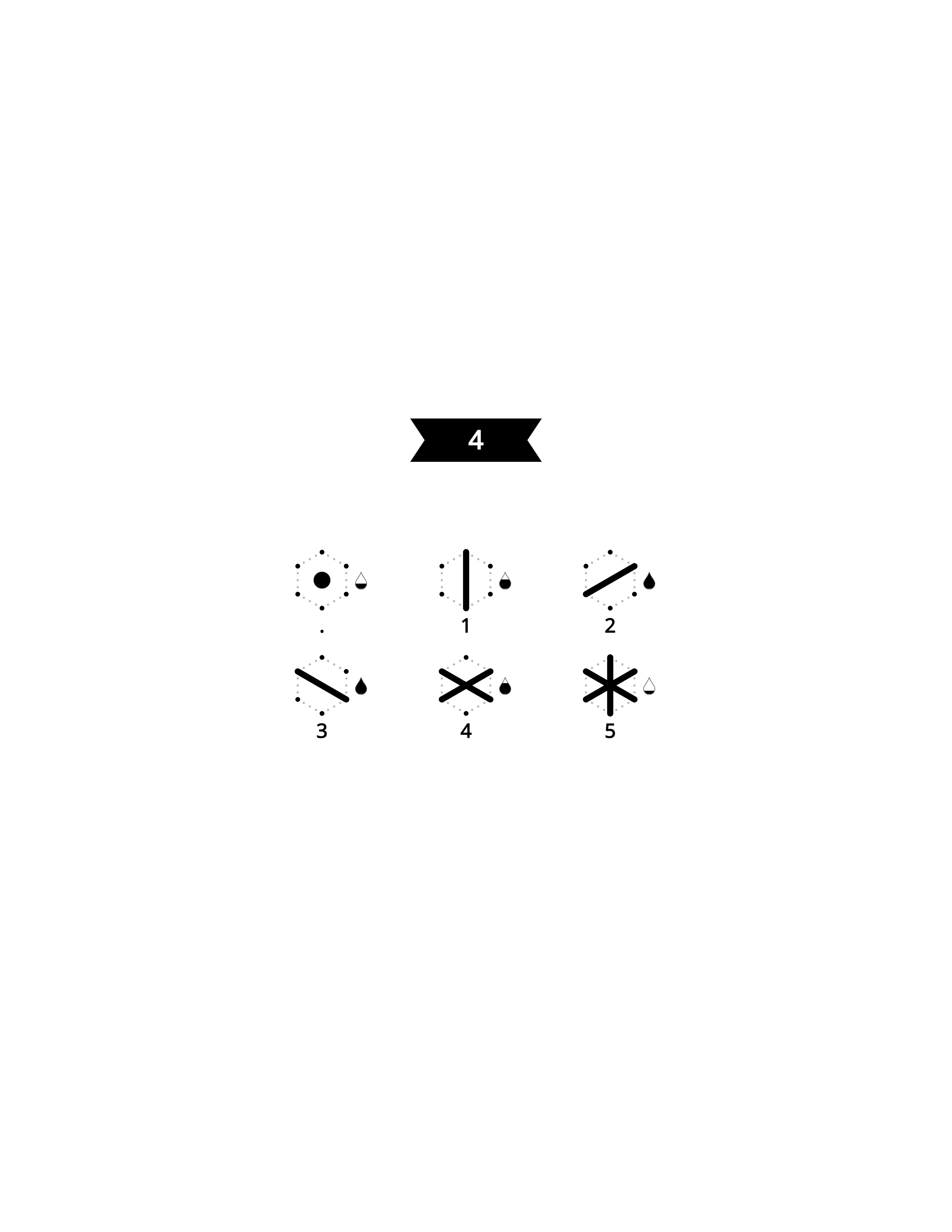
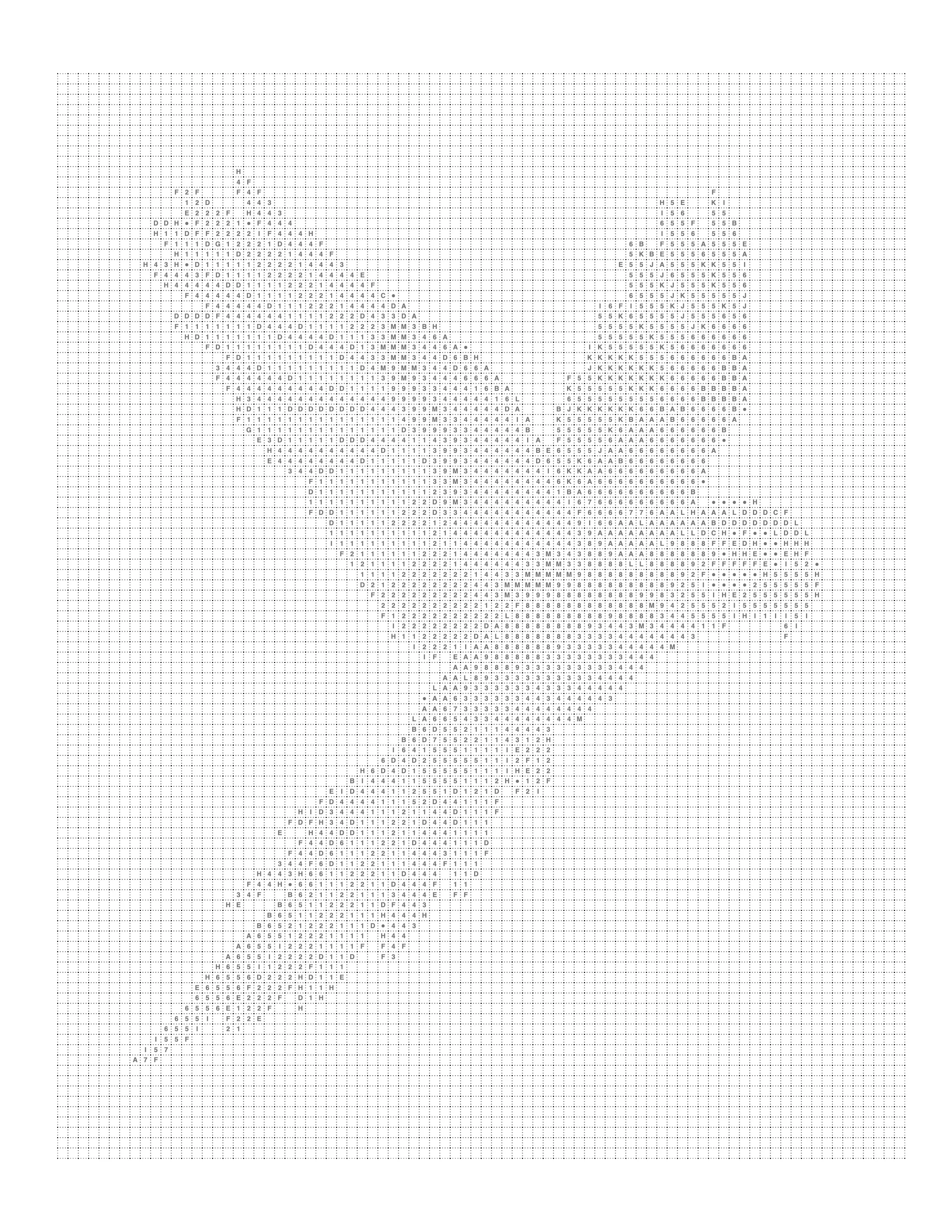
Mark Key
Symbol legend for the page
About This Example
This Koala Coloring Page is a real-world example generated using Mosaci's photo-to-coloring-page converter. The original image was uploaded into Mosaci, which converted it to monochrome ink marks on a grid of cells, with a mark key suitable for printing.
What is this example?
A animals coloring page converted from a source image using Mosaci.
How was it created?
Uploaded to Mosaci → tonal levels → ink-mark cell layout → PDF export.
What type of photo works best?
Clear subjects, good contrast, and a defined foreground. Most photos work well.
How It Was Created
Every gallery example follows the same four-step process you can use right now.
- 01
Upload Your Photo
Go to Mosaci Studio, create a free account, and upload a JPG, PNG or WebP image from your device. Every account gets 10 free credits each month.
- 02
Choose a Pattern and Palette
Pick a cell pattern and how many colors to reduce the image to. Conversion runs in your browser, and the image is not uploaded to a server.
- 03
Generate the Coloring Page
Preview the numbered page live. Adjust cell size and color count until the result is what you need.
- 04
Export Your Printable File
Download a high-resolution PDF ready for home printing, Amazon KDP, or Etsy digital downloads. See the license page for commercial-use terms.
More Animals Coloring Page Examples
Browse more examples from the animals collection.
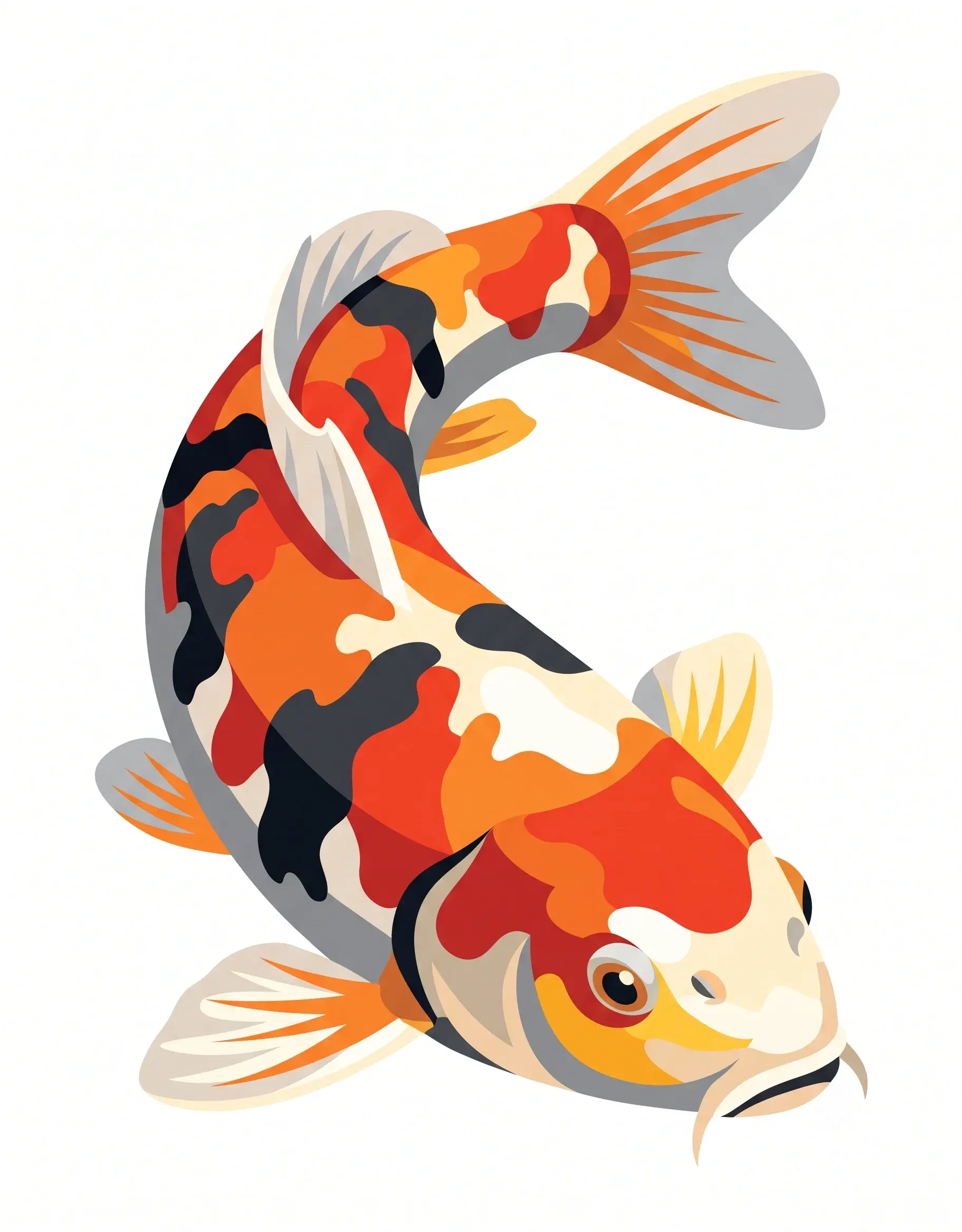

Create something like this from your own photo
Upload any photo and Mosaci converts it into a printable, numbered color-by-number page. Free to try, no account needed.
No credit card · 10 free credits every month
Need dozens of pages like this? Convert a whole folder in one batch and export the set as a single print-ready PDF.
Frequently Asked Questions
How does a grey animal stay visible after tonal reduction?
Would a tighter crop convert better?
What is an animal coloring page?
Can I turn my own photo into an animal coloring page?
Are these animal coloring pages free to print?
What formats can I export animal coloring pages in?
Can I use these animal coloring pages commercially?
How pages like this are made
Best Photos for Color-by-Number Conversion
Which photos convert best into color-by-number and mark-based coloring pages — the CLEAR framework, plus the photo mistakes that ruin a conversion.
How Does Mosaic Coloring Work?
The step-by-step mechanics behind mosaic coloring — how a photo becomes a tile grid, how cells get their colors, and what controls detail level.
Pet Photo to Coloring Page: A Color-by-Number Guide
How to choose, crop and light a pet photo so it turns into a clear numbered color-by-number coloring page, with settings for fur, faces and backgrounds.