
Create color-by-number artwork from any photo
Upload a photo and Mosaci Studio automatically assigns a number to every cell matching a color key — ready to print and color.
No credit card · 10 free credits every month
Make a color-by-number page right now — free, no account
Upload a photo and use the real converter in your browser. Nothing is uploaded to a server — conversion runs on your machine.
JPG, PNG, or WebP · up to 12 MB
Processed in your browser, never uploaded
Use images you own or have permission to use
The preview is the real converter — switch patterns, zoom, and inspect the color key. Exporting a 300-DPI, KDP-ready PDF happens in the Studio, free with every account.
What is color-by-number?
Color-by-number is an artistic technique where an image is divided into sections, each labeled with a number that corresponds to a specific color in a key. The artist fills each section with the matching color, gradually revealing the full picture. Originally a children's pastime, color-by-number has grown into a popular adult mindfulness activity and a best-selling category on Amazon KDP and Etsy. Mosaci automates the entire conversion process — turning any photo into a numbered mosaic grid with an automatic color key.
What the generator does for you
- Automatic color reduction — no manual palette selection needed
- Numbered cells with matching color key included
- Choose grid size and color count
- Export a single page or an entire book of pages
- PDFs sized for Amazon KDP publishing
- Works with any photo: portraits, pets, landscapes, patterns
- 10 free credits every month, no subscription required
- Browser-based — no install required
From photo to numbered page
- Step 1
Upload any photo
Drag and drop a JPG, PNG, or WebP image. Works best with photos that have clear subjects and reasonable contrast.
- Step 2
Mosaci assigns numbers
The tool reduces your image to a clean color palette and assigns a unique number to each color zone across the mosaic grid.
- Step 3
Export and print
Download a PDF with the numbered grid and color key. Print at home or upload directly to Amazon KDP as a coloring book interior.
Who makes color-by-number pages
KDP coloring book authors
Produce entire color-by-number book interiors from photo collections. Each export is print-ready with correct KDP dimensions.
Etsy digital product sellers
Create custom color-by-number pages from customer photos for personalized gifts — birthdays, weddings, pet portraits.
Teachers and activity leaders
Generate color-by-number worksheets from any image for classroom art activities or after-school programs.
Adult mindfulness crafters
Turn favorite photos into relaxing color-by-number pages for personal use or gifts.
Questions about the generator
What is a color-by-number generator?
A color-by-number generator converts a photo into a grid of numbered cells. Each number corresponds to a specific color, so the artist colors each cell according to its number to recreate the original image.
Can I create a color-by-number from my own photo?
Yes. Upload any JPG, PNG, or WebP photo to Mosaci and it automatically generates a custom color-by-number page with a matching color key.
How many colors does Mosaci use?
Mosaci reduces the image to a palette of your choosing — typically 8 to 24 colors — to create a clear, printable layout.
Is the color-by-number generator free?
Yes — you can convert a photo right on this page with no account at all; the preview is watermarked and screen-resolution. Sign in free to export the print-ready 300-DPI PDF: every account gets 10 free credits every month, no subscription and no credit card required.
Related tools & guides
See it on a real photo
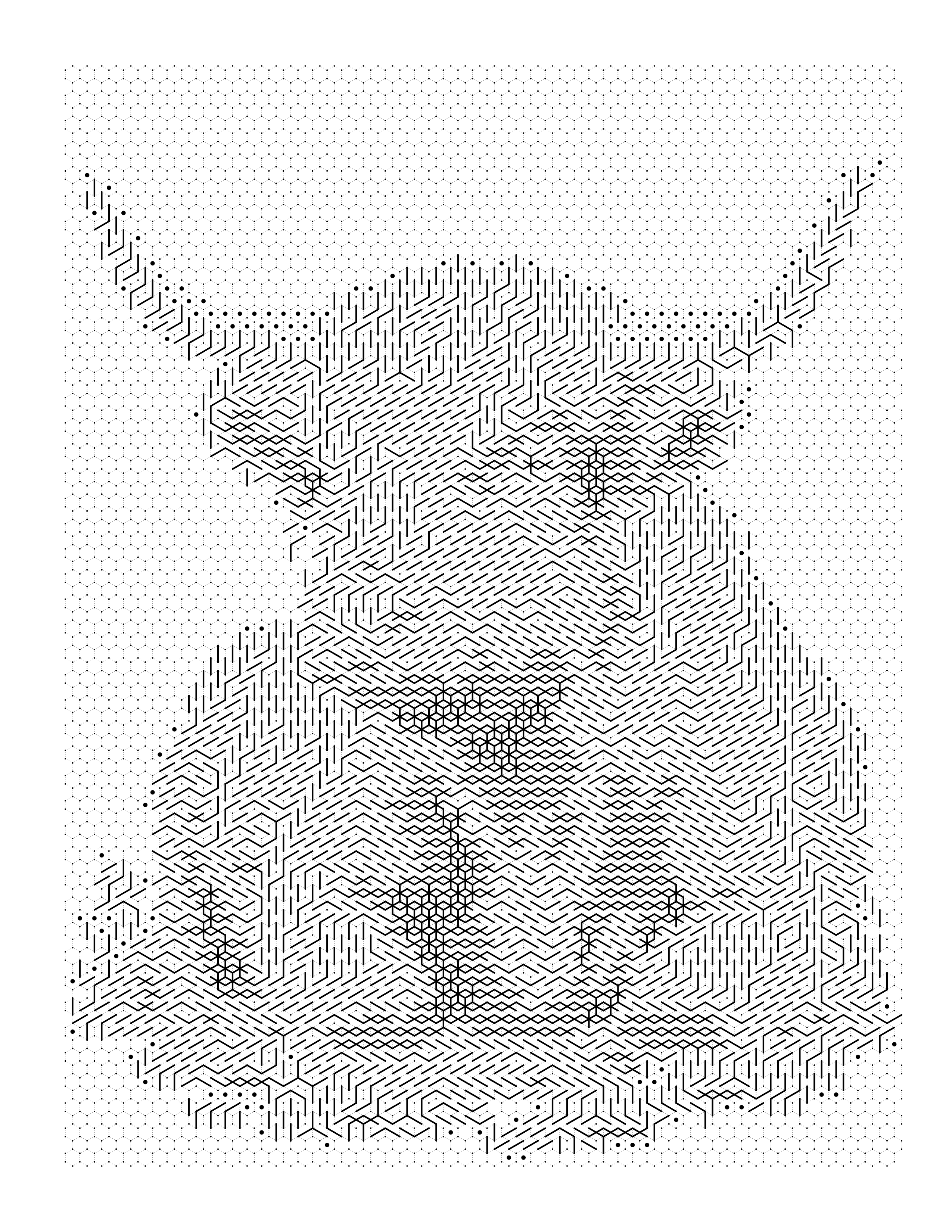
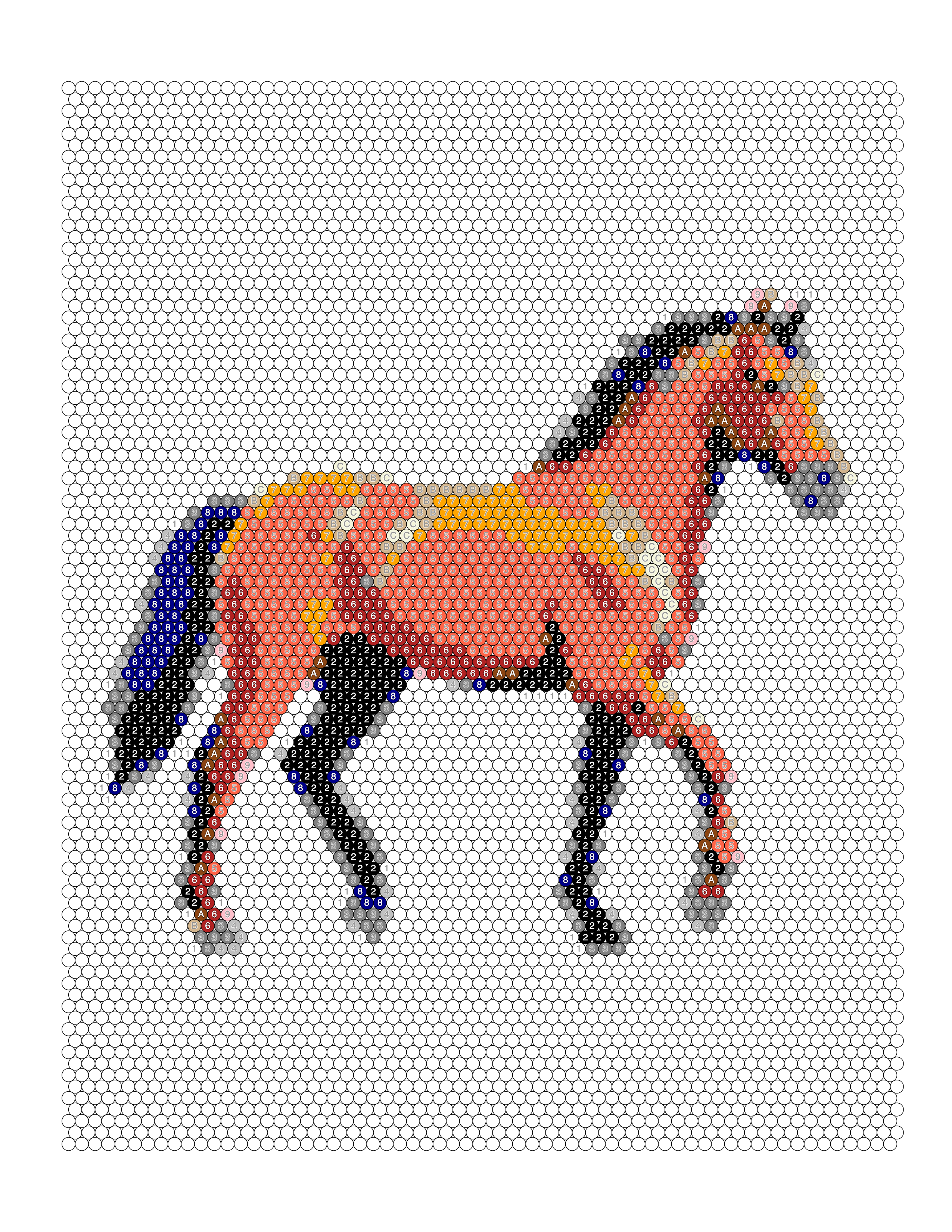
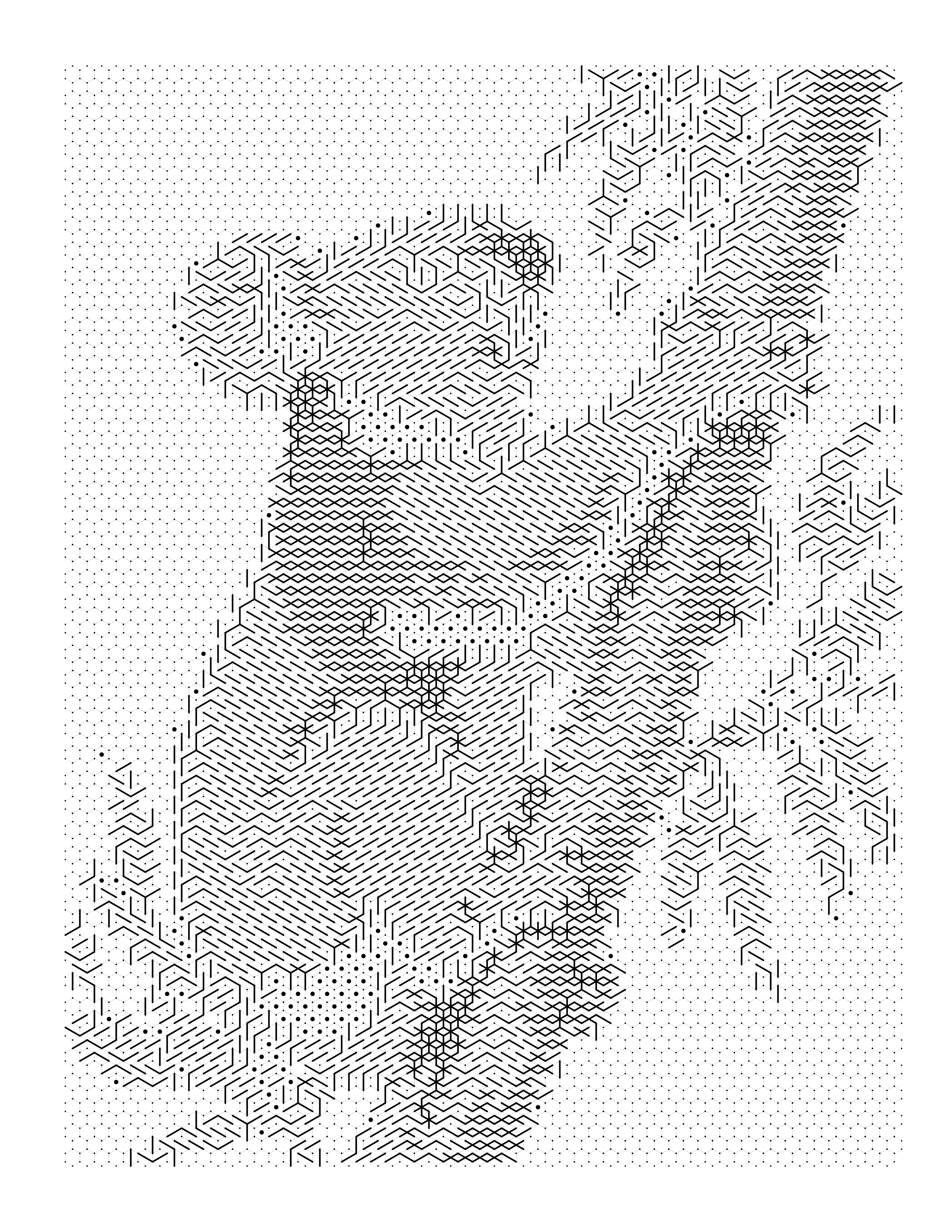
Each example shows the original photograph beside the outline, the colored render, and the palette pulled out of it.
Browse the full gallery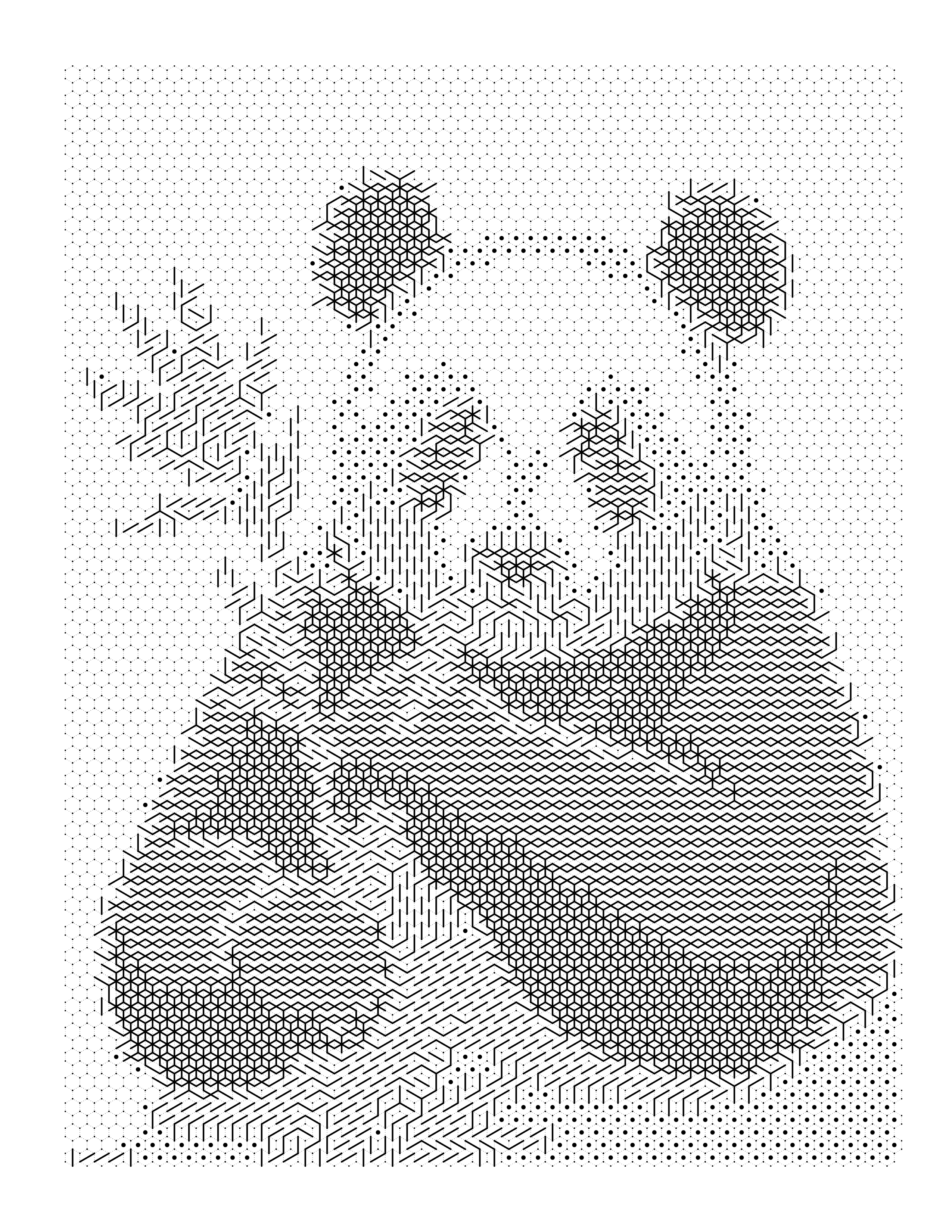
Guides on this
What Is Mystery Coloring? A Beginner's Guide
What mystery coloring and mystery mosaic pages are: how a coded grid hides the picture, how it differs from color by number and pixel art, and how to make one.
Mystery Mosaic Grid Size: A Practical Guide
Choosing a mystery mosaic grid size: the arithmetic linking column count to printed cell size in millimeters, and the density band where a reveal still works.
What Is Color by Symbol? A Beginner's Guide
Color by symbol explained: how symbol coloring pages work, why a symbol can mean a color or a shade, how to read the legend, and how to design a readable set.
What Is Color by Number? A Beginner's Guide
Color by number explained in plain terms: what the numbers mean, how the format works, the different variations, and how it differs from ordinary coloring pages.
Convert your first photo now
Convert a photo without an account to see the result. Creating one is free and takes a moment — it comes with 10 credits every month and no card.
Generate my color-by-number free