
Fennec Fox Colored Marks Coloring Page
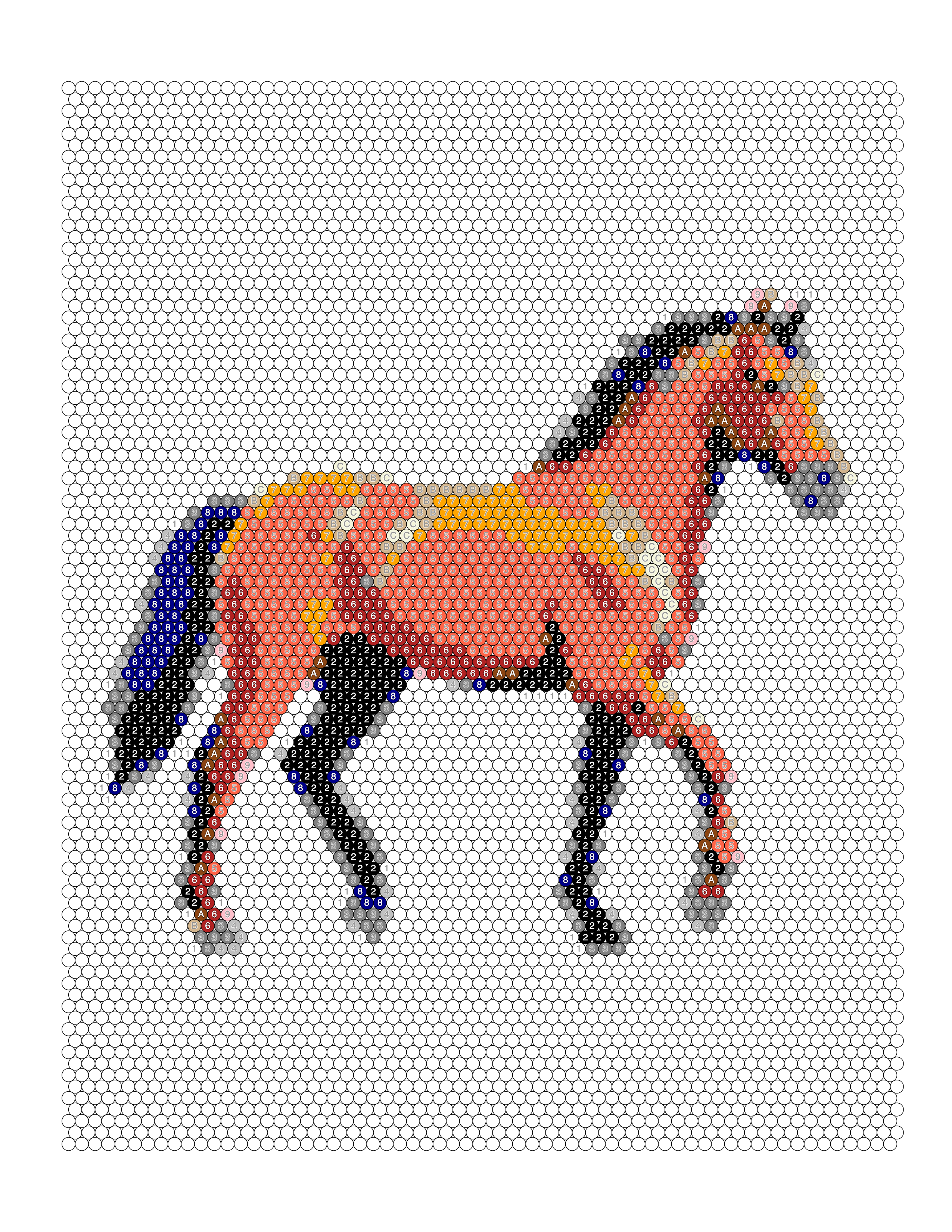
A fennec fox illustration converted into a colored-marks coloring page with only 17 mark codes and 8 pen colors — a simpler page than most.
Free as one PDF or a ZIP of PNGs: the numbered page, its key and a finished example. No account needed; personal use only. More on the free printables page.
About this subject
With only 8 pen colors and 17 codes, this is one of the simpler colored-marks pages in the gallery. The fox is mostly warm tones — red, orange, peach and tan — with mint highlights on the light side of the fur. The oversized ears are the defining shape, and their pale inner fur is carried by light peach and mint marks rather than outlines.
Colours in this conversion
The source artwork carries 26 distinct colours; this page draws it with 17 mark codes in 8 pen colors. The most-used source colours are shown below.
#ffffdd#cc5522#552222#eeaa77#ddaa77#ffaa44#dd5522#993322
The Full Transformation
From original photo to printable coloring page to colored example — every step in one place.
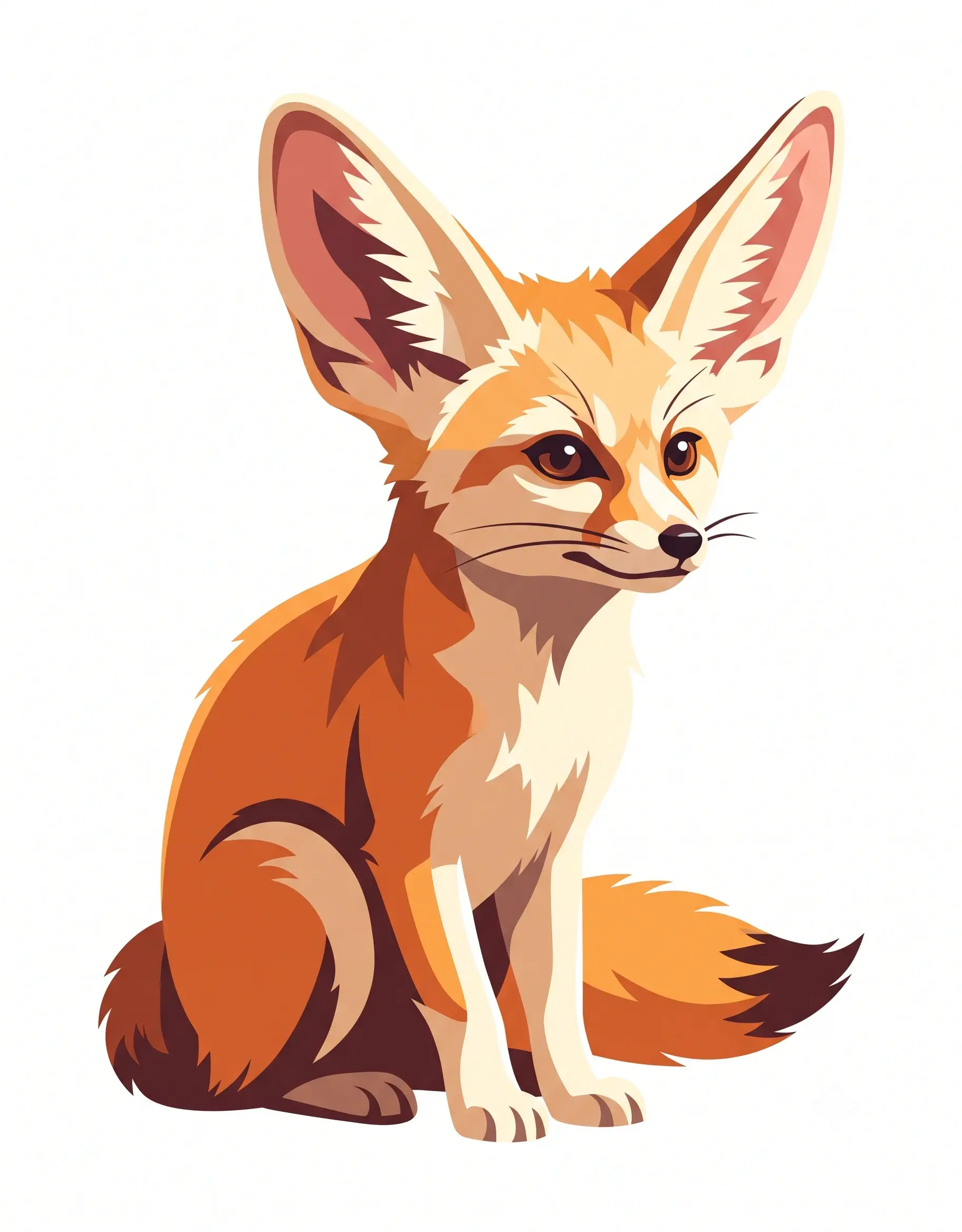
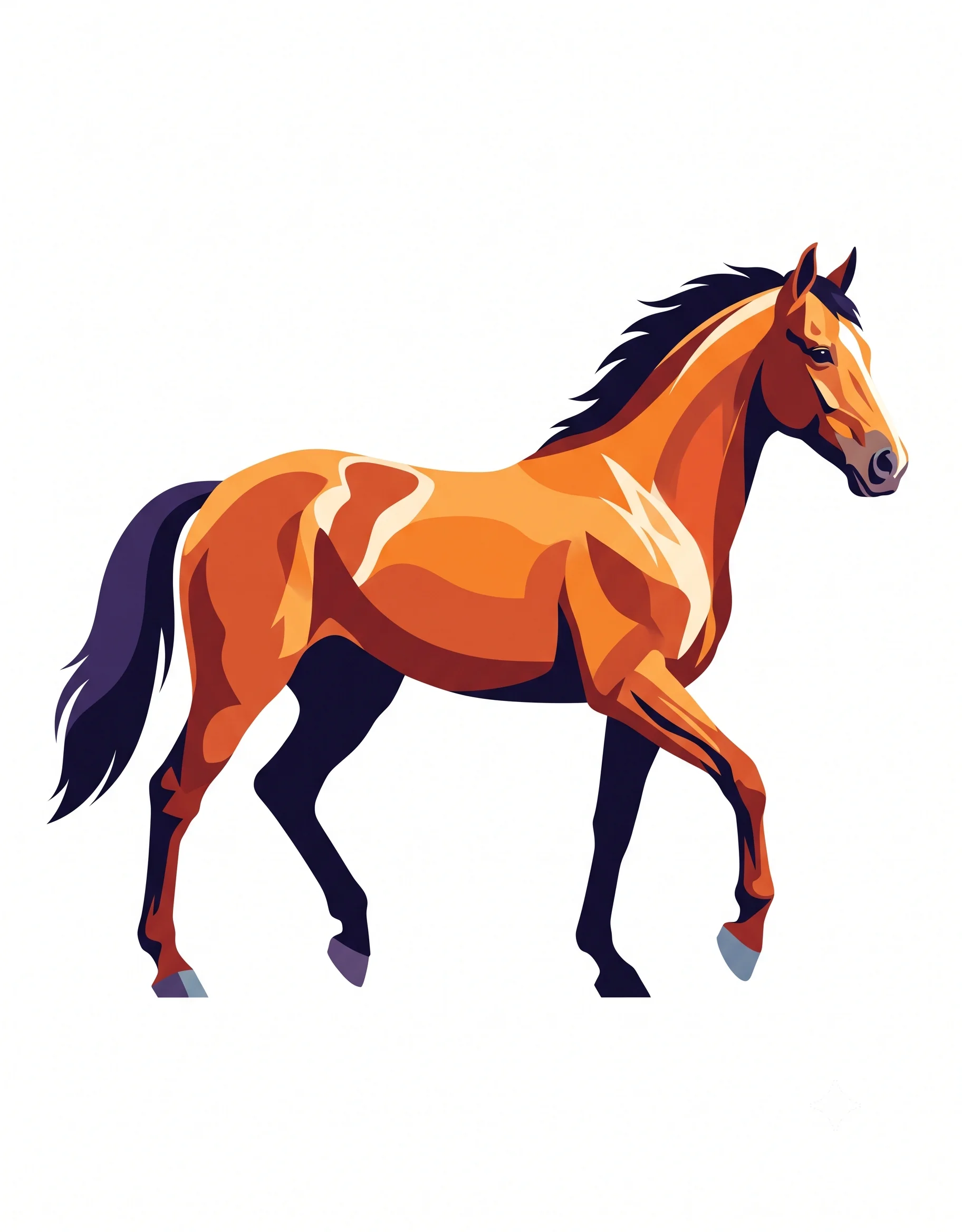
Original Image
Your starting image
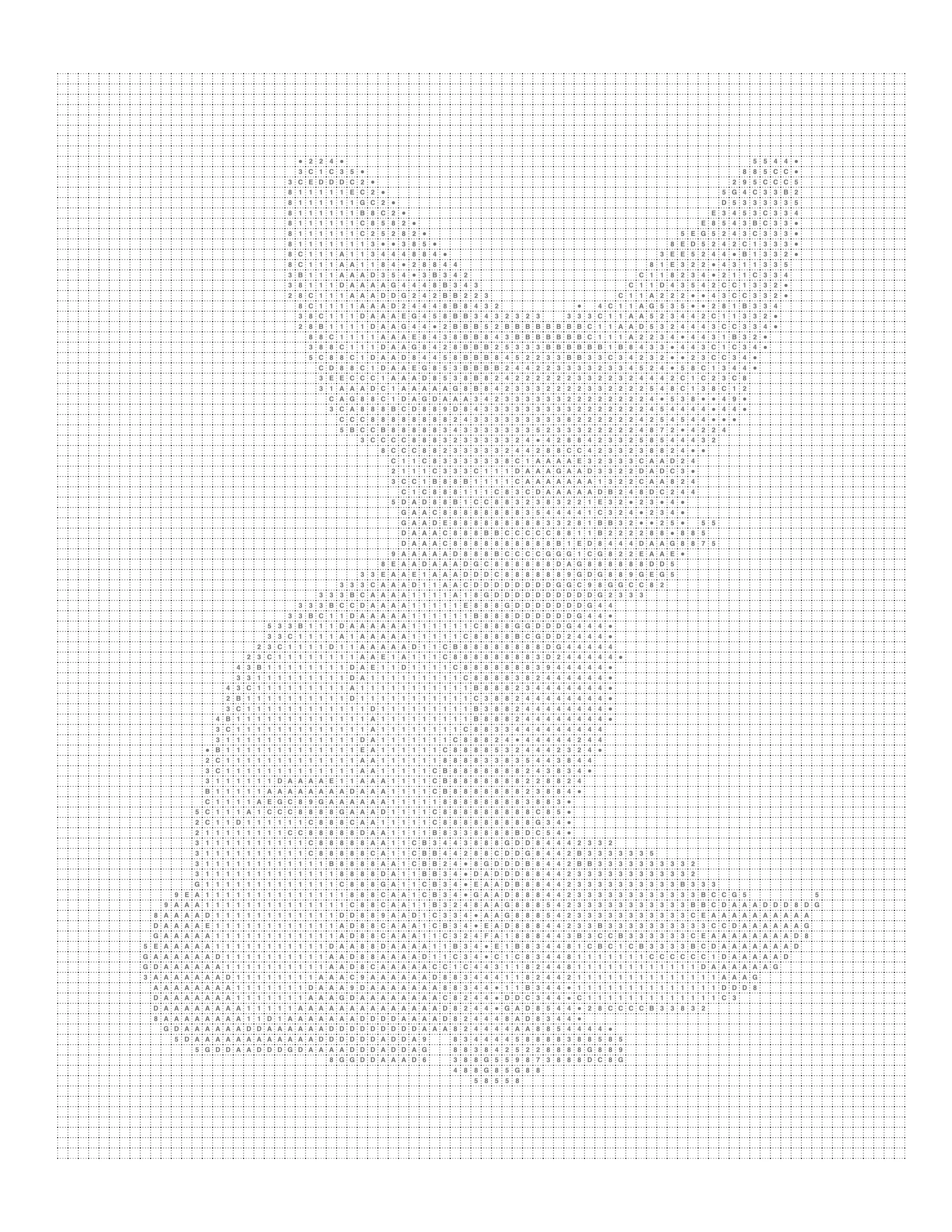
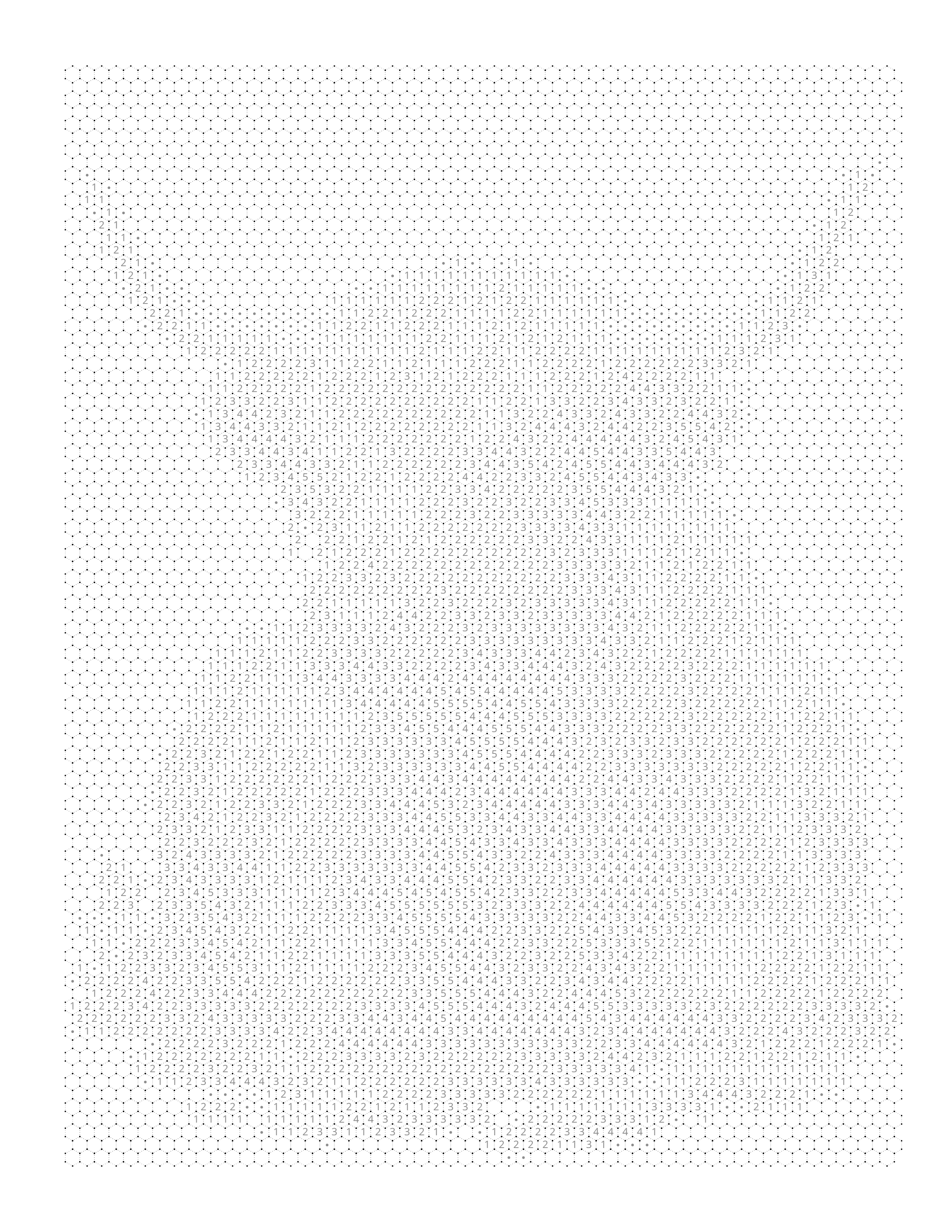
Printable Mark Page
Grid and codes, ready to color
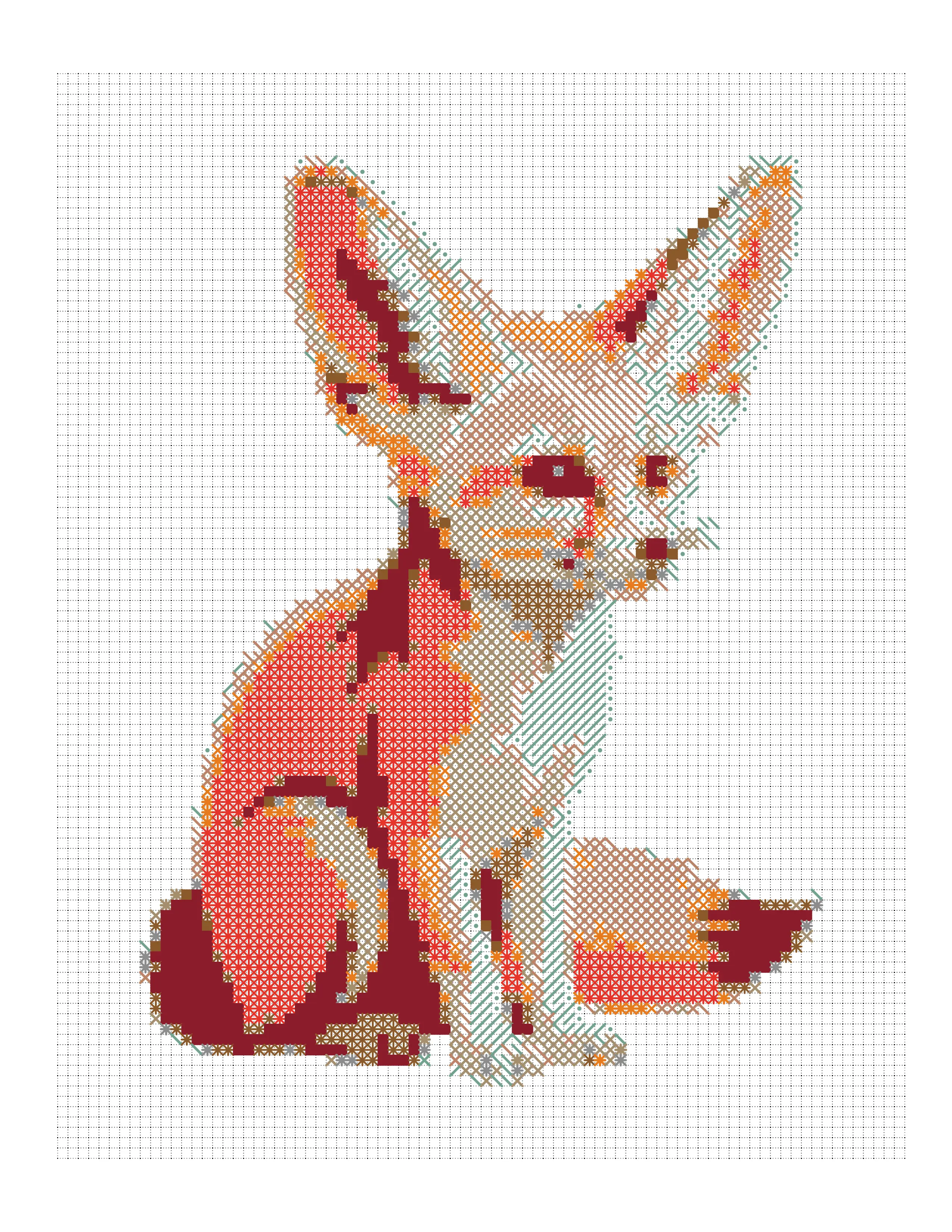
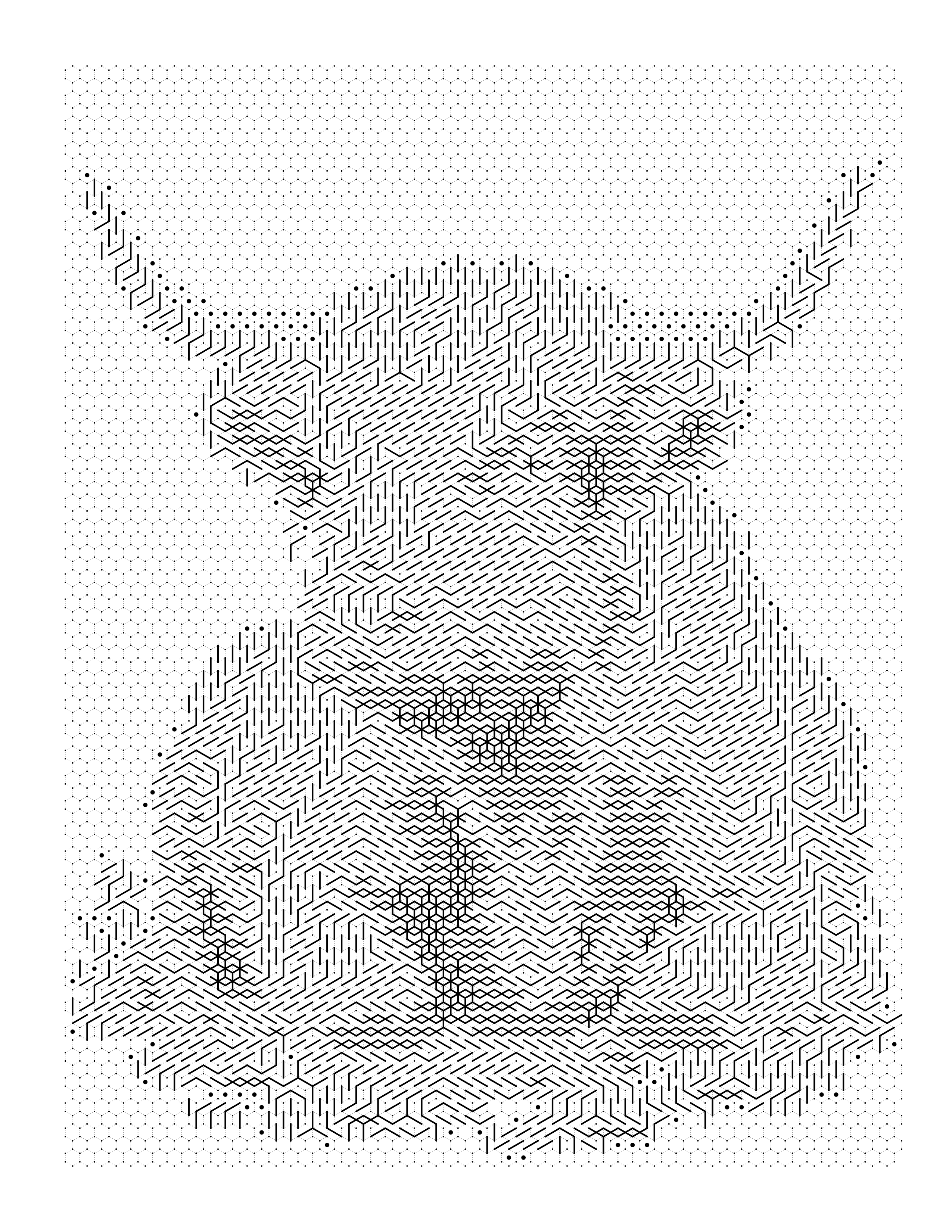
Colored Marks
Each mark drawn in its own color
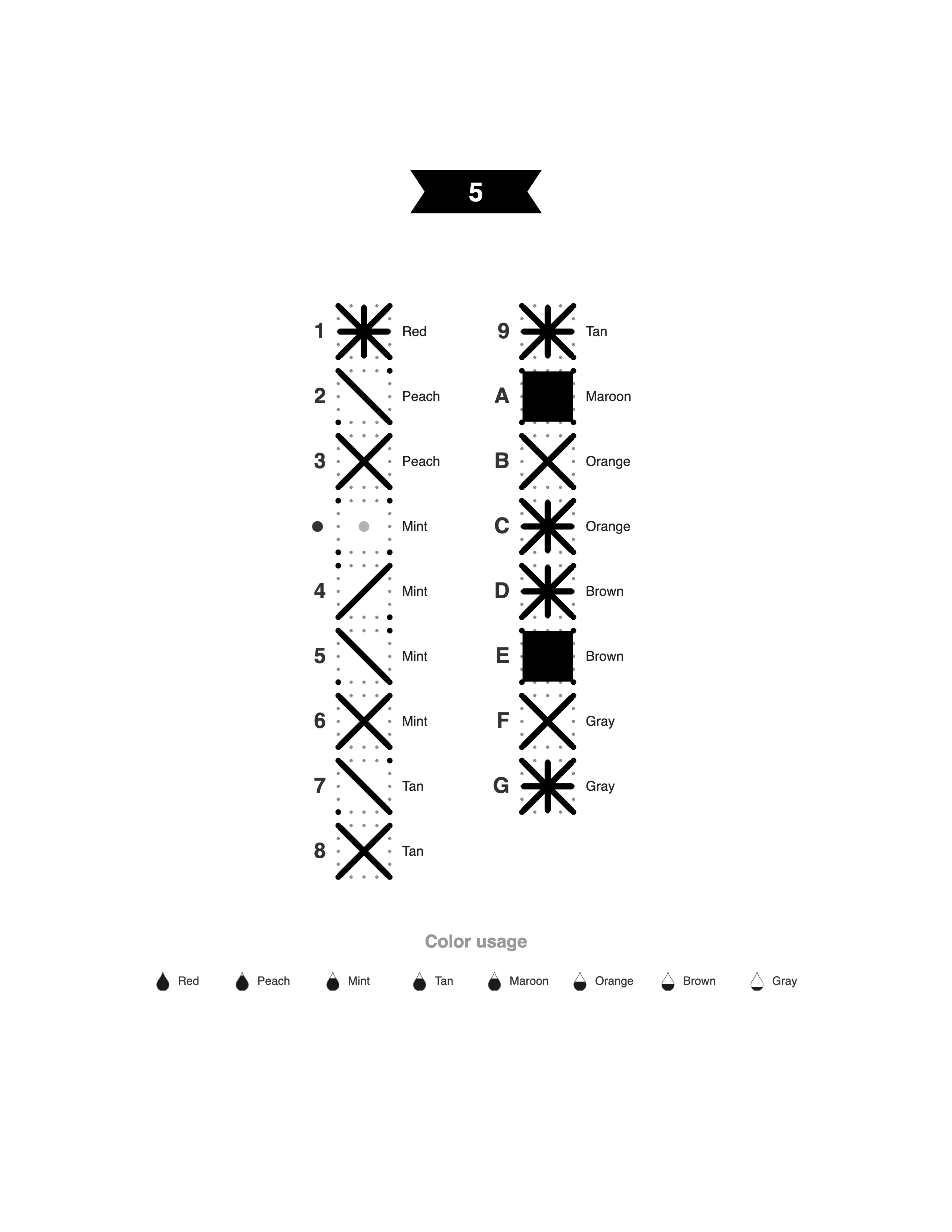
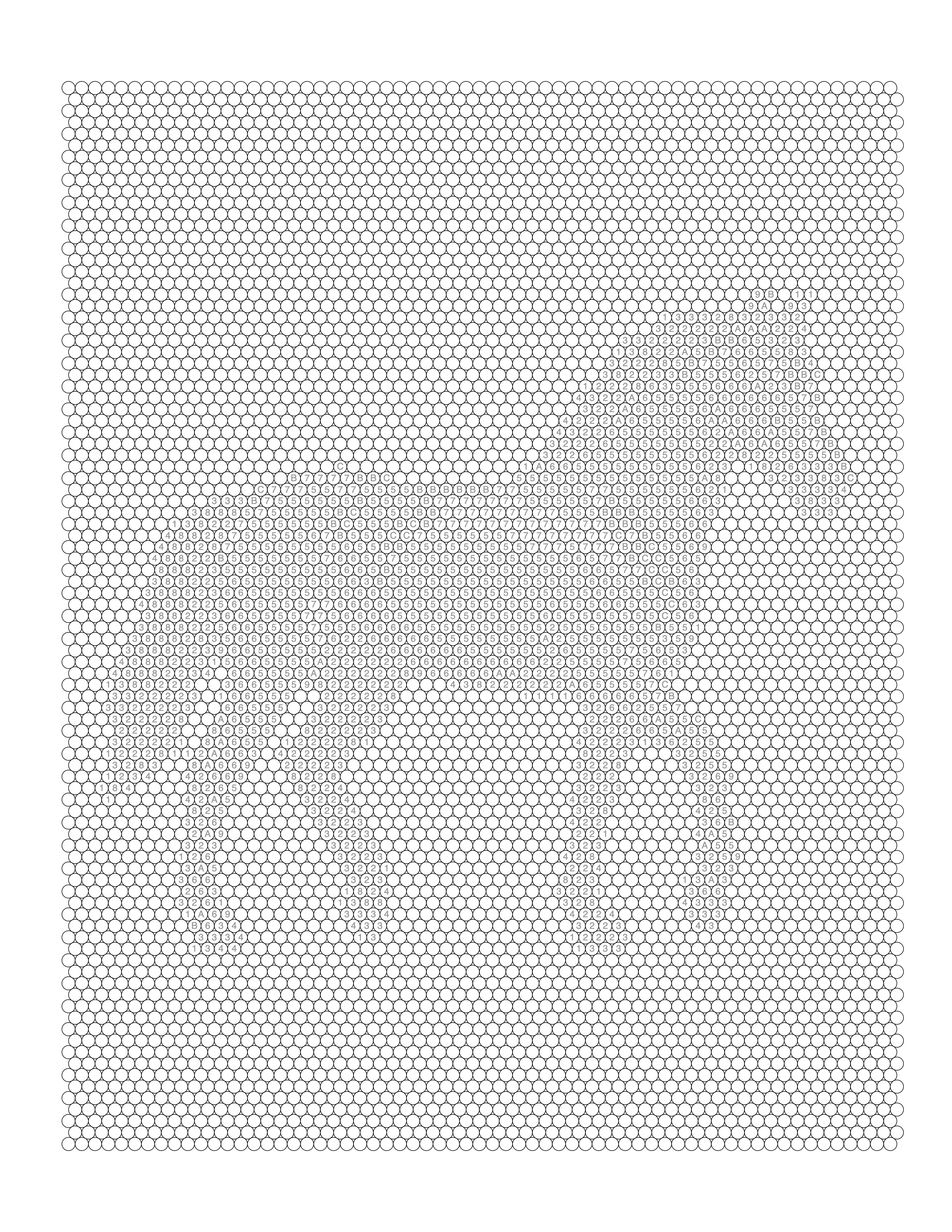
Mark Key
Symbol and color legend
About This Example
This Fennec Fox Colored Marks Coloring Page is a real-world example generated using Mosaci's photo-to-coloring-page converter. The original image was uploaded into Mosaci, which converted it to 17 mark codes drawn in 8 pen colors on a grid of cells, with a mark key suitable for printing.
What is this example?
A animals coloring page converted from a source image using Mosaci.
How was it created?
Uploaded to Mosaci → mark pattern with Use Colors on Marks → colored mark layout → PDF export.
What type of photo works best?
Clear subjects, good contrast, and a defined foreground. Most photos work well.
How It Was Created
Every gallery example follows the same four-step process you can use right now.
- 01
Upload Your Photo
Go to Mosaci Studio, create a free account, and upload a JPG, PNG or WebP image from your device. Every account gets 10 free credits each month.
- 02
Choose a Pattern and Palette
Pick a cell pattern and how many colors to reduce the image to. Conversion runs in your browser, and the image is not uploaded to a server.
- 03
Generate the Coloring Page
Preview the numbered page live. Adjust cell size and color count until the result is what you need.
- 04
Export Your Printable File
Download a high-resolution PDF ready for home printing, Amazon KDP, or Etsy digital downloads. See the license page for commercial-use terms.
More Animals Coloring Page Examples
Browse more examples from the animals collection.
Create something like this from your own photo
Upload any photo and Mosaci converts it into a printable, numbered color-by-number page. Free to try, no account needed.
No credit card · 10 free credits every month
Need dozens of pages like this? Convert a whole folder in one batch and export the set as a single print-ready PDF.
Frequently Asked Questions
Why does this page have fewer codes than the others?
The artwork uses a narrow, warm palette. Fewer distinct colors in the source means fewer codes are needed to reproduce it.
Is it suitable for beginners?
Yes. Eight pens and a compact key make it one of the easiest colored-marks pages to start with.
What is an animal coloring page?
It is a printable page built from a photo or illustration of an animal. Mosaci Studio reduces the source image to a limited colour palette and lays it out as a grid of cells: a color-by-number page numbers each cell and prints a matching colour key, while a mark-based page renders the same image with ink symbols — in black only, or with each mark drawn in its own pen color. Both print from a standard home printer.
Can I turn my own photo into an animal coloring page?
Yes. Upload your own photo or artwork, pick a cell pattern — square, hexagon, diamond, puzzle and several others — set how many colours to reduce to, and export the finished page. The examples in this gallery were made the same way.
Are these animal coloring pages free to print?
The gallery examples are free to browse and print for personal use. To generate pages from your own images, every Mosaci Studio account gets 10 free credits each month; credit packs are available when you need more.
What formats can I export animal coloring pages in?
Pages export as print-ready PDF or as high-resolution PNG. The PDF is the one to use for home printing and for print-on-demand platforms such as Amazon KDP or Etsy, where you should still check the finished file against that platform's current specifications before publishing.
Can I use these animal coloring pages commercially?
The gallery examples are for demonstration only. Pages you generate from images you own or are licensed to use may be used commercially under the Mosaci Studio licence — see the licence page for the full terms.
How pages like this are made
Best Photos for Color-by-Number Conversion
Which photos convert best into color-by-number and mark-based coloring pages — the CLEAR framework, plus the photo mistakes that ruin a conversion.
How Does Mosaic Coloring Work?
The step-by-step mechanics behind mosaic coloring — how a photo becomes a tile grid, how cells get their colors, and what controls detail level.
Pet Photo to Coloring Page: A Color-by-Number Guide
How to choose, crop and light a pet photo so it turns into a clear numbered color-by-number coloring page, with settings for fur, faces and backgrounds.