
Create KDP color-by-number books without Photoshop
Turn photos and illustrations into numbered coloring pages, build a complete interior in batches, and export print-ready files at the size Amazon expects.
No credit card · 10 free credits every month
Test a page from your book right now — free, no account
Upload a photo and use the real converter in your browser. Nothing is uploaded to a server — conversion runs on your machine.
JPG, PNG, or WebP · up to 12 MB
Processed in your browser, never uploaded
Use images you own or have permission to use
The preview is the real converter — switch patterns, zoom, and inspect the color key. Exporting a 300-DPI, KDP-ready PDF happens in the Studio, free with every account.
What is a KDP color-by-number book?
A KDP color-by-number book is a low-content paperback whose interior is a set of numbered coloring pages, each paired with a color key, usually with solution pages at the back. The work is rarely the concept — it is producing sixty to a hundred pages that share one visual style, sit correctly on the trim size, and print at a resolution the press will accept. Doing that by hand in an image editor takes days per book. Mosaci Studio does the conversion, numbering, color key and export in one batch, so the effort goes into choosing the images instead of processing them.
What publishers get out of it
- Pages render at 300 DPI on any KDP paperback trim size (8.5 × 11 in by default), with the DPI written into the file
- Batch a folder of images with one pattern, cell size and palette across the set
- Numbered cells generated against an automatic color key
- Solution pages produced alongside the numbered interior
- Export as PDF for upload, PNG per page, or ZIP for the whole batch
- 8 color mosaic patterns and 2 monochrome mark styles, so a catalog of books does not look repetitive
- Publish and sell what you make from images you hold the rights to
- 10 free credits every month — enough to test a style before committing to a book
From a folder of images to a book interior
- Step 1
Gather the images
Pick a theme and collect the photos or illustrations for it. This is the part that decides whether the book is good; everything after it is production.
- Step 2
Batch the conversion
Upload the folder and set the pattern, cell size and palette once. Those settings apply across the batch, which is what gives the interior a consistent look.
- Step 3
Export the interior
Pick your KDP trim size, then take the numbered pages and answer keys as a print-ready 300 DPI PDF — with bleed and a gutter margin set from your page count — and upload it to KDP as your interior file.
Who publishes with Mosaci
Publishers building a catalog
Produce a series in one style, then switch pattern for the next title so the books stay distinct without restarting the workflow.
First-time low-content authors
Test a theme with a handful of pages on the free credits before committing the time to a full interior.
Publishers with a backlog of images
If you already have the photos and not the hours, batch conversion processes the whole set with one set of settings in a single pass.
Etsy and print-on-demand sellers
The same export works as a digital download or a POD interior — the files are not locked to Amazon.
Questions about publishing on KDP
Can I publish color-by-number books made with Mosaci on Amazon KDP?
What page size and resolution does Mosaci export?
Does the PDF handle bleed and the gutter margin?
Can I convert a whole folder of images at once?
Does Mosaci produce the answer pages?
What do I need to make a color-by-number book?
Does Mosaci guarantee my book will be approved on KDP?
Related tools & guides
Color by Number Online
Color free color-by-number pages in your browser — phone, tablet or desktop, no sign-up.
Coloring Book Generator
Turn a whole folder of images into one print-ready book interior.
Color-by-Number Generator
Convert a single photo free, right in the browser, before starting a book.
Pricing
10 free credits every month. Buy more as a one-time purchase.
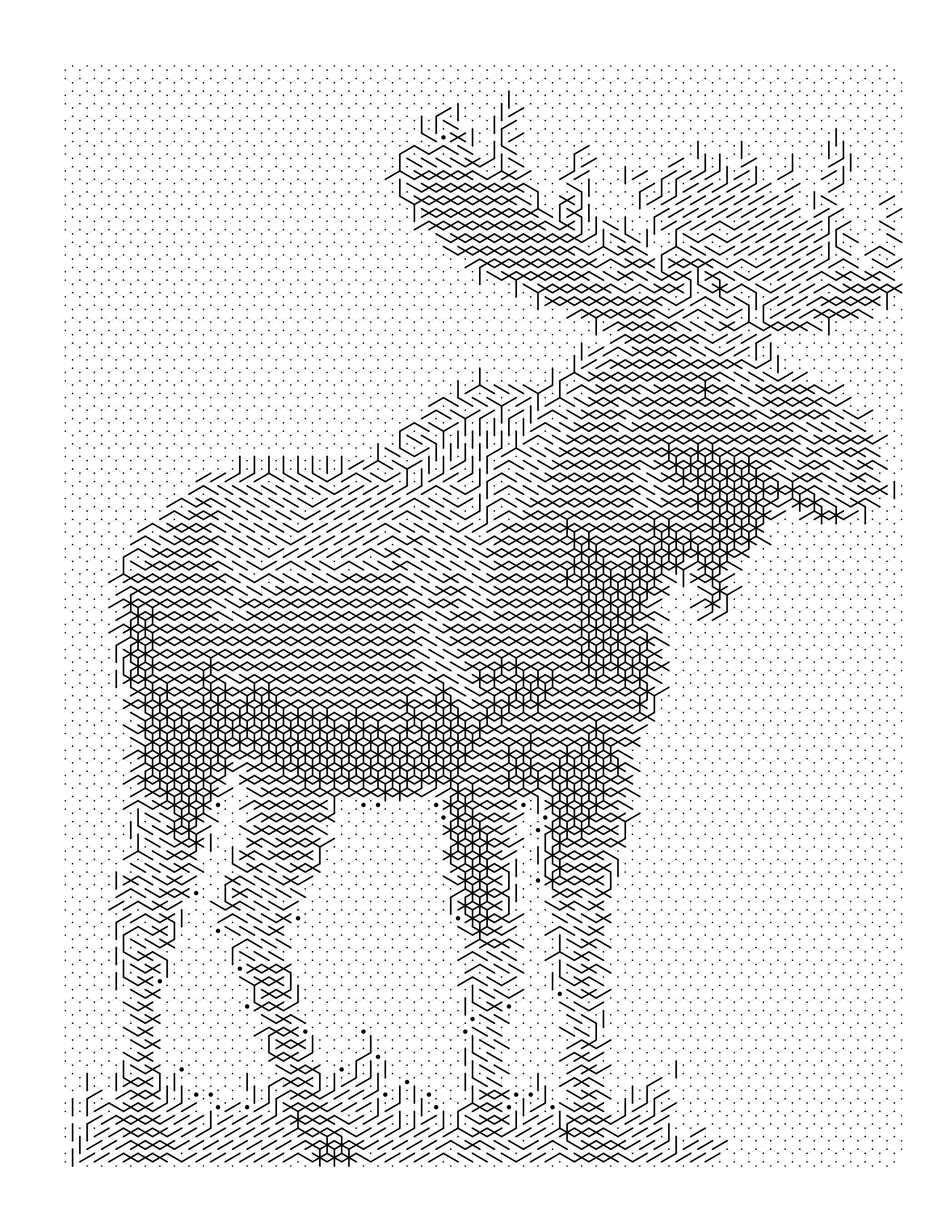
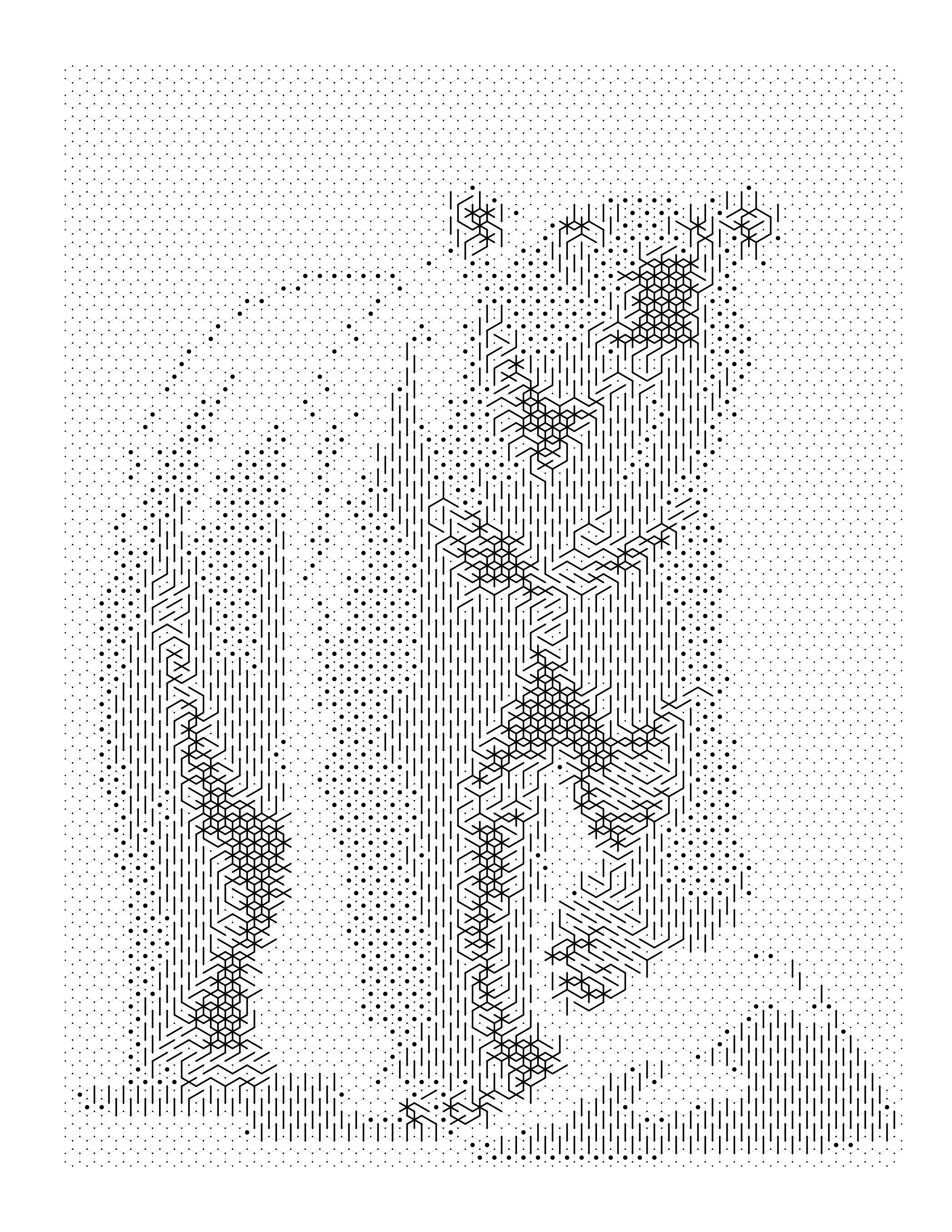
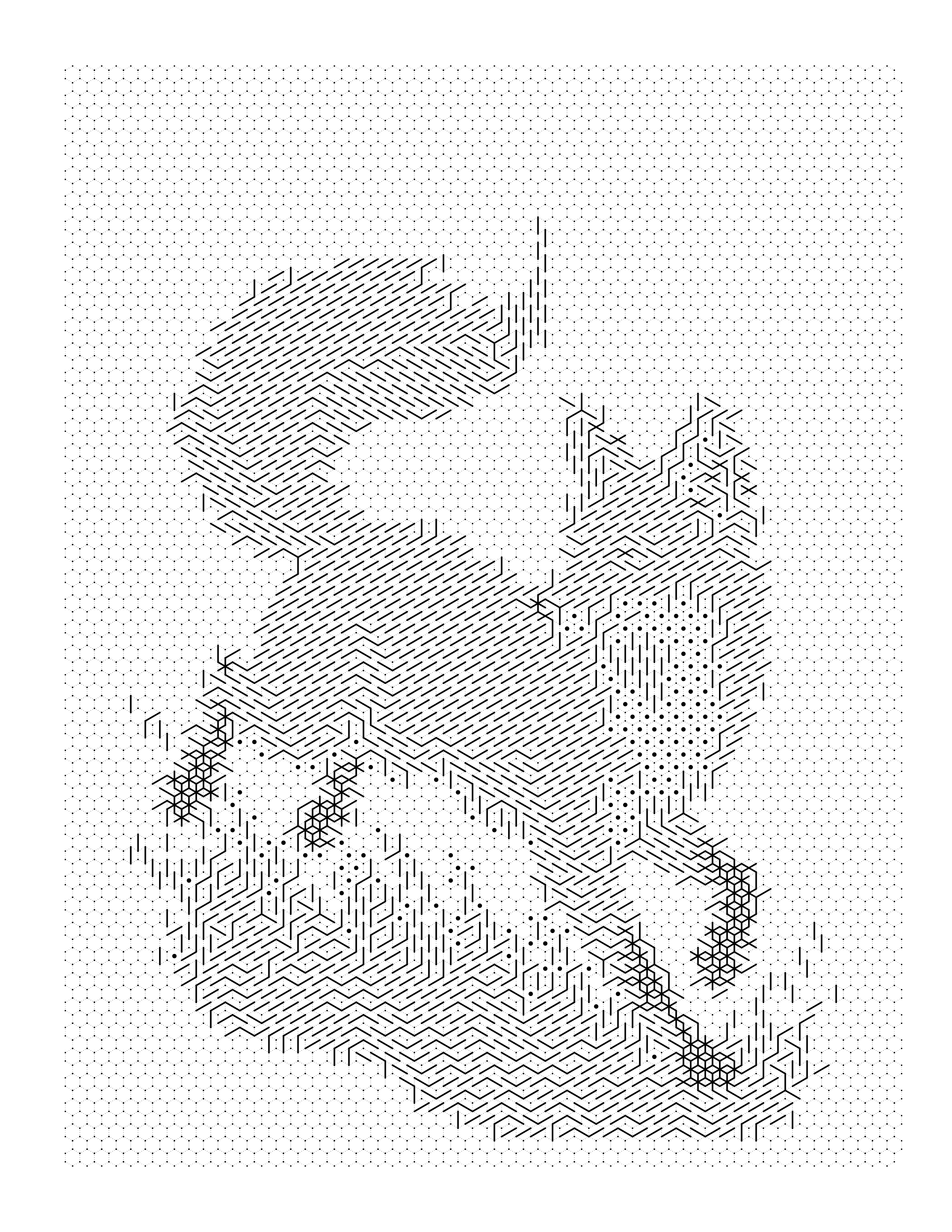
See it on a real photo
Each example shows the source image, the numbered page, the colored result and the color key made from it.
Browse the full gallery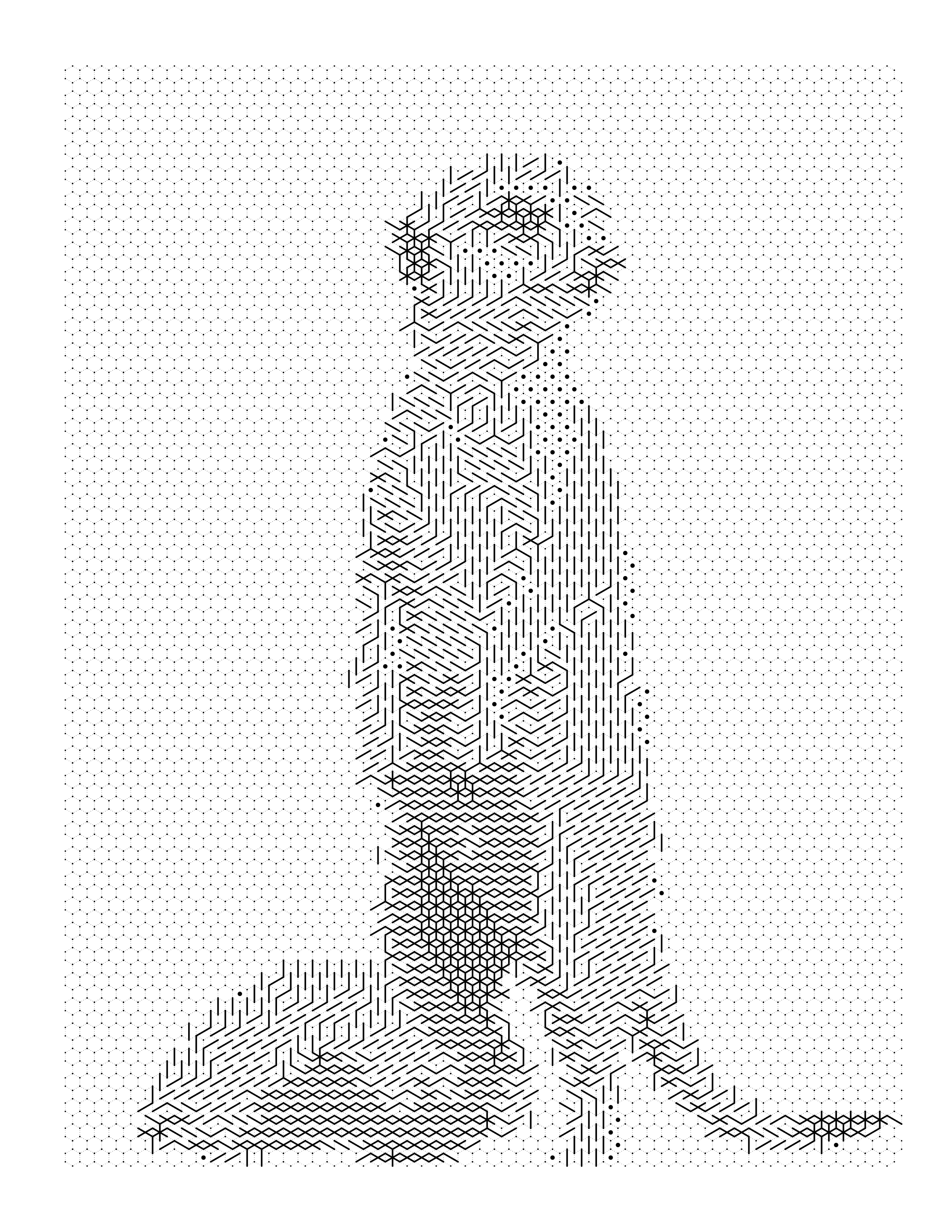
Guides on this
How to Create a Color by Number Book for KDP
A production guide for color-by-number books on KDP: locking one palette, numbering consistently, building answer keys, and doing the page-count arithmetic.
KDP Coloring Book Interior Specs and PDF Setup
KDP coloring book interior specs: trim size, bleed, margins by page count, 300 DPI pixel sizes, and PDF export settings, plus a pre-upload checklist.
Coloring Book Interior Design: Layout & Margins
How to build a professional coloring book interior — margins, bleed, image sizing, page order, front and back matter, and print testing.
How to Create a Coloring Book From Photos
The full workflow for turning a photo collection into a finished coloring book: selecting, converting, standardising, assembling, and preparing for KDP.
Start building your book interior
Convert a photo without an account to see the result. Creating one is free and takes a moment — it comes with 10 credits every month and no card.
Create Free