
Coloring book generator for print-ready interiors
Convert a folder of images once, with one style across the set, and export the interior as a single PDF at the size a printer expects.
Start with one page free. Build the book when the style is right.
Test a page from your book right now — free, no account
Upload a photo and use the real converter in your browser. Nothing is uploaded to a server — conversion runs on your machine.
JPG, PNG, or WebP · up to 12 MB
Processed in your browser, never uploaded
The preview is the real converter — switch patterns, zoom, and inspect the color key. Exporting a 300-DPI, KDP-ready PDF happens in the Studio, free with every account.
What is a coloring book generator?
A coloring book generator produces the interior file of a book rather than a single sheet. That means every image converted with the same pattern, cell size and palette; the pages laid out on one trim size at print resolution; the answer pages generated with them; and the whole set exported as one PDF ready to upload. The conversion of any one image is quick — what makes a book is that the sixtieth page looks like it came from the same hand as the first. Mosaci applies one set of settings across a batch, which is where that consistency comes from.
What makes a set of pages a book
- One pattern, cell size and palette applied across the whole batch
- Pages render at 8.5 × 11 in and 300 DPI, with the DPI written into the file
- Solution pages generated alongside the numbered interior
- Export the interior as one PDF, or per-page PNGs, or a ZIP of the batch
- Eleven patterns, including three monochrome mark styles for cheaper interiors
- Upload a folder at once rather than one image at a time
- Conversion runs in the browser — your images are never uploaded to a server
- A production service for the batches you do not want to run yourself
From an image folder to an interior PDF
- Step 1
Decide the book
A theme, a page count and a trim size. Everything downstream is production; this is the part that decides whether anyone wants the book.
- Step 2
Upload the image set
Bring in the folder in one go rather than converting images one at a time.
- Step 3
Set the style once
Pattern, cell size and palette are chosen for the batch, not per page — which is exactly what makes the finished set read as a single book.
- Step 4
Export the interior
Take the pages and answer keys as a print-ready PDF and upload it as your interior file, or sell it as a digital download.
Who builds books with Mosaci
Self-publishers
Produce a full interior without a designer, then change pattern for the next title so a series stays distinct.
Etsy and digital-product sellers
The same PDF works as a paid download; nothing about the export is tied to one store.
Publishers with a backlog
If the images exist and the hours do not, send the set to production and get a finished interior back.
Teachers and organisations
Build a themed booklet from your own photographs for a class, an event or a fundraiser.
Questions about making a coloring book
What does a coloring book generator actually do?
It takes a set of images and produces the interior of a book from them: every page converted the same way, numbered or marked consistently, laid out at one trim size and exported as a single print-ready PDF. The conversion is the easy half — the part that takes days by hand is making sixty pages look like they belong in the same book.
How many pages can one book have?
On a paid plan a PDF can run to 100 pages, and the Pro plan removes that ceiling. If you need more than one book at a time, our production service handles batches from around 50 pages to 500 or more.
Do I need design software?
No. Mosaci runs in the browser and exports at the size and resolution a print service expects, so there is no step in an image editor between the conversion and the upload.
Does it generate the answer pages?
Yes. Solution pages are produced alongside the numbered interior in the same pass, so the back matter of the book does not have to be assembled separately.
Can I sell the books I make?
Yes, provided you hold the rights to the source images. Interiors you generate are yours to publish and sell on Amazon KDP, Etsy or print-on-demand stores. The license page sets out the full terms.
Can I mix styles in one book?
You can, but a batch runs on one pattern, cell size and palette by design — that shared setting is what makes a set read as a book. Mixing styles is usually better handled as separate titles in a series.
Related tools & guides
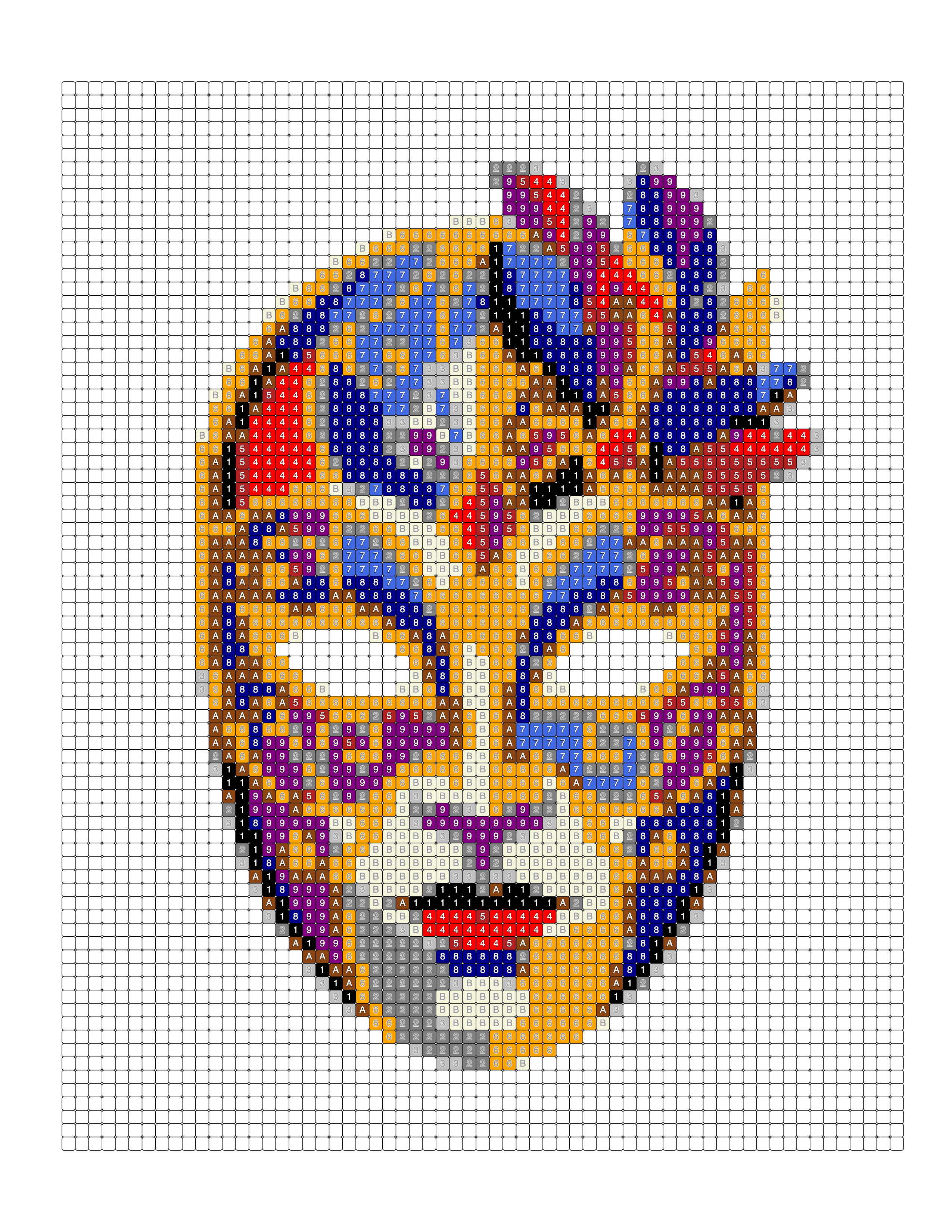
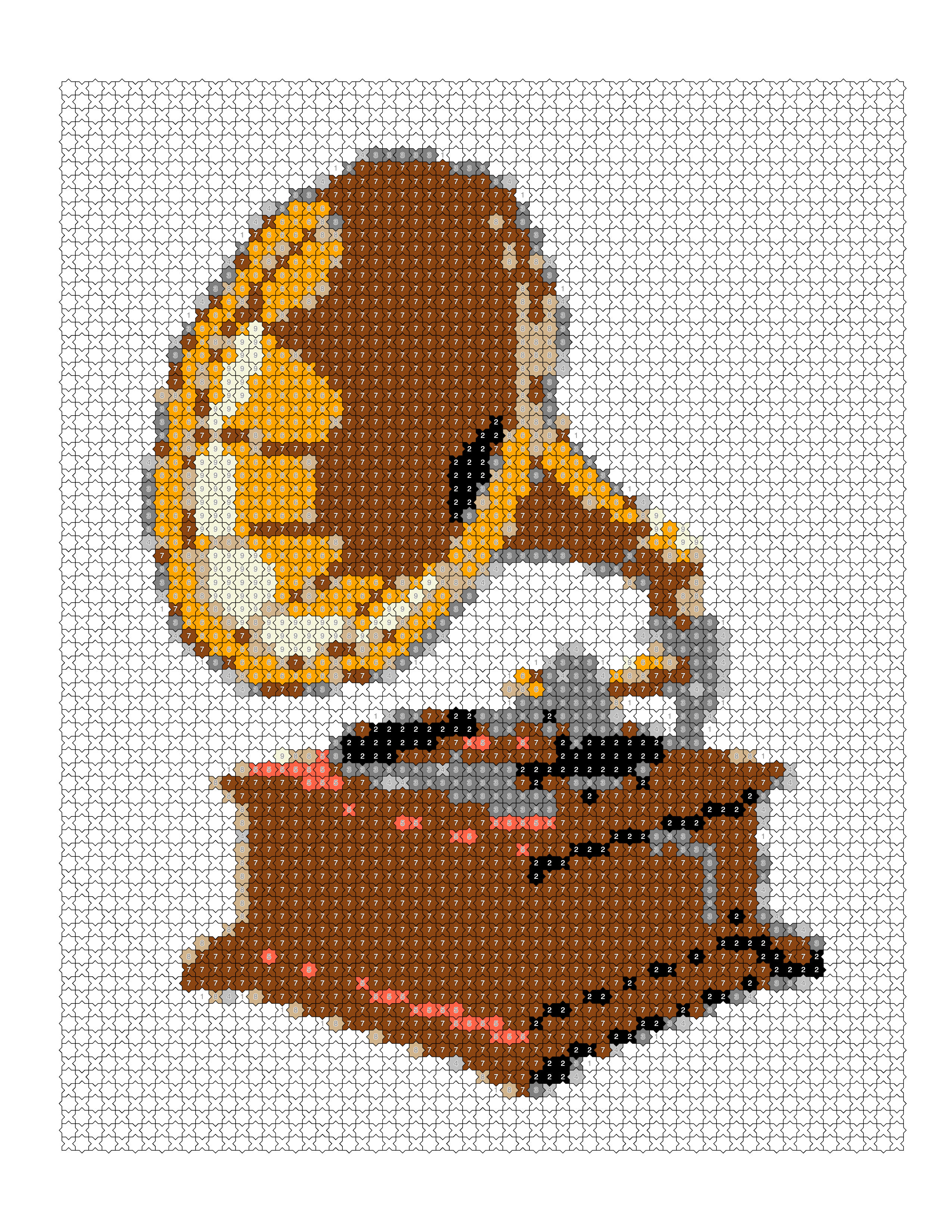
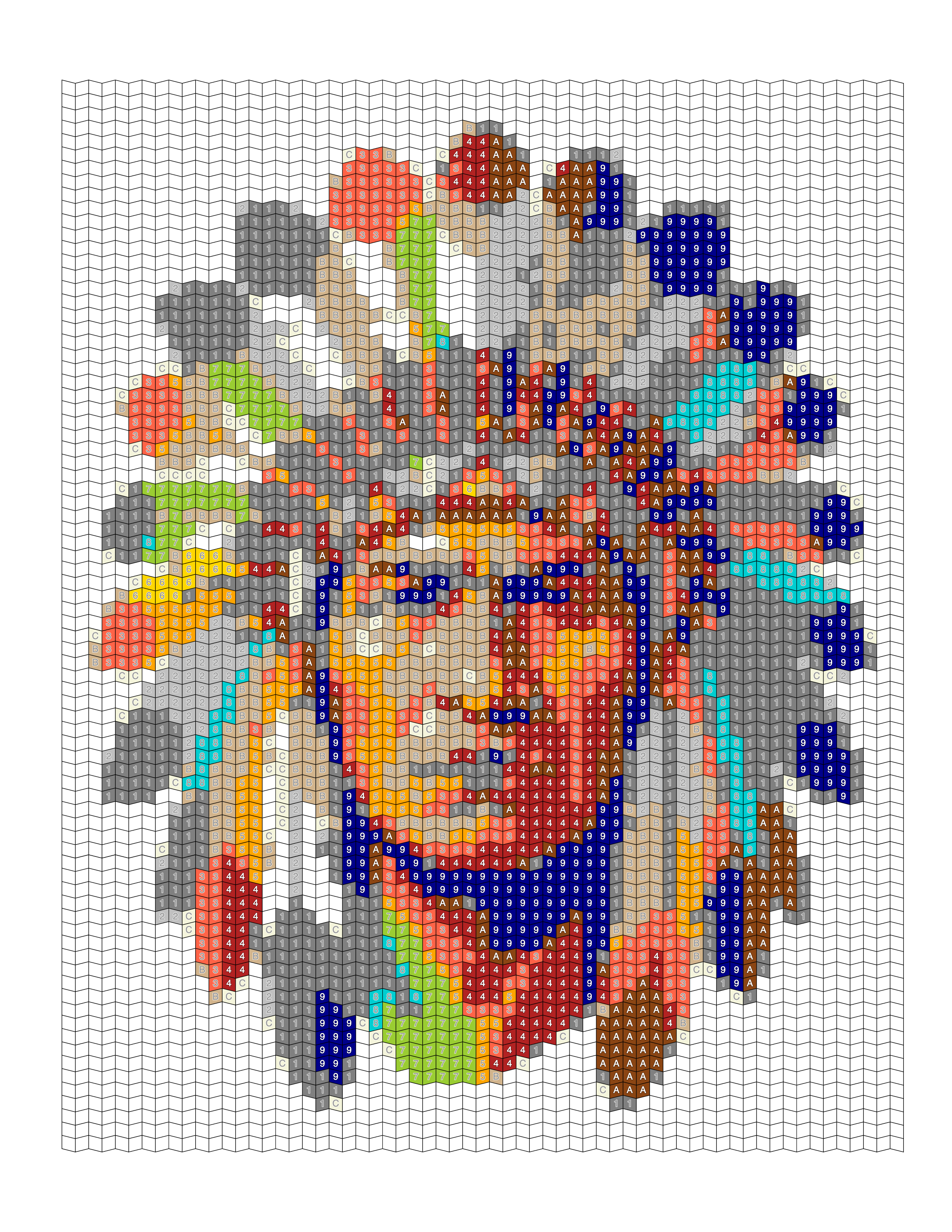
See it on a real photo
Each example shows the original photograph beside the outline, the colored render, and the palette pulled out of it.
Browse the full gallery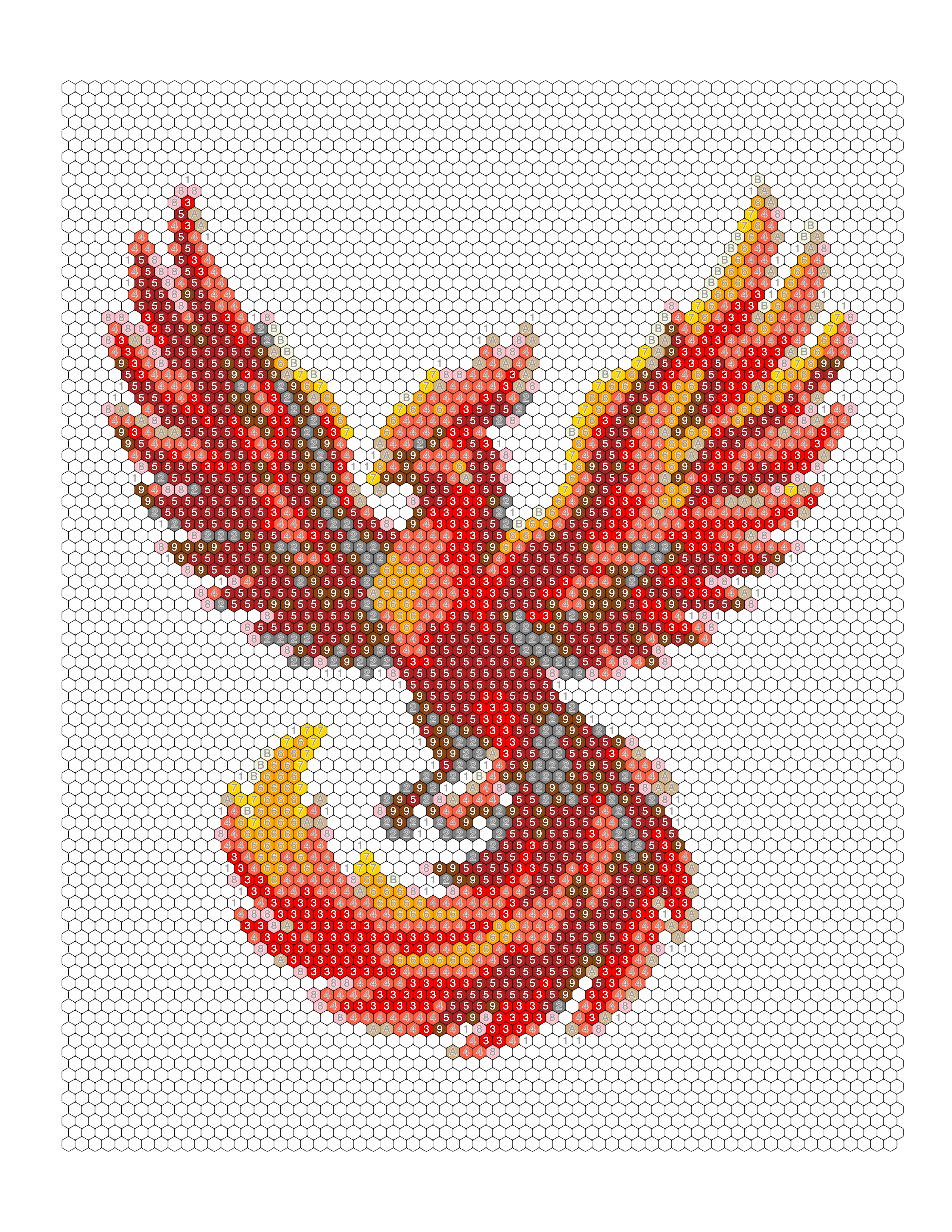
Guides on this
How to Create a Color by Number Book for KDP
A production guide for color-by-number books on KDP: locking one palette, numbering consistently, building answer keys, and doing the page-count arithmetic.
Coloring Book Interior Design: Layout & Margins
How to build a professional coloring book interior — margins, bleed, image sizing, page order, front and back matter, and print testing.
How to Create a Coloring Book From Photos
The full workflow for turning a photo collection into a finished coloring book: selecting, converting, standardising, assembling, and preparing for KDP.
Coloring Book Quality Control Checklist
A complete quality-control checklist for a coloring book before you publish — source images, page design, layout, file quality, and consistency.
Start your first book interior
Convert a photo without an account to see the result. Creating one is free and takes a moment — it comes with 10 credits every month and no card.
Create Free