
Make a custom color-by-number gift from your photo
Turn a pet, a portrait or a family shot into a page the recipient colors in themselves. Customize the pattern and palette, preview it, and download a printable page — made by you, in your browser.
No credit card · 10 free credits every month
Try it on your own photo right now — free, no account
Upload a photo and use the real converter in your browser. Nothing is uploaded to a server — conversion runs on your machine.
JPG, PNG, or WebP · up to 12 MB
Processed in your browser, never uploaded
Use images you own or have permission to use
The preview is the real converter — switch patterns, zoom, and inspect the color key. Exporting a 300-DPI, KDP-ready PDF happens in the Studio, free with every account.
What is a custom color by number?
A custom color-by-number is a coloring page made from one specific photograph rather than from stock artwork. The image is reduced to a small palette, divided into cells, and each cell is numbered against a color key, so coloring it in gradually rebuilds the original picture. Because the source is personal — a pet, a wedding, a house, a face — the finished page works as a gift in a way a generic coloring page does not, and as a custom order if you sell them. The conversion is the same one behind every page in the Mosaci Studio gallery, and you run it yourself: upload, adjust, generate, download.
What you get from one photo
- Works from a photo you already have — no illustration needed
- Pets, portraits, family photos, weddings, houses and landscapes
- Printable at 300 DPI in 8.5 × 11 in or any KDP trim size, with a matching color key
- A colored reference page so you can see the finished result
- Convert and preview free — a credit is spent only on download
- Pattern, cell size and palette are in your hands
- Make custom orders yourself from photos your customers supply and permit you to use
- Browser-based — nothing to install
How to make your custom page
- Step 1
Pick the photo
Choose a shot where the subject fills a good part of the frame and the light is reasonably even, and make sure you have permission from anyone pictured. That choice decides most of how the page turns out.
- Step 2
Upload and customize
Drop it into the tool on this page and adjust the pattern, cell size and palette until the preview looks right.
- Step 3
Download, print and color
Download the numbered page, the color key and the colored reference, sized for the page you pick (US letter by default) at print resolution.
What people make gifts from
Personalized gifts
A wedding photo, a first house or a family shot turned into something the recipient finishes themselves — birthdays, anniversaries, Christmas.
Pet portraits
The most requested subject by some distance. A close-up of the face, in focus, converts into a page that is recognisably that animal.
Custom orders you fulfil yourself
Offer personalized pages as a product, made by you from photos your customers supply and permit you to use. When orders grow, batch conversion handles a folder at once.
Memorial and keepsake pages
A photograph of someone or something no longer around, made into a page worth spending hours on.
Questions about custom gifts
Can I make a color-by-number from my own photo?
What kind of photo works best?
Does it work for pet portraits?
Can I try it before paying?
What do I receive?
How do I make a personalized color-by-number gift?
Do I need permission to use a photo of someone else?
Can I make custom pages for customers?
Can I sell pages made from my photos?
Related tools & guides
Color by Number Online
Color free color-by-number pages in your browser — phone, tablet or desktop, no sign-up.
Color-by-Number Generator
The general-purpose tool behind these pages — any photo, any use.
Gallery
Real pages generated with Mosaci — see what different subjects and patterns look like.
Monochrome Color by Number
The single-color version — marks instead of a palette, image hidden until you work it.
See it on a real photo
Each example shows the source image, the numbered page, the colored result and the color key made from it.
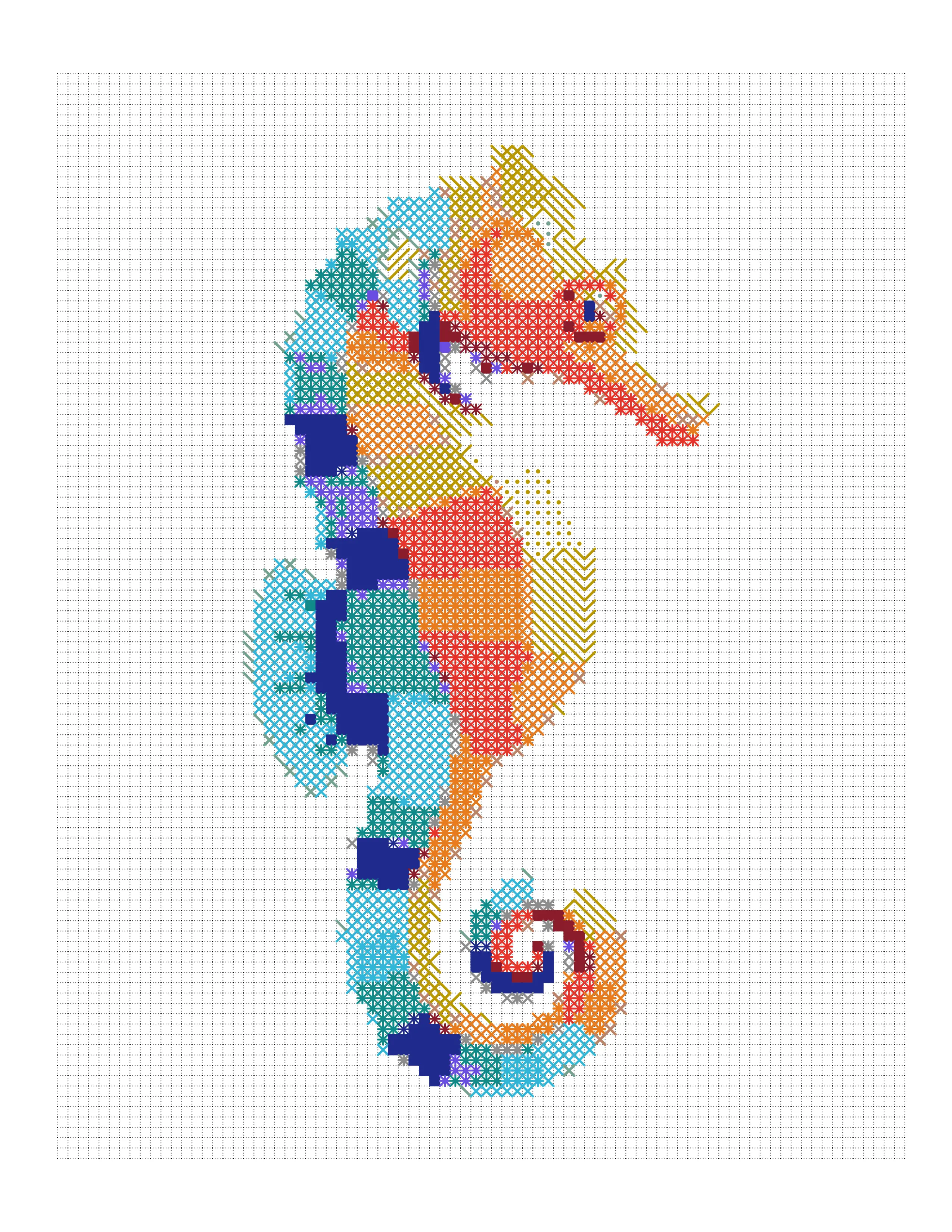
Seahorse Colored Marks Coloring Page
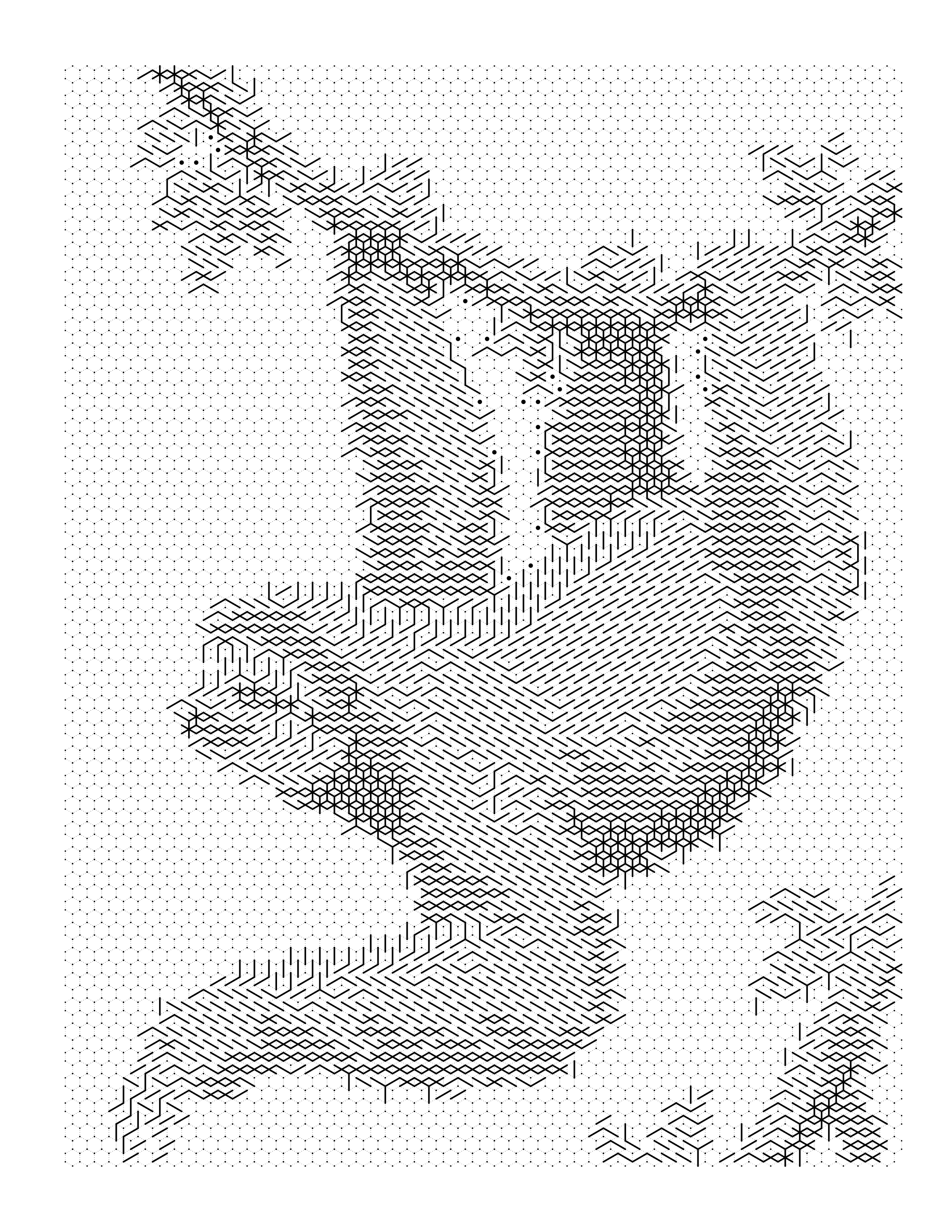
Three-Toed Sloth Coloring Page
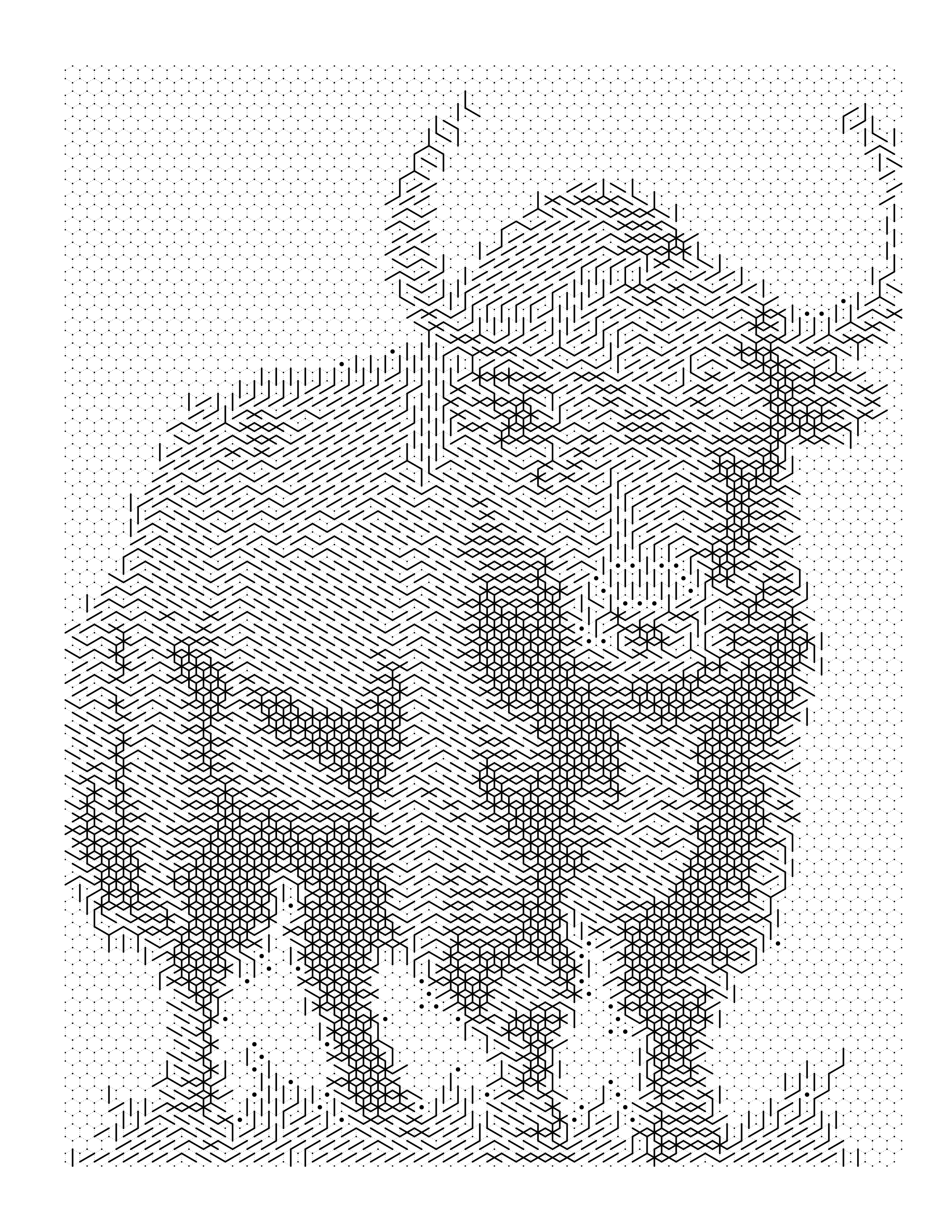
Yak Coloring Page
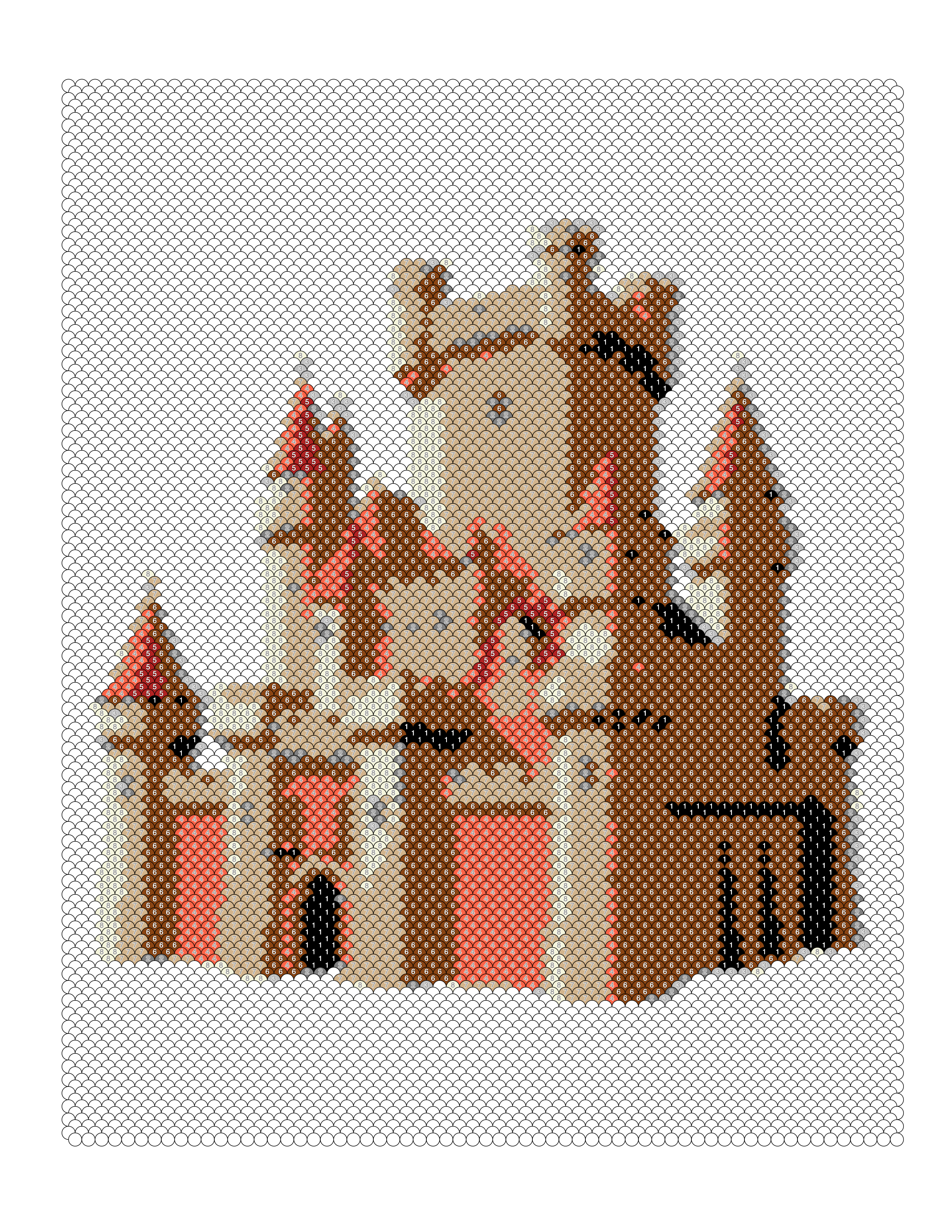
Castle Color-by-Number — Fish Scale Pattern
Guides on this
How to Turn a Family Photo Into a Coloring Page
Turn a family photo into a coloring page as a numbered color-by-number grid: choosing, cropping and lighting group photos so every face stays distinct.
How to Turn a Wedding Photo Into a Coloring Page
Turn a wedding photo into a coloring page as a numbered color-by-number keepsake: handling white dresses, dark suits, bouquets and busy ceremony backdrops.
Pet Photo to Coloring Page: A Color-by-Number Guide
How to choose, crop and light a pet photo so it turns into a clear numbered color-by-number coloring page, with settings for fur, faces and backgrounds.
How to Turn a Landscape Photo Into a Coloring Page
Turn a landscape photo into a numbered mosaic coloring page: pick a focal point, tame the sky, and choose a palette and cell size for mountains, water and trees.
Turn your photo into a gift
Convert a photo without an account to see the result. Creating one is free and takes a moment — it comes with 10 credits every month and no card.
Create yours free