
Quick answer
A family photo can become a coloring page in Mosaci, but it helps to know what kind of page you get. Mosaci does not trace outlines. It reduces the photo to a limited palette and lays it out as a grid of empty cells, each holding the number of its color. Nobody is drawn on the page: the family appears only as the cells are colored in. Traditional outline coloring pages, the kind you fill with any colors you like, are a different format. This guide covers the numbered-page workflow, and why a family photo needs a little more planning than a single portrait.
Key Takeaways
- A family photo is converted the same way as any photo: color quantization into 4–23 colors (default 12), laid out as a numbered cell grid.
- Every person shares the same grid. Each face needs enough cells across it to stay recognizable.
- When people overlap and wear similar tones, their cells get the same numbers and they merge into one shape.
- Even lighting keeps one face from collapsing into a single dark color while another washes out to the lightest one.
- A plain background keeps cells and palette colors on the people instead of the clutter behind them.
How a Family Photo Becomes a Numbered Page
Mosaci reads the pixel colors of the image, groups them into the number of colors you choose, and assigns each cell of the grid the color closest to that part of the photo. The output is a set of pages: the numbered coloring page, a filled color-by-number preview, and a palette page that serves as the color key. You can pick from 8 color mosaic patterns and 2 monochrome mark styles, so the cells can be squares, hexagons, trapezoids and other shapes.
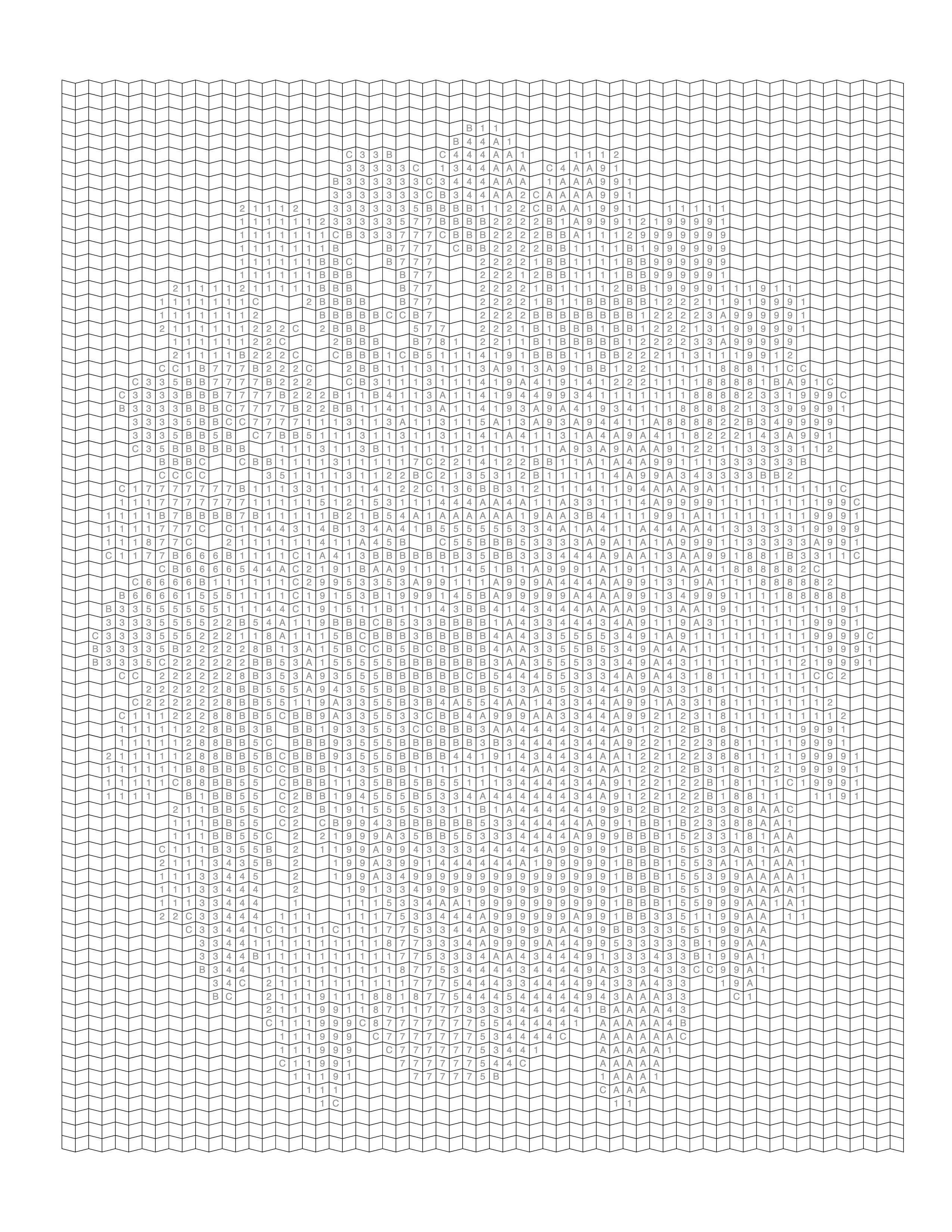
Nothing in that process knows where one person ends and the next begins. Two people only stay separate on the page if their colors differ enough to fall into different palette colors. That is the main thing to plan for with a family photo.
What Makes a Family Photo Different?
A portrait or pet photo has one subject, and the whole grid goes to it. A family photo splits the same grid across everyone in the frame. With four people side by side, each face gets roughly a quarter of the width, and so a quarter of the cells across.
More people doesn't automatically mean a worse result. Four people standing slightly apart, evenly lit and facing the camera, often convert better than one portrait shot in bad light. What matters is how many cells each face gets and whether neighboring people separate in the palette.
Choosing the Right Family Photo
Source Photo Quality
Poor Source
Good Source
Ask three questions: is everyone's face visible, is the lighting even across the group, and is there a little background, or a clear change in tone, between each person? A photo that passes all three usually beats a higher-resolution photo that fails one.
Avoid photos where someone is mid-blink, turned away, or partly hidden behind another person's head. At cell scale a half-hidden face turns into a few cells of skin tone and stops being recognizable.
Common Problems With Family Photos
| Problem | Effect on the numbered page | Fix |
|---|---|---|
| Overlapping shoulders in similar clothing | Neighbors share the same numbers and merge into one shape | Choose a frame with gaps, or one where clothing tones differ |
| Uneven lighting | A shaded face collapses into one or two dark colors | Choose a photo with consistent light across the group |
| Busy background | Background takes cells and palette colors away from people | Crop tighter or choose a plainer setting |
| Small group in a large frame | Each face gets only a few cells | Crop in so the group fills the frame |
| Someone looking away | That person is hard to recognize in the grid | Choose another frame from the same session |
How to Prepare the Photo
Crop away empty space around the group so the family fills most of the frame, without cutting off heads or hands. Every bit you crop gives more cells to the people. Then check each face on its own: a photo can look well lit overall while one person sits in deeper shadow.
Straightening a tilted horizon and correcting a strong yellow or blue cast also helps. A color cast pulls skin, clothing and background toward the same hue, which means fewer distinct palette colors are left for the people.
Step-by-Step Workflow in Mosaci
Photo → Color by Number
- Select the photo with the best mix of visible faces, even lighting, and separation between people.
- Crop to remove extra background while keeping everyone's head and shoulders in frame.
- Correct exposure and color so no one is much darker or lighter than the rest of the group.
- Upload it to the Photo to Coloring Page Converter and pick a color pattern.
- Set the color count and cell size. Start at the default 12 colors; move toward 16–20 if faces and clothing blend together. Use a smaller cell size for larger groups.
- Review the preview, checking that every face still reads as a separate person.
- Export the print-ready PDF (300 DPI, 8.5 × 11 in) with the numbered page, preview and color key.
Handling Multiple Faces
Each face gets fewer cells than a solo portrait would, so eyes and expressions simplify to a few cells of tone. That is an expected trade-off. What you can control is cell density: a smaller cell size (the range is 12–36) puts more cells across each face. Patterns with smaller, tighter shapes, such as Trapezoid or Hexagon, tend to hold facial detail better than large squares. The guide to making color by number more detailed covers these settings.
If one person should be the most recognizable, a grandparent or a new baby, crop tighter around them or choose a photo where they stand slightly in front.
Handling Clothing and Fine Details
Plaid, prints, jewelry and small accessories reduce to their dominant color, because a cell can hold only one number. That is usually fine. What matters more is that each person's clothing lands in a different palette color from the person beside them. Matching outfits, everyone in white shirts or navy sweaters, make a family harder to separate on the grid, unless there is background between them.
Simplifying the Background
A plain wall, a solid backdrop, or a softly blurred outdoor scene works well. Avoid strong shapes and colors near head height: a doorway, a patterned curtain, a passer-by. They take cells right where faces need them, and their colors can use up palette slots the family needs.
Color Patterns or Mark Styles?
Color patterns produce a full-color result. Mark styles, such as Square Mark or Hexagon Mark, render tone with ink marks in a single pen, so the color count does not apply to them. Either way, the page costs 1 credit when you download it. For a family photo where telling people apart depends on clothing and skin colors, a color pattern is usually the safer starting point. See the mosaic pattern guide for how the patterns differ.
Common Mistakes
The most common mistake is choosing the most meaningful photo over the most convertible one. A candid moment with someone's face half turned away won't hold up as well as an ordinary posed photo where every face is visible. A close second is not cropping tightly enough, which leaves cells on empty background instead of on people.
Printable Quality Checklist
- Every face is visible and evenly lit
- Neighboring people differ in tone or have background between them
- Background is plain, blurred, or cropped out
- The group fills most of the frame
- In the preview, each face is still recognizable at the chosen cell size
Example: The Three Pages
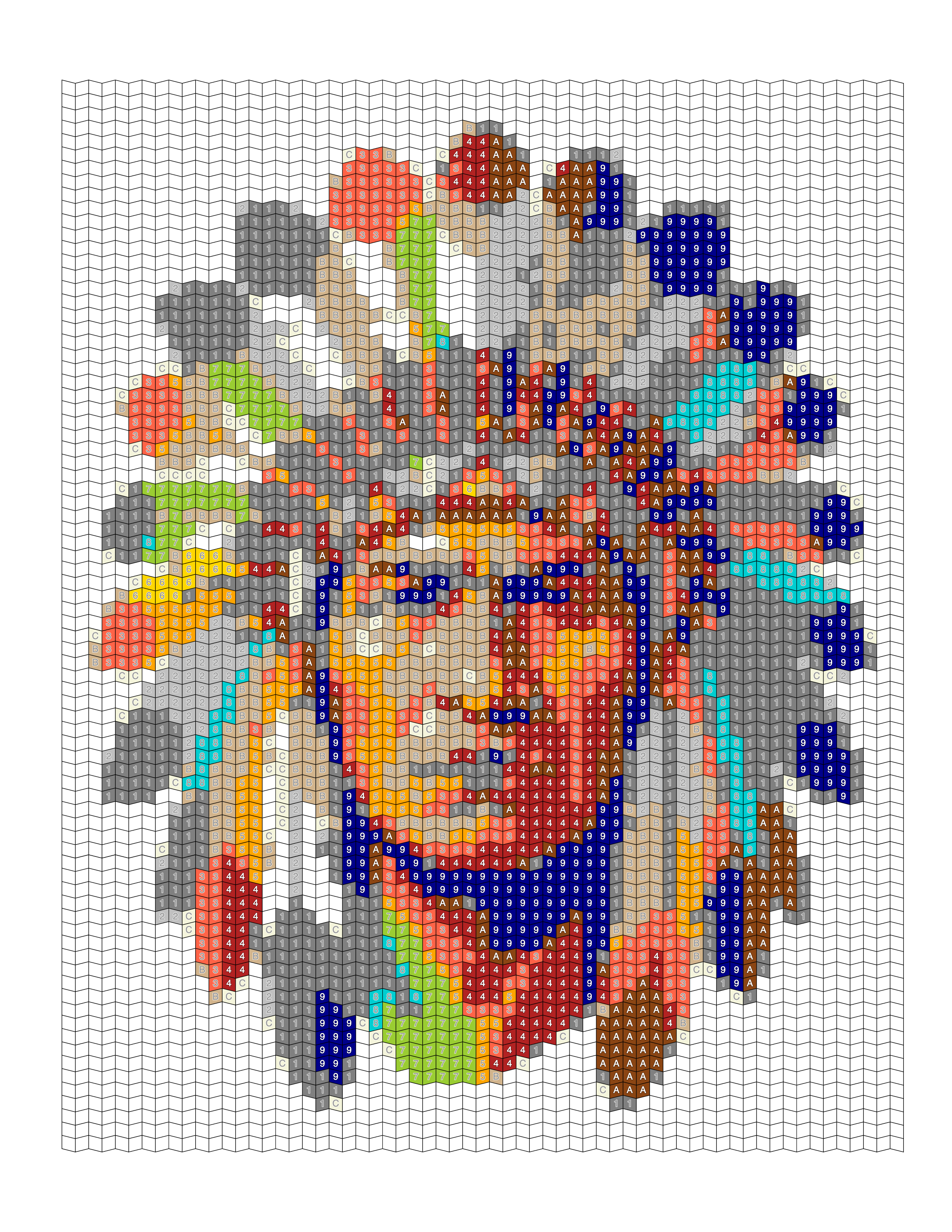
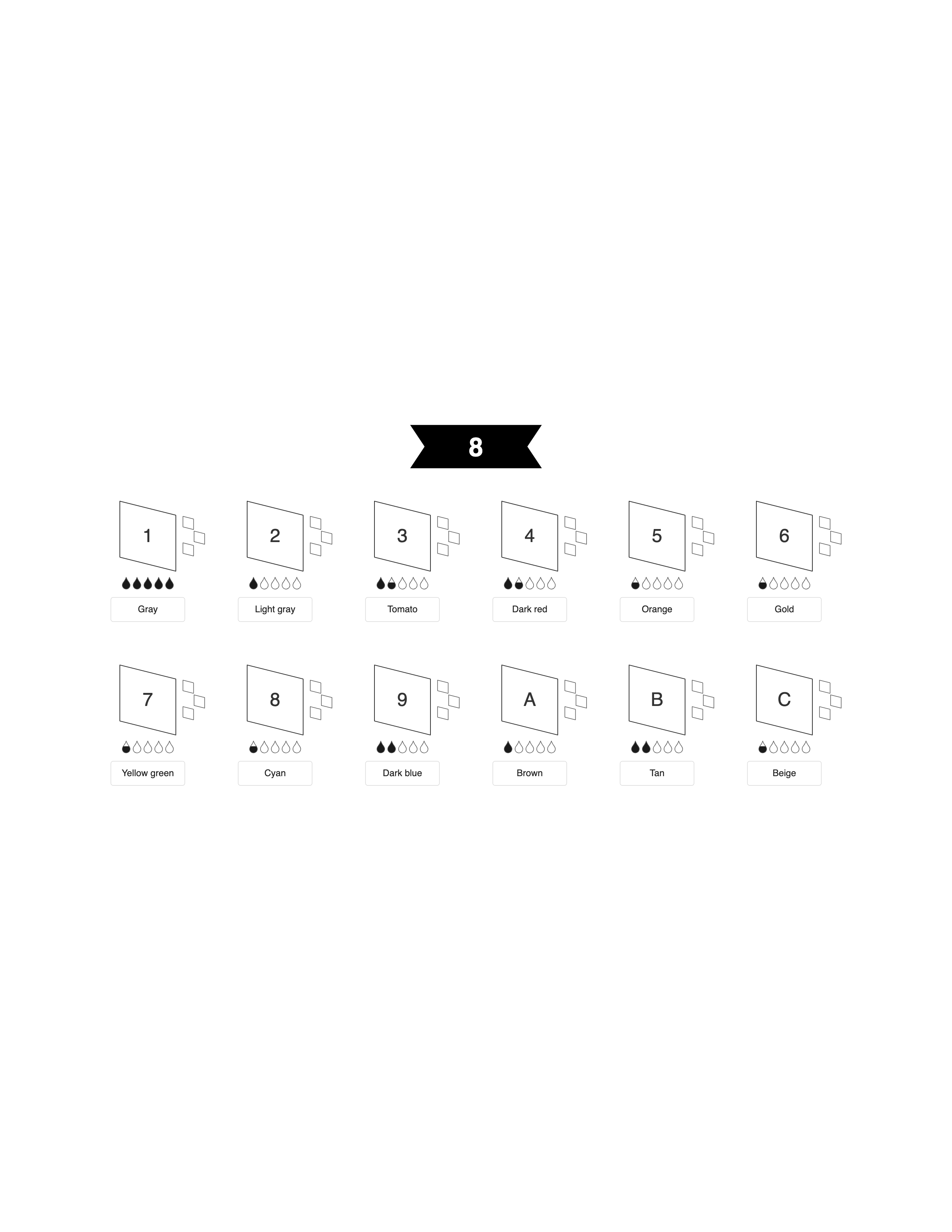
These examples come from a portrait illustration in the Mosaci gallery, not a family photo, but they show the three pages you get for any image: the numbered grid, the filled preview, and the color key. With a family photo, each person ends up as a cluster of numbered cells, and the preview is the place to check that nobody has merged into their neighbor.
Frequently Asked Questions
Conclusion
A family photo works as a coloring page in Mosaci when every person gets enough cells and their own range of colors. Choose a photo where faces are visible and evenly lit, crop so the group fills the frame, and adjust color count and cell size until everyone stays distinct in the preview. The rest is the same process as any photo to coloring page conversion. For a personalized page, try the custom color by number tool.
Mosaci is free to start: every account gets 10 free credits per month. Try the Photo to Coloring Page Converter or the Color-by-Number Generator.
Related Articles
Printable quality checklist
- Each person is separated from the next by background or a clear change in tone
- Lighting is even across every face
- Faces are turned toward the camera
- Background is plain, blurred, or cropped out
- The group fills most of the frame, so each face gets enough cells
Key takeaways
- Mosaci turns a family photo into a numbered cell grid, a filled preview and a color key, not an outline drawing.
- Everyone shares the same grid, so each face needs enough cells across it to stay recognizable.
- Overlapping people in similar tones get the same color numbers and merge into one shape.
- Even lighting stops a shaded face from collapsing into one dark color.
- A plain background keeps cells and palette colors on the people.
- Smaller cell sizes and tighter patterns such as Trapezoid or Hexagon preserve more facial detail in larger groups.
Frequently asked questions
Does Mosaci turn a family photo into an outline drawing?
No. Mosaci produces a numbered mosaic coloring page: a grid of empty cells, each holding the number of its color, plus a filled preview and a color key. The family appears as the cells are colored in. Traditional outline coloring pages are a different format that Mosaci does not create.
How many people can be in a family photo and still convert well?
There's no hard limit, but everyone shares the same grid. Two to four people usually work well. Larger groups need a tight crop and a smaller cell size so each face still gets enough cells to be recognizable.
What if people in the photo are overlapping?
Overlap is mainly a problem when the people wear similar colors. Their cells then get the same numbers and the two people merge into one shape. A small gap of background, or clothing in different tones, keeps them separate.
Which settings help with a large group?
Use a smaller cell size so more cells fit across each face, and try a tighter pattern such as Trapezoid or Hexagon. If faces and clothing blend together, raise the color count from the default 12 toward 16 to 20.
Can I convert a photo with kids and adults together?
Yes. Height differences aren't a problem. The issue is only when a shorter person is partly hidden behind a taller one. As long as each face is visible, mixed heights work normally.
What if one person's face is partly in shadow?
That face may collapse into one or two dark colors and lose its features. Brighten the shadow before uploading, crop tighter, or choose another frame from the same session.
Should I remove the background entirely?
You don't have to, but a plain or blurred background works better. A busy background takes cells away from the faces and can use up palette colors the family needs.
Is a posed studio photo or a candid photo better?
Posed photos are usually more predictable because everyone faces the camera in even light. Candid photos can work if faces are visible and lighting is consistent.
Related tools
Written by
Mosaci Studio TeamThe team behind Mosaci Studio
Mosaci Studio is built to help KDP publishers, Etsy sellers, and hobby artists turn photos into print-ready coloring pages without any design experience.
Published Sep 4, 2026 · Updated Oct 14, 2026