
Feathered Headdress Portrait — Trapezoid Pattern
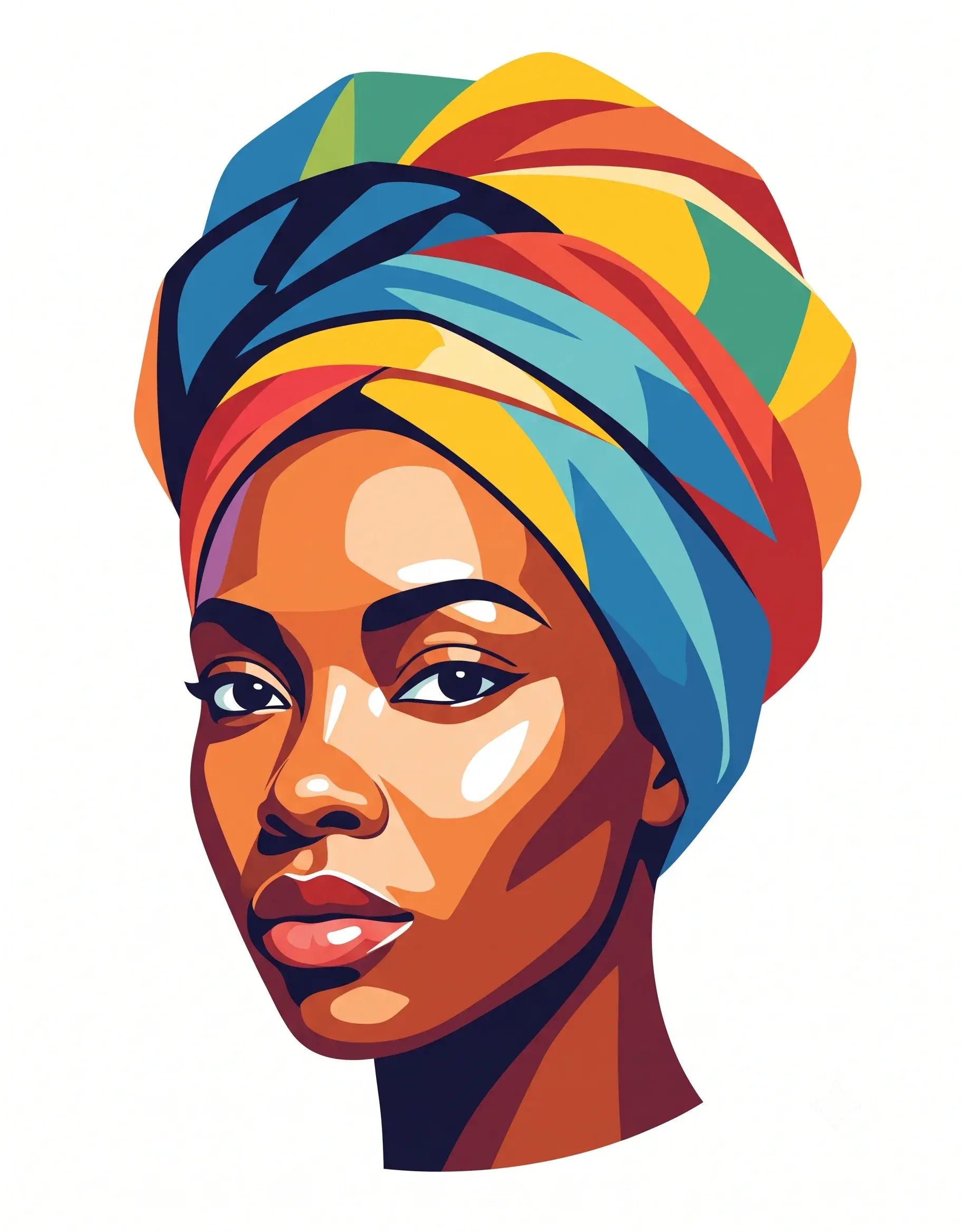
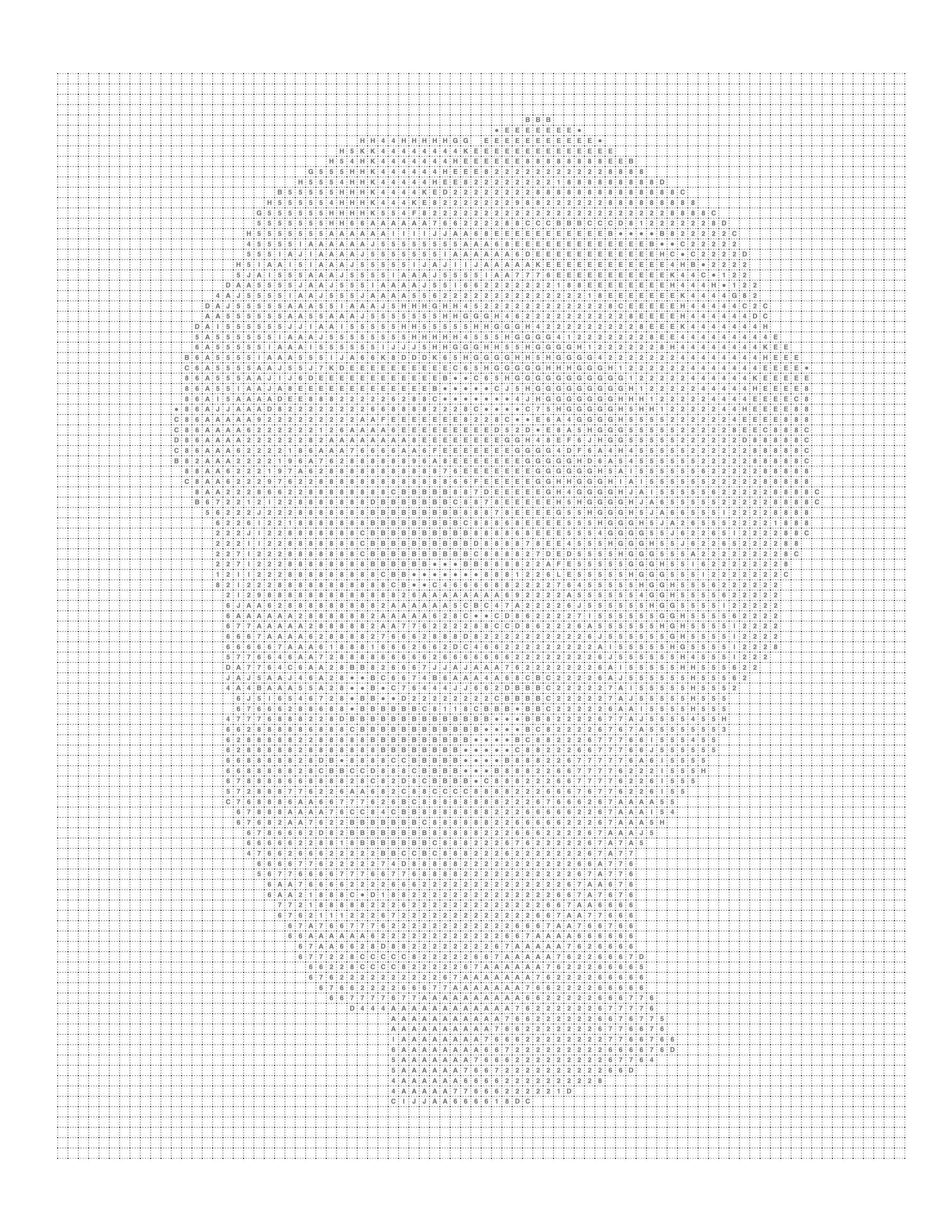
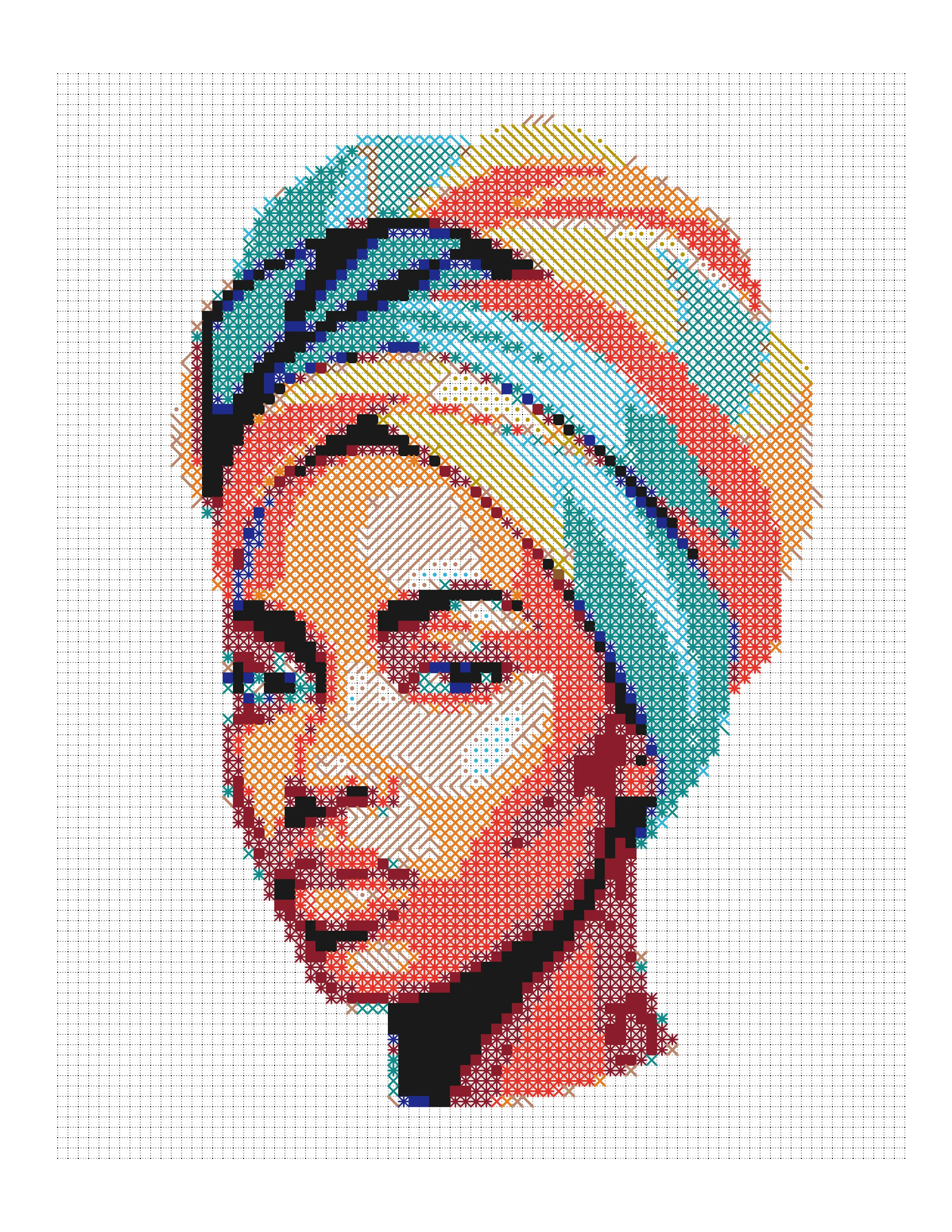
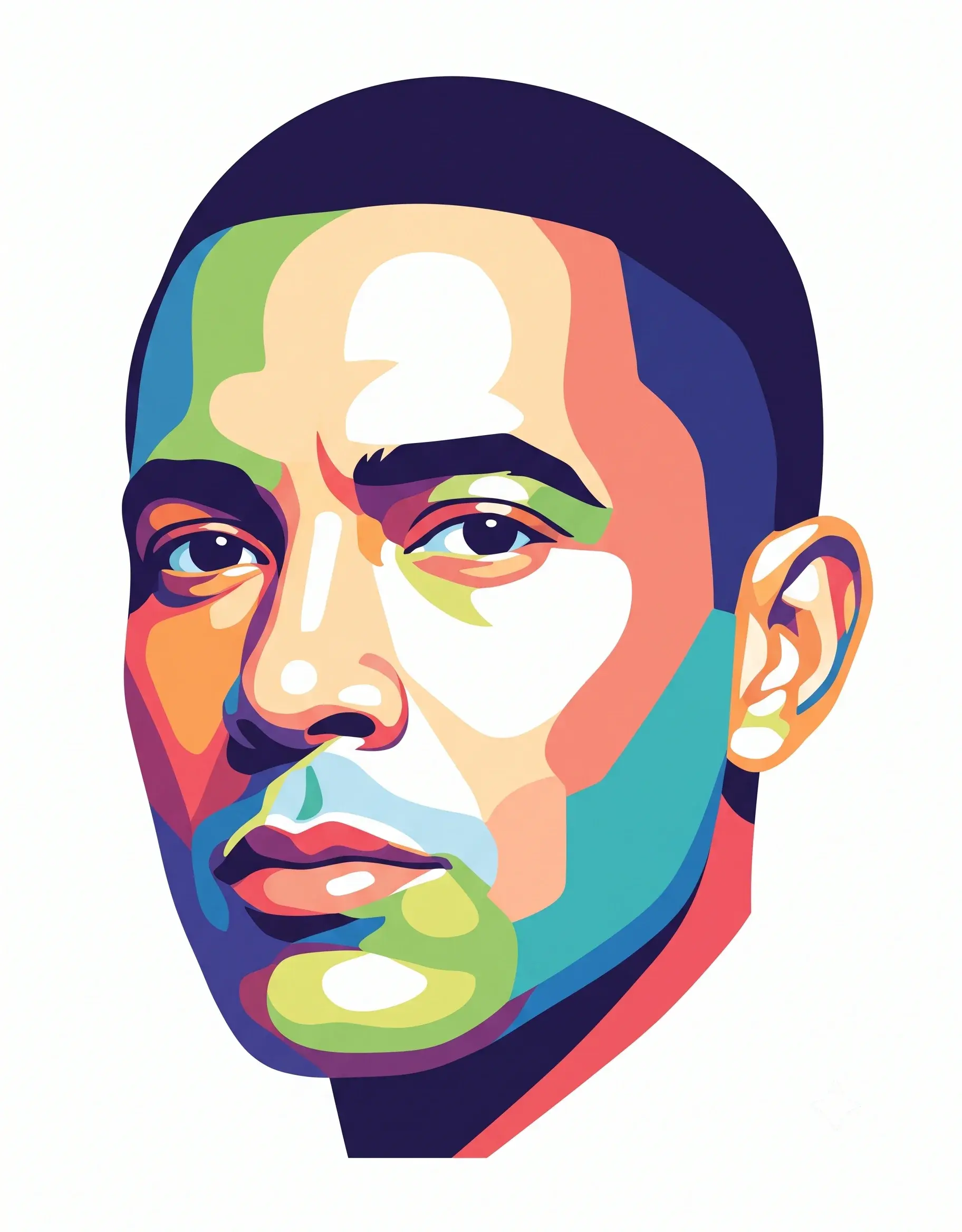
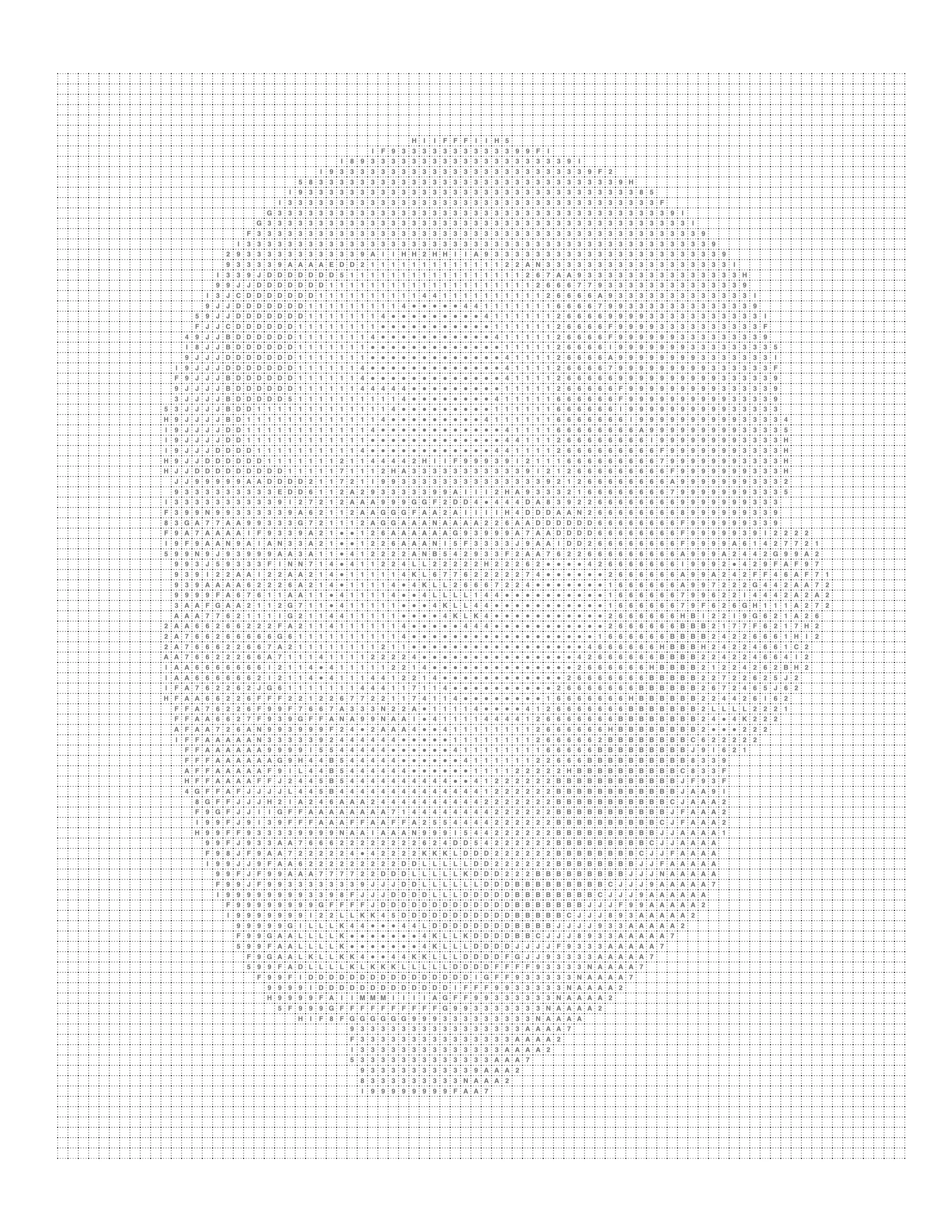
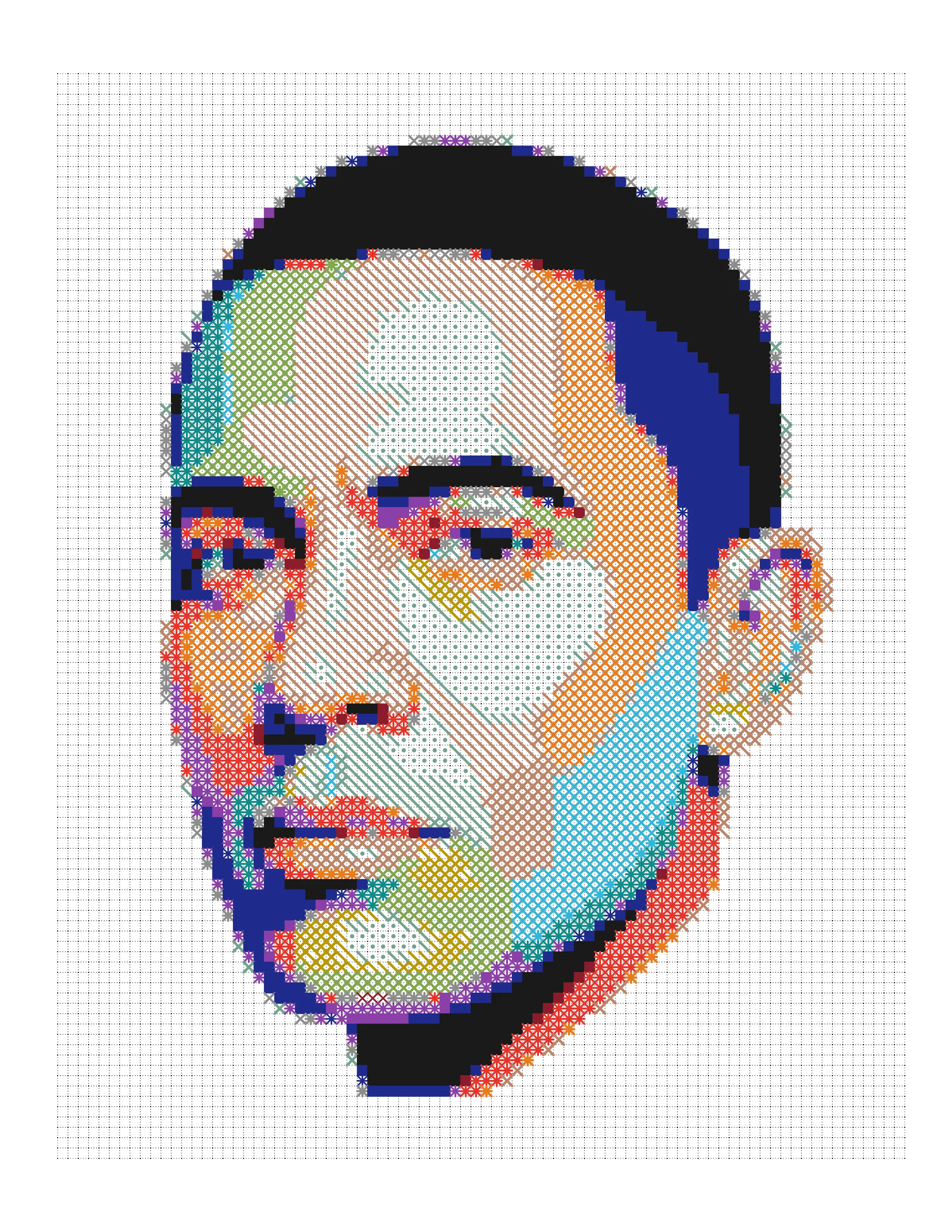
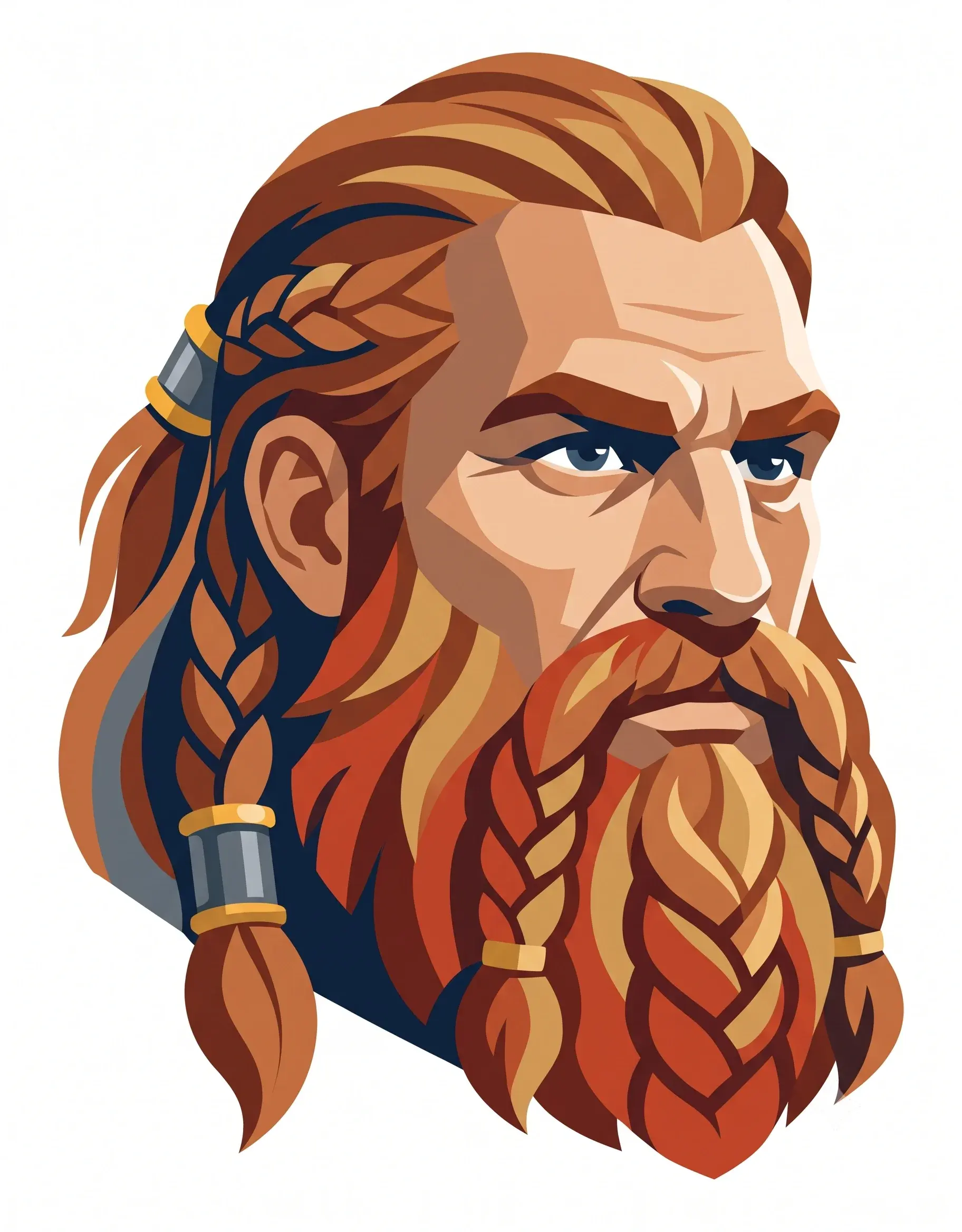
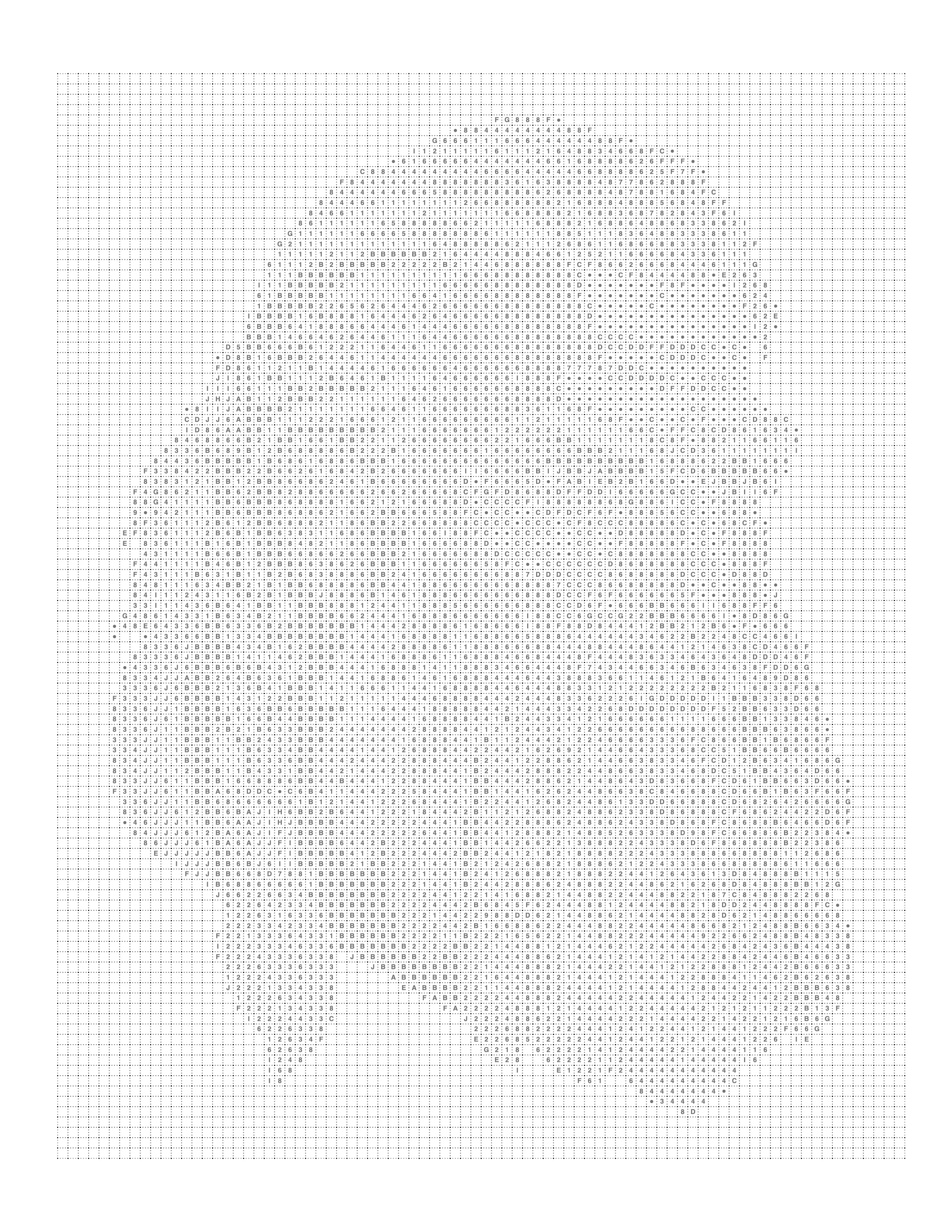
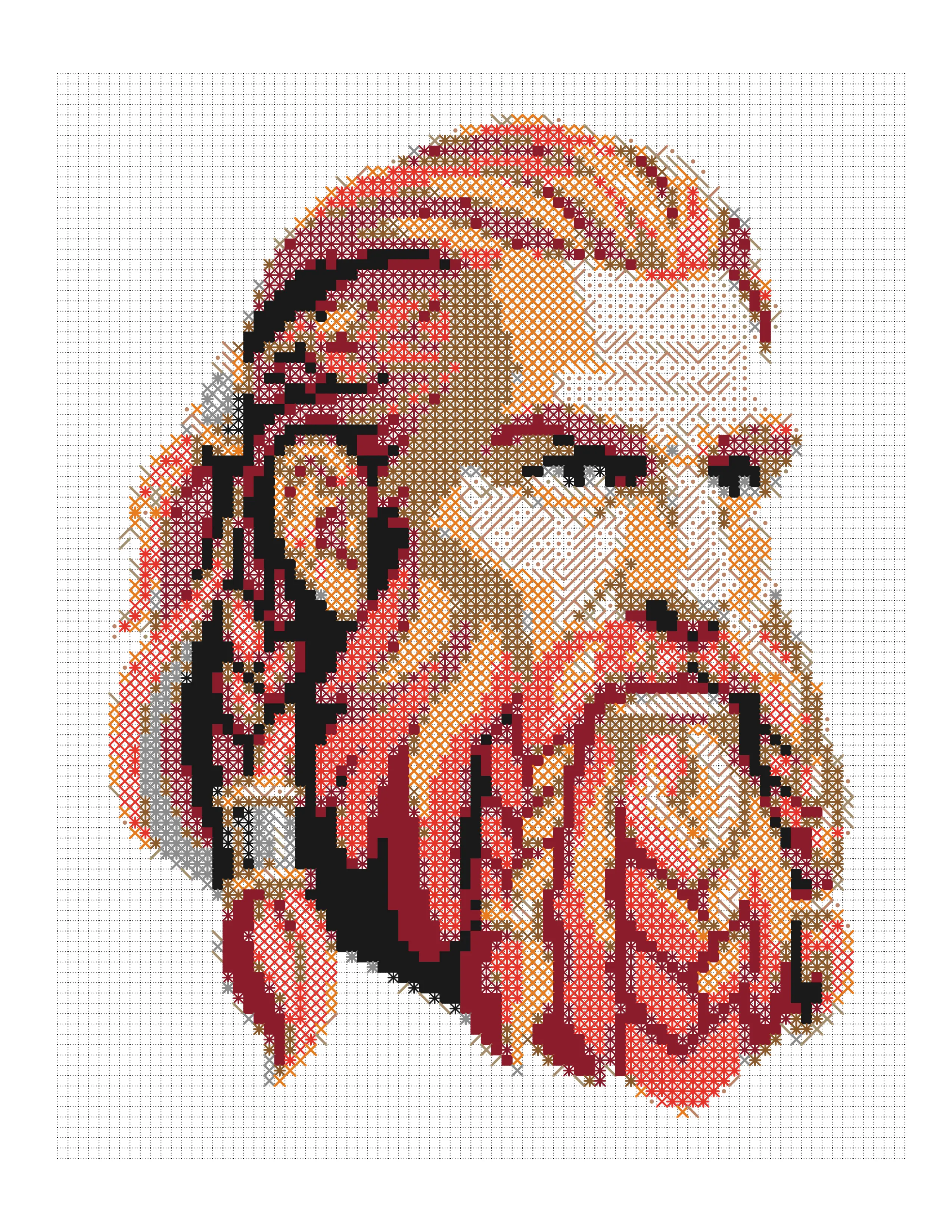
A portrait in a feathered headdress converted into a trapezoid-tiling color-by-number page, shown with the original artwork, the outline, and its extracted palette.
Free as one PDF or a ZIP of PNGs: the numbered page, its key and a finished example. No account needed; personal use only. More on the free printables page.
About this pattern
This is the most detailed subject in the set — a face that has to stay recognisable, surrounded by dozens of individually coloured feathers — and its measured palette is the widest of the eight. The trapezoid tiling produces the most regions of any pattern here, which is what that amount of detail needs. Trapezoids tile in interlocking rows where each cell has two parallel sides and two sloping ones, so the pattern carries a built-in direction and the image is read in bands rather than as a uniform field. This produces the highest region count of any pattern in this set, making it the most detailed and the longest to complete. Fine features survive well; anyone after a short session should choose something coarser.
Colours in this conversion
The source artwork carries 58 distinct colours; this page reduces them to 45 levels. The most-used source colours are shown below.
#111133#ffdd99#226699#111144#aaddee#992233#772233#ccdd77
The Full Transformation
From original photo to printable coloring page to colored example — every step in one place.

Original Image
Your starting image
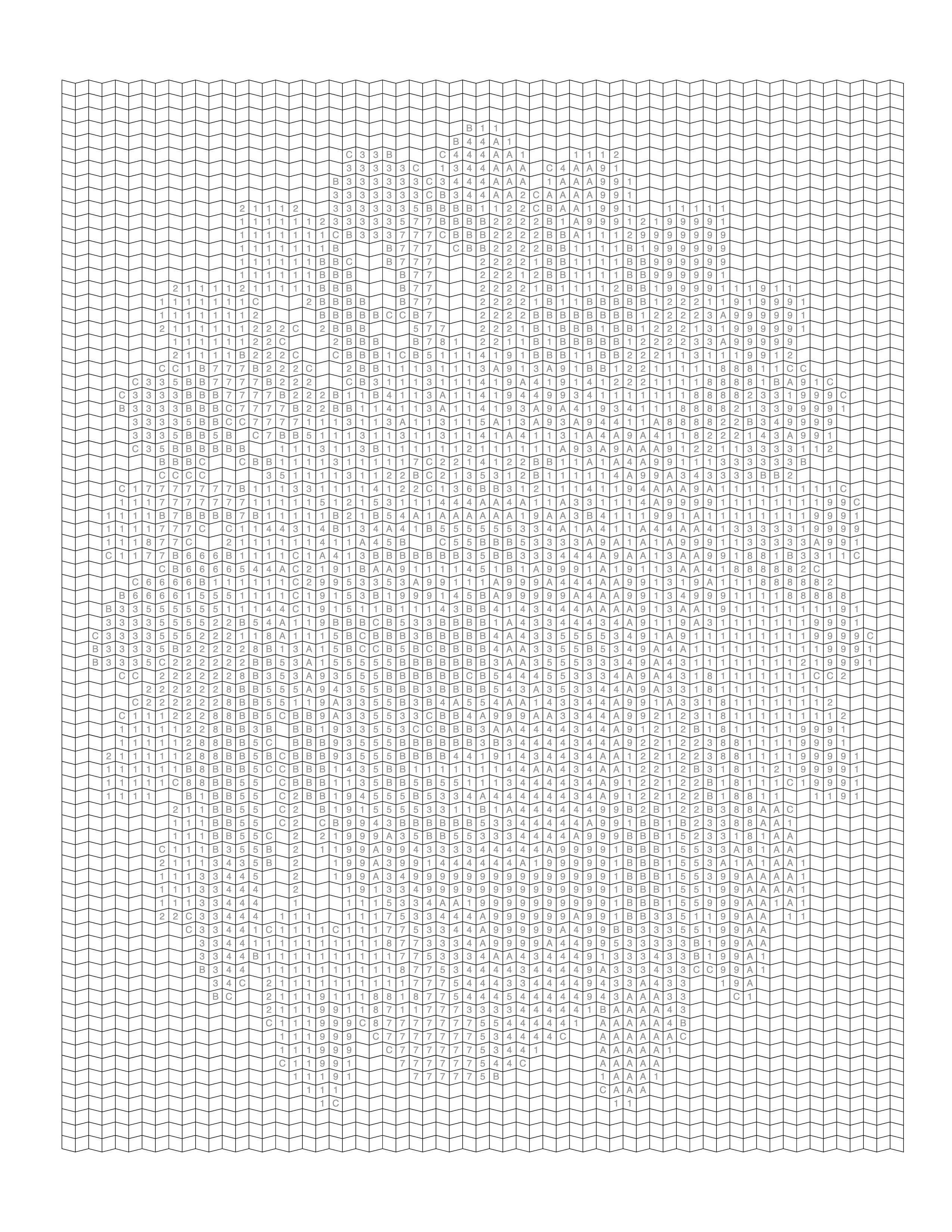
Printable Coloring Page
Numbered grid, ready to print
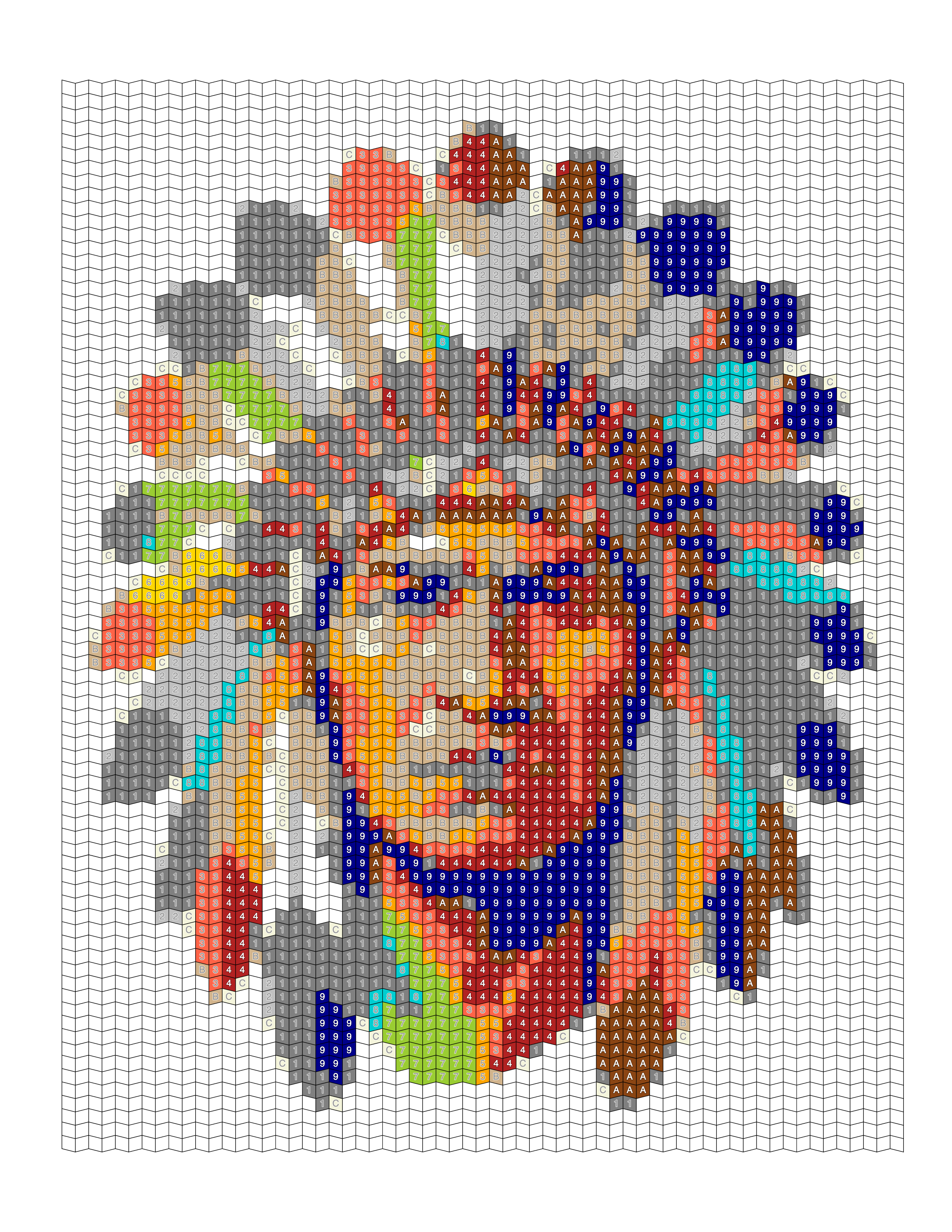
Colored Example
See the finished result
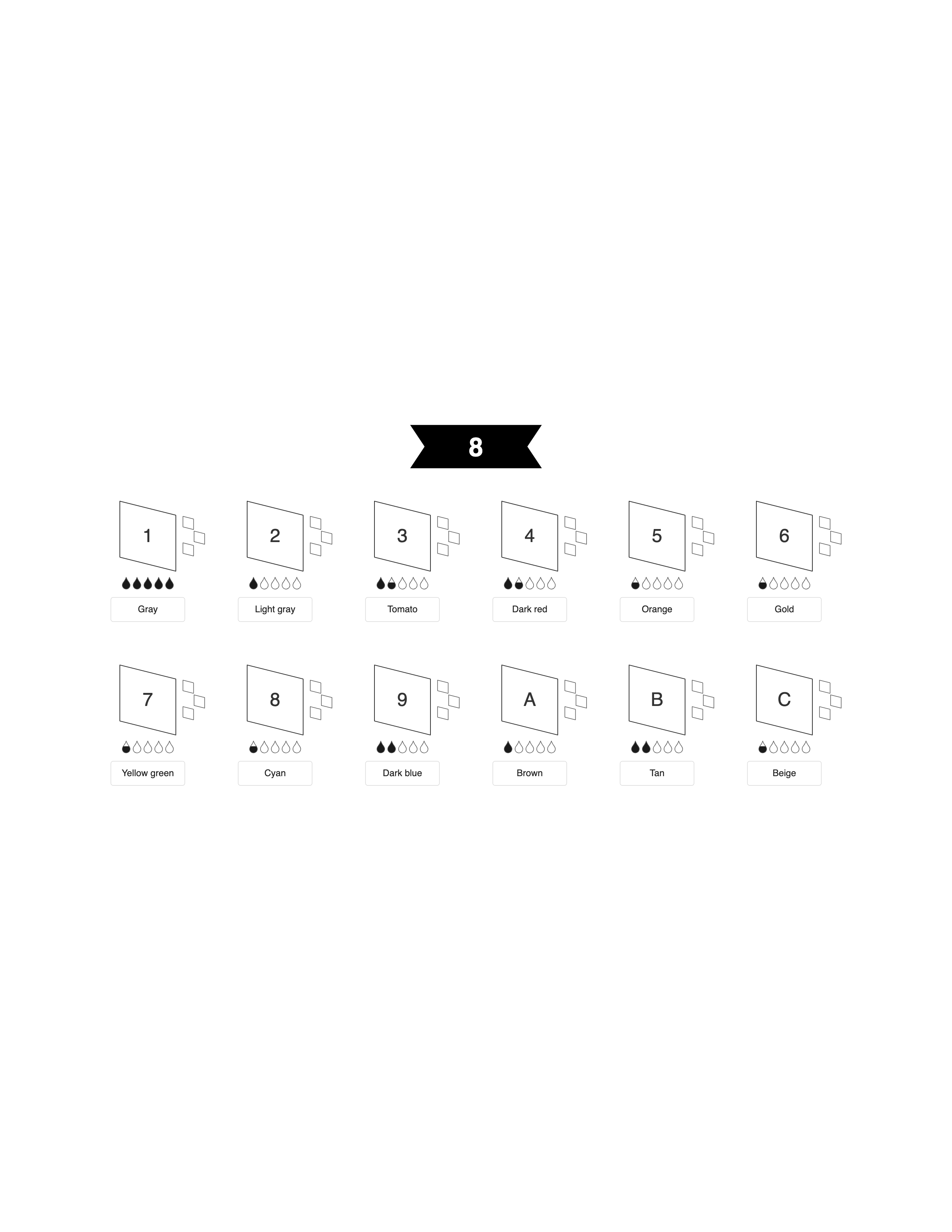
Color Palette
Extracted color swatches
About This Example
This Feathered Headdress Portrait — Trapezoid Pattern is a real-world example generated using Mosaci's photo-to-coloring-page converter. The original image was uploaded into Mosaci, which reduced it to a limited color palette and laid it out as a grid of cells, with a numbered outline and color key suitable for printing.
What is this example?
A portraits coloring page converted from a source image using Mosaci.
How was it created?
Uploaded to Mosaci → palette reduction → numbered cell layout → PDF export.
What type of photo works best?
Clear subjects, good contrast, and a defined foreground. Most photos work well.
How It Was Created
Every gallery example follows the same four-step process you can use right now.
- 01
Upload Your Photo
Go to Mosaci Studio, create a free account, and upload a JPG, PNG or WebP image from your device. Every account gets 10 free credits each month.
- 02
Choose a Pattern and Palette
Pick a cell pattern and how many colors to reduce the image to. Conversion runs in your browser, and the image is not uploaded to a server.
- 03
Generate the Coloring Page
Preview the numbered page live. Adjust cell size and color count until the result is what you need.
- 04
Export Your Printable File
Download a high-resolution PDF ready for home printing, Amazon KDP, or Etsy digital downloads. See the license page for commercial-use terms.
More Portraits Coloring Page Examples
Browse more examples from the portraits collection.
Create something like this from your own photo
Upload any photo and Mosaci converts it into a printable, numbered color-by-number page. Free to try, no account needed.
No credit card · 10 free credits every month
Need dozens of pages like this? Convert a whole folder in one batch and export the set as a single print-ready PDF.
Frequently Asked Questions
Why does this subject get the finest pattern?
Why does the trapezoid version take longest to colour?
What is a portrait coloring page?
Can I turn my own photo into a portrait coloring page?
Are these portrait coloring pages free to print?
What formats can I export portrait coloring pages in?
Can I use these portrait coloring pages commercially?
How pages like this are made
What Is Mystery Coloring? A Beginner's Guide
What mystery coloring and mystery mosaic pages are: how a coded grid hides the picture, how it differs from color by number and pixel art, and how to make one.
Mystery Mosaic Grid Size: A Practical Guide
Choosing a mystery mosaic grid size: the arithmetic linking column count to printed cell size in millimeters, and the density band where a reveal still works.
What Is Color by Symbol? A Beginner's Guide
Color by symbol explained: how symbol coloring pages work, why a symbol can mean a color or a shade, how to read the legend, and how to design a readable set.