
Origami Crane Colored Marks Coloring Page
An origami crane illustration converted into a colored-marks coloring page with 24 mark codes in 12 pen colors.
Free as one PDF or a ZIP of PNGs: the numbered page, its key and a finished example. No account needed; personal use only. More on the free printables page.
About this subject
The crane is made of flat, angular facets, each a single color — peach, pink, teal, light blue, yellow, violet — so it converts with very clean edges. Every fold of the paper is a change of pen color, and the shading of each facet is carried by mark density. The long, thin points of the wings and tail taper to single cells.
Colours in this conversion
The source artwork carries 26 distinct colours; this page draws it with 24 mark codes in 12 pen colors. The most-used source colours are shown below.
#ff7755#dd3355#0099aa#eebb44#ff8811#006699#ffbb44#2277cc
The Full Transformation
From original photo to printable coloring page to colored example — every step in one place.

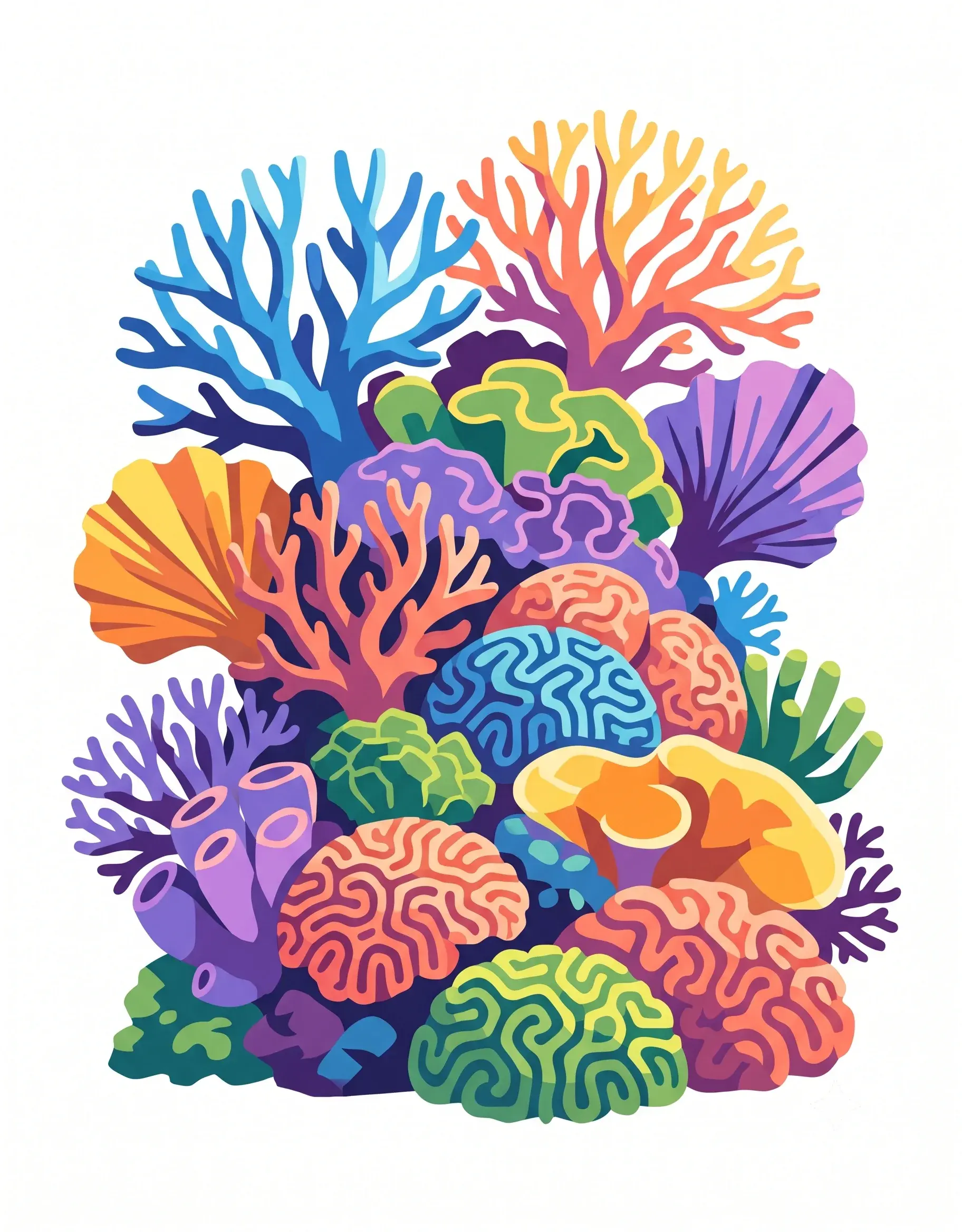
Original Image
Your starting image
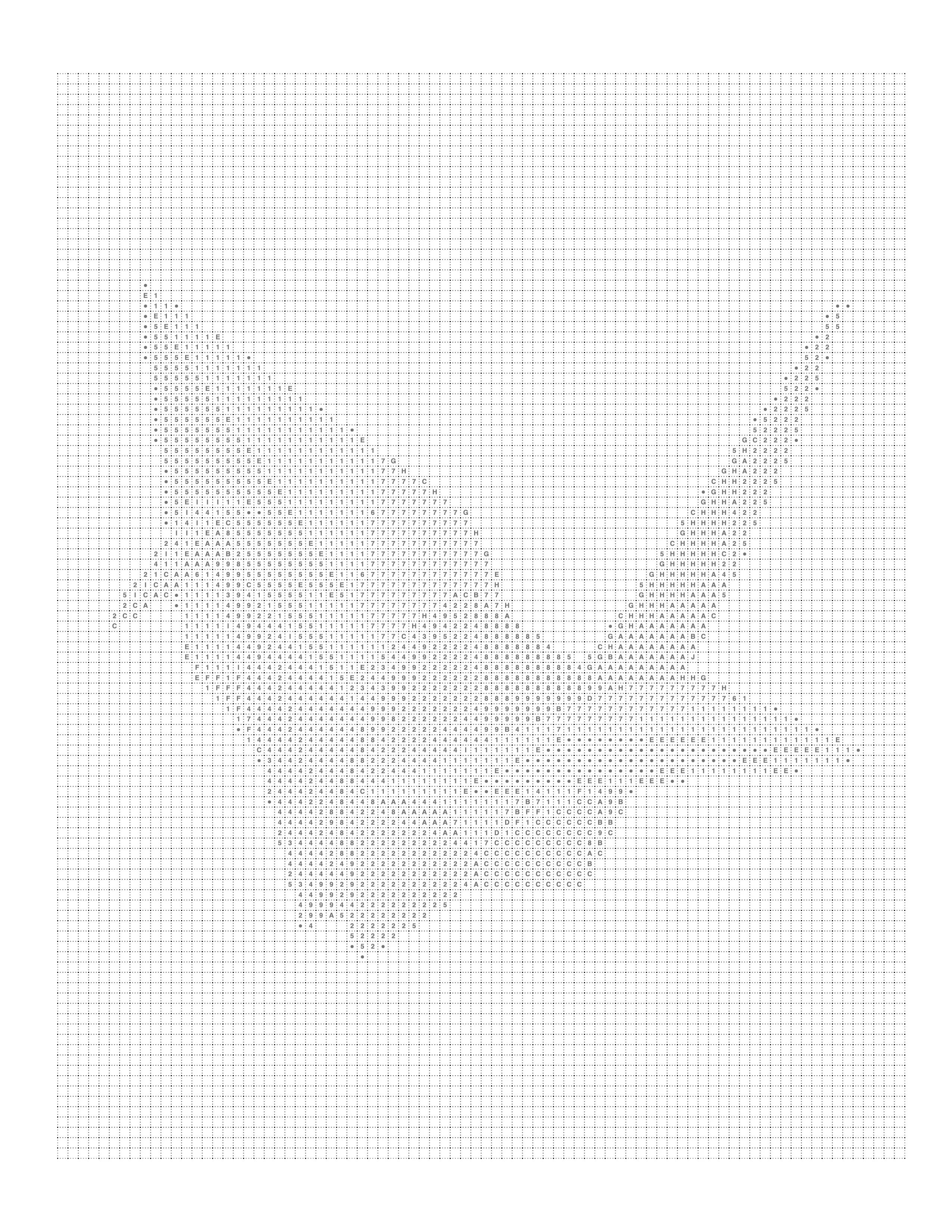
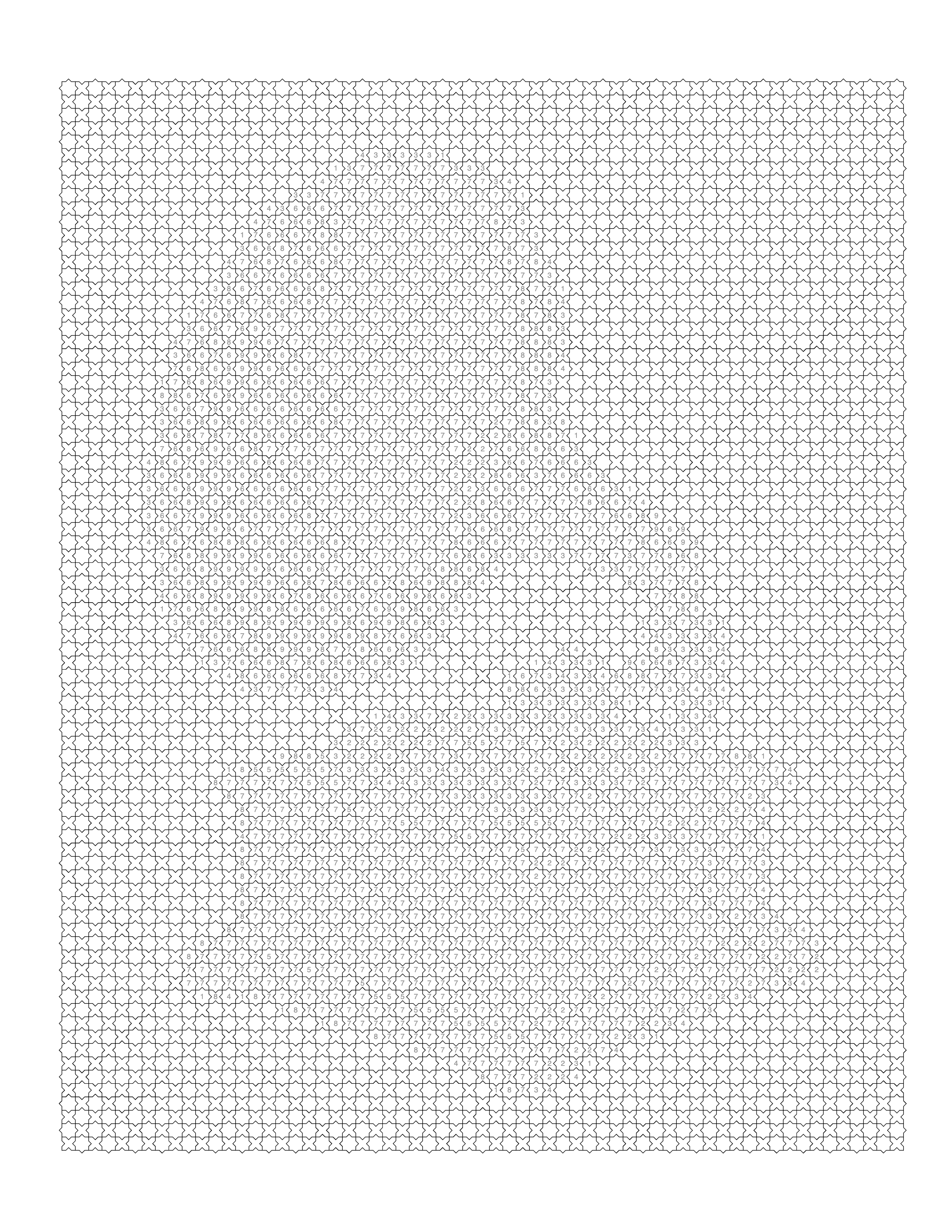
Printable Mark Page
Grid and codes, ready to color
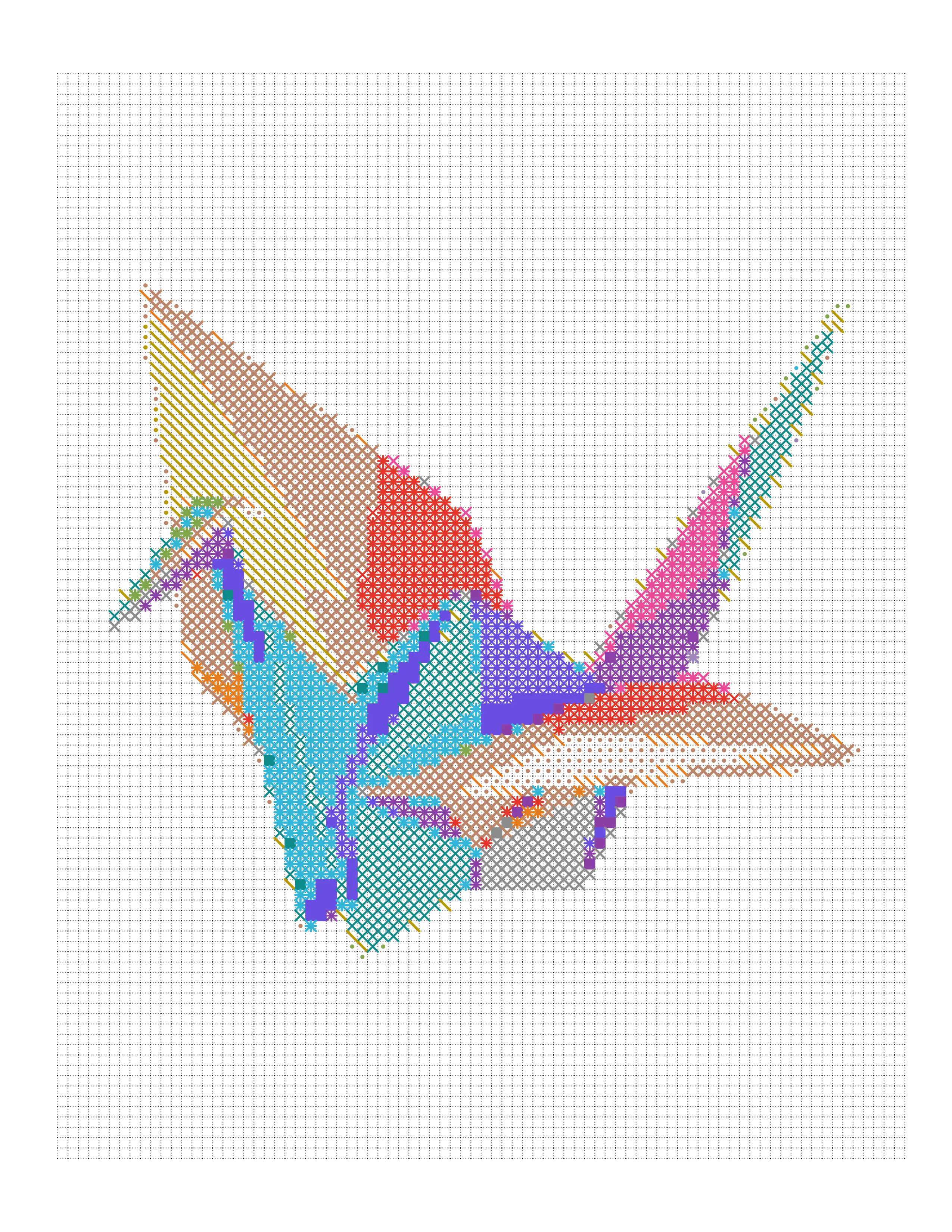
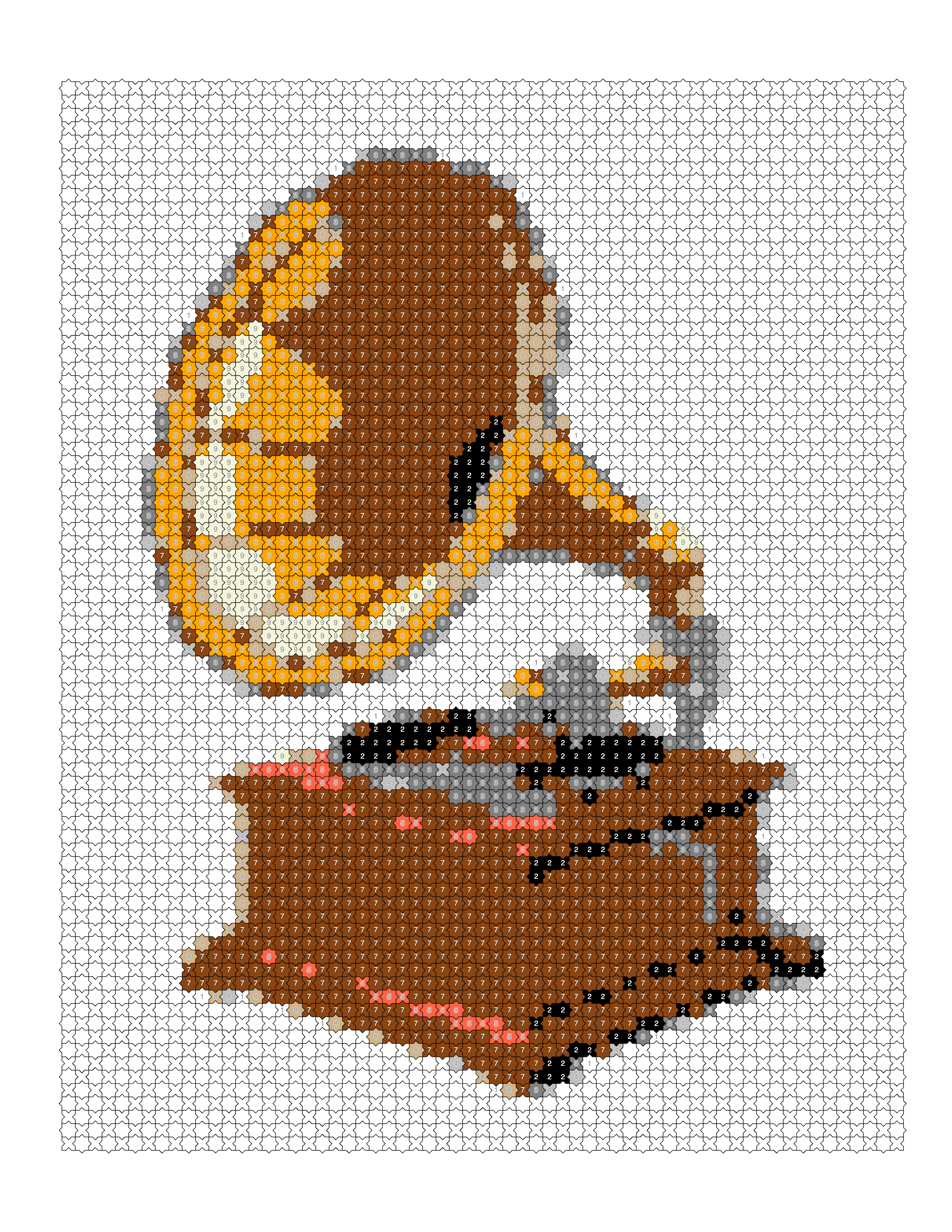
Colored Marks
Each mark drawn in its own color
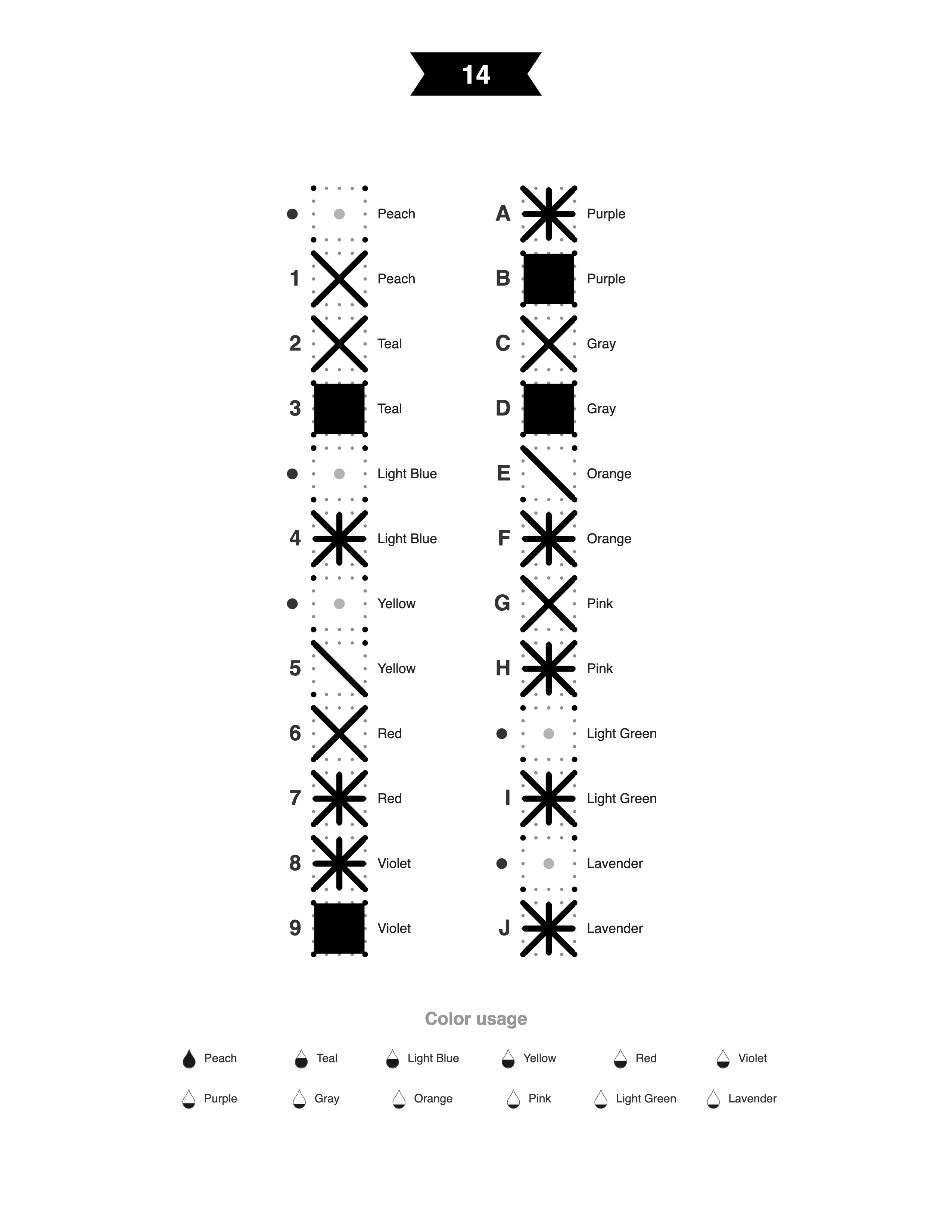
Mark Key
Symbol and color legend
About This Example
This Origami Crane Colored Marks Coloring Page is a real-world example generated using Mosaci's photo-to-coloring-page converter. The original image was uploaded into Mosaci, which converted it to 24 mark codes drawn in 12 pen colors on a grid of cells, with a mark key suitable for printing.
What is this example?
A objects coloring page converted from a source image using Mosaci.
How was it created?
Uploaded to Mosaci → mark pattern with Use Colors on Marks → colored mark layout → PDF export.
What type of photo works best?
Clear subjects, good contrast, and a defined foreground. Most photos work well.
How It Was Created
Every gallery example follows the same four-step process you can use right now.
- 01
Upload Your Photo
Go to Mosaci Studio, create a free account, and upload a JPG, PNG or WebP image from your device. Every account gets 10 free credits each month.
- 02
Choose a Pattern and Palette
Pick a cell pattern and how many colors to reduce the image to. Conversion runs in your browser, and the image is not uploaded to a server.
- 03
Generate the Coloring Page
Preview the numbered page live. Adjust cell size and color count until the result is what you need.
- 04
Export Your Printable File
Download a high-resolution PDF ready for home printing, Amazon KDP, or Etsy digital downloads. See the license page for commercial-use terms.
More Objects Coloring Page Examples
Browse more examples from the objects collection.


Create something like this from your own photo
Upload any photo and Mosaci converts it into a printable, numbered color-by-number page. Free to try, no account needed.
No credit card · 10 free credits every month
Need dozens of pages like this? Convert a whole folder in one batch and export the set as a single print-ready PDF.
Frequently Asked Questions
Why does a paper crane convert so cleanly?
What are the hardest parts?
What is an object coloring page?
Can I turn my own photo into an object coloring page?
Are these object coloring pages free to print?
What formats can I export object coloring pages in?
Can I use these object coloring pages commercially?
How pages like this are made
Best Photos for Color-by-Number Conversion
Which photos convert best into color-by-number and mark-based coloring pages — the CLEAR framework, plus the photo mistakes that ruin a conversion.
How Does Mosaic Coloring Work?
The step-by-step mechanics behind mosaic coloring — how a photo becomes a tile grid, how cells get their colors, and what controls detail level.
Pet Photo to Coloring Page: A Color-by-Number Guide
How to choose, crop and light a pet photo so it turns into a clear numbered color-by-number coloring page, with settings for fur, faces and backgrounds.