Why Does My Photo Look Bad as a Coloring Page? How to Fix It
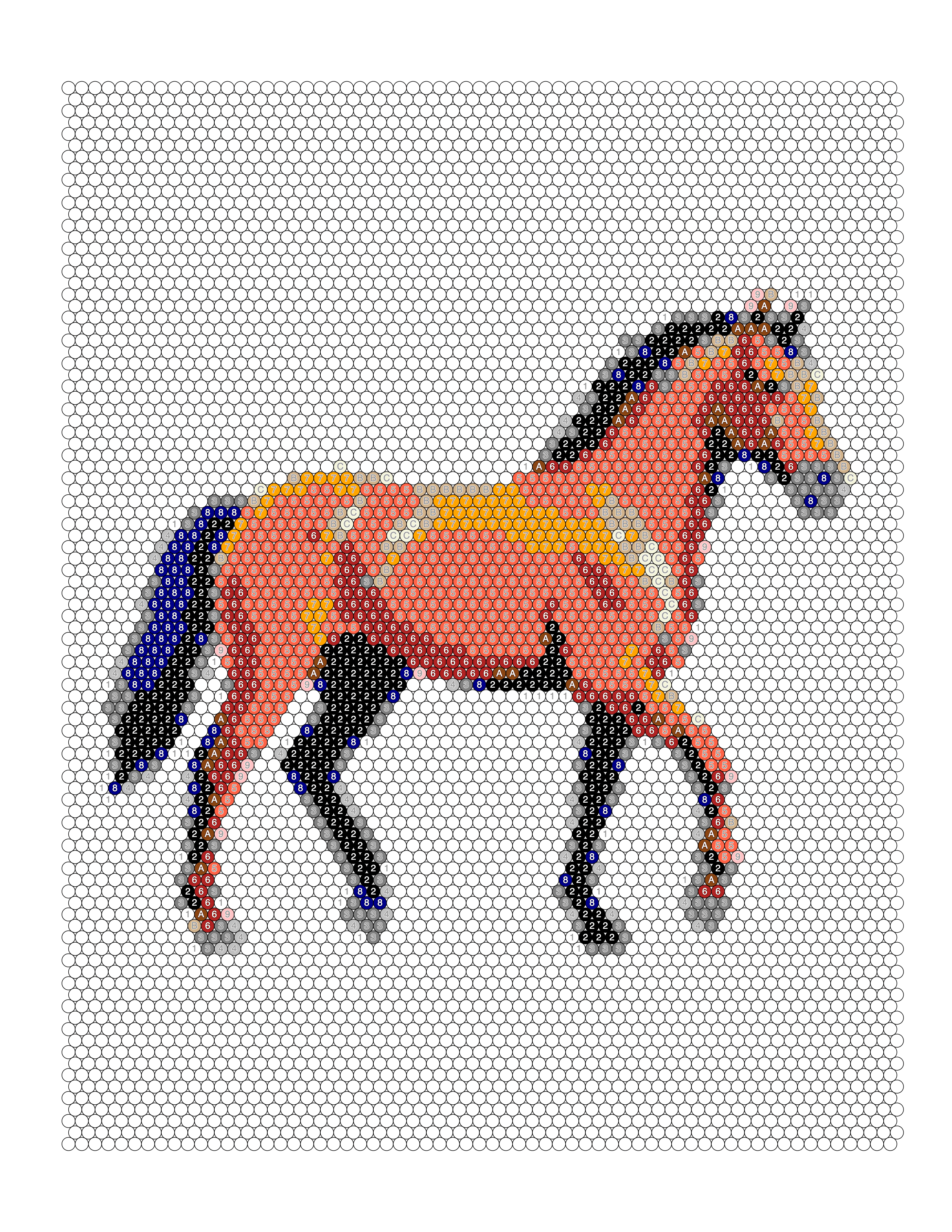
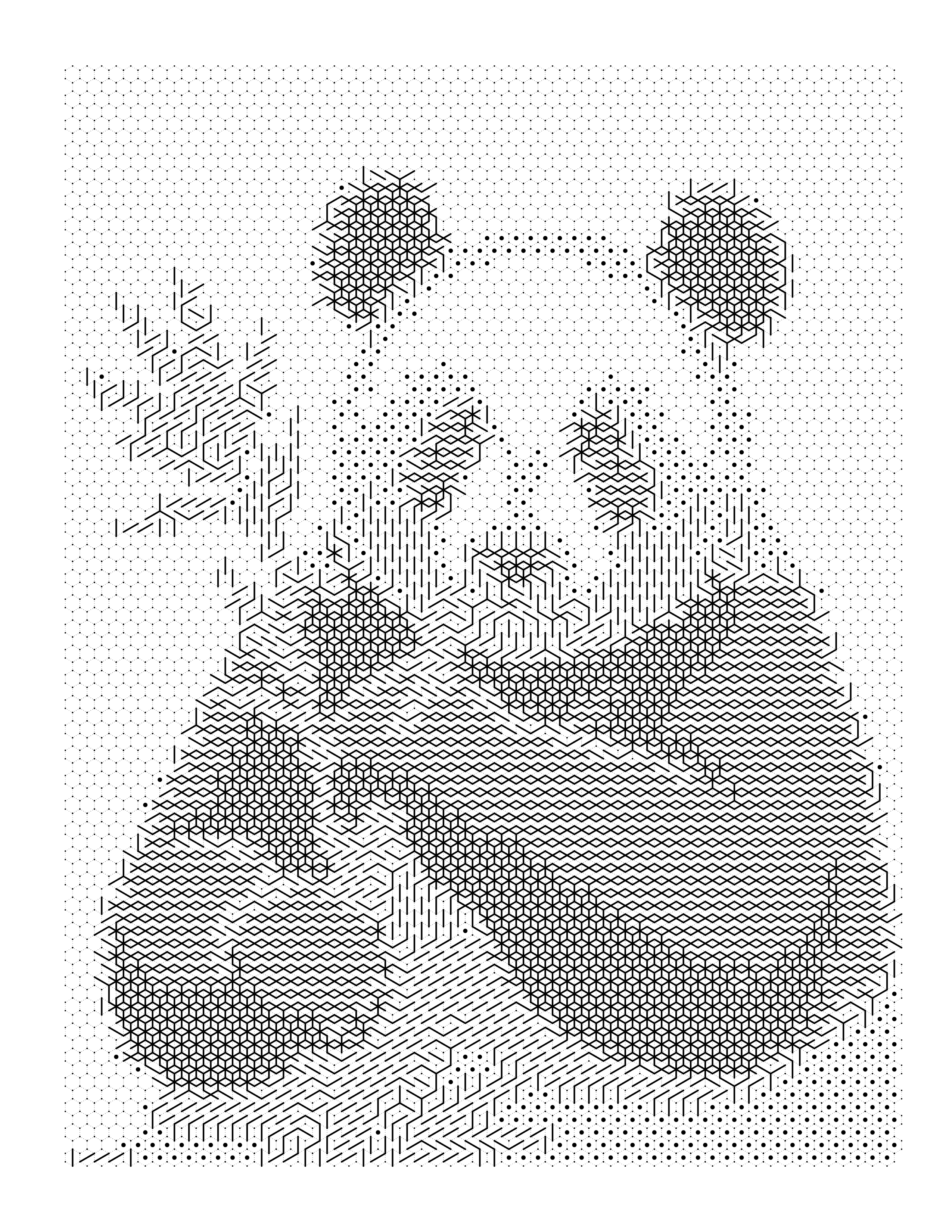
Your conversion came back too dark, too busy, or unrecognizable. Most bad results are diagnosable: find the symptom you can see, read the likely cause, and change one thing.
Choosing and preparing source photographs: resolution, lighting, contrast and subject separation, and the edits worth making before conversion.
7 articles
All guides
Your conversion came back too dark, too busy, or unrecognizable. Most bad results are diagnosable: find the symptom you can see, read the likely cause, and change one thing.
Almost any photo can be converted into something. Not every photo converts into something you'll actually be happy with. Here's how to tell the difference before you start.
Choosing a good photo and preparing it are two different steps. This is the second one — the actual edits to make before you hit convert.
Source Resolution
Low Resolution
High Resolution
Resolution isn't one number — it's three separate stages, and confusing them is why some technically 'high-res' photos still produce disappointing coloring pages.
Poor Source
Good Result
Mosaic's tile grid is unforgiving of ambiguity. Here's exactly which photo qualities matter for a clean, recognizable mosaic result.
Poor Source
Good Source
Conversion quality depends almost entirely on the source photo. Here's exactly which qualities matter, and which photos consistently disappoint.


Not every photo makes a great coloring page. Learn exactly which photos convert beautifully — and which ones will frustrate your colorists before they even pick up a pencil.
Mosaic Studio converts any image into printable line art with the CLEAR Photo Readiness Score built in. No design skills needed.